AI टूल · संपादन
AI इमेज एक्सपैंडर — किसी भी दिशा में फ़ोटो को आउटपेंट करें
अपनी तस्वीर को उसकी सीमाओं के पार बढ़ाएं। GPT Image 2 नए पिक्सल उत्पन्न करता है जो सहजता से मिल जाते हैं。
बैनर के लिए और आसमान चाहिए? चौकोर को लैंडस्केप बनाने की ज़रूरत है? GPT Image 2 आउटपेंटिंग छवियों को किसी भी दिशा में विस्तारित करती है, बनावट, लाइटिंग और सीन के लॉजिक को जारी रखती है।
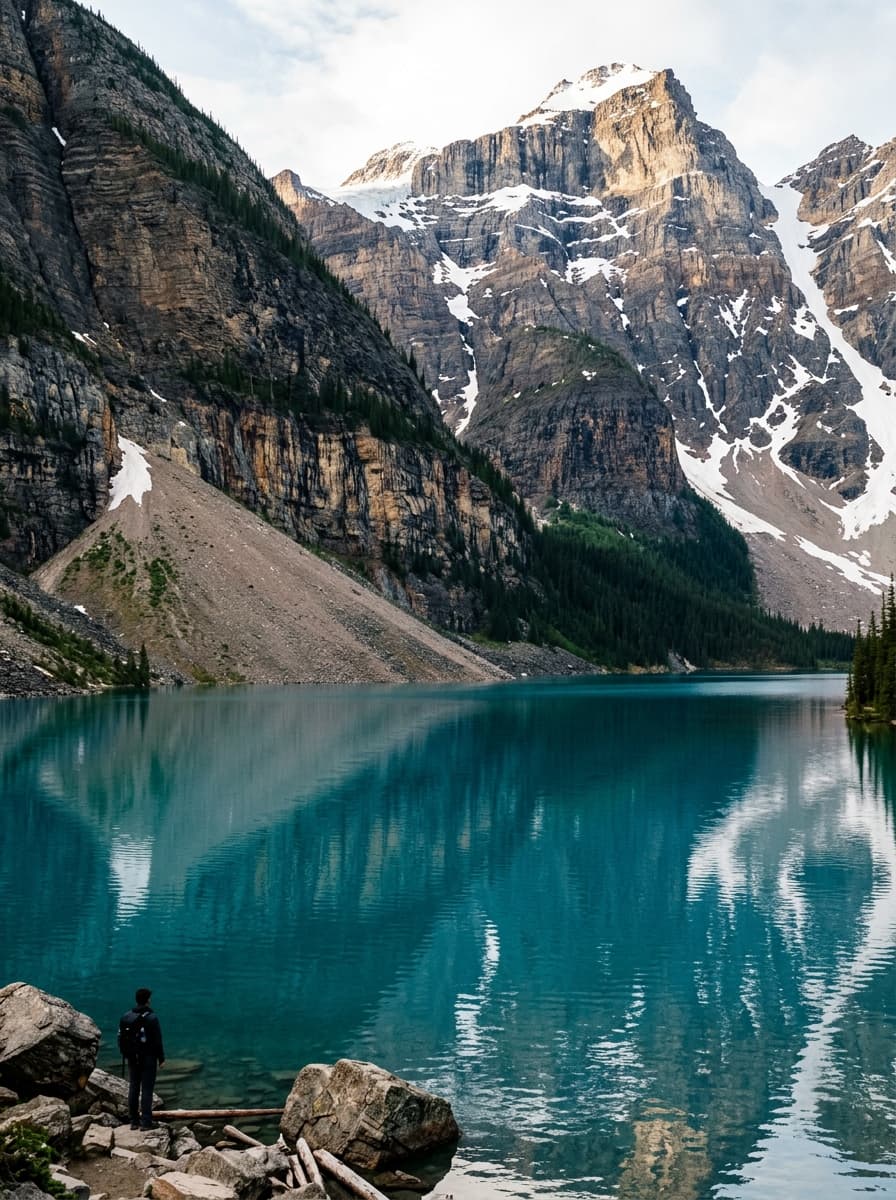
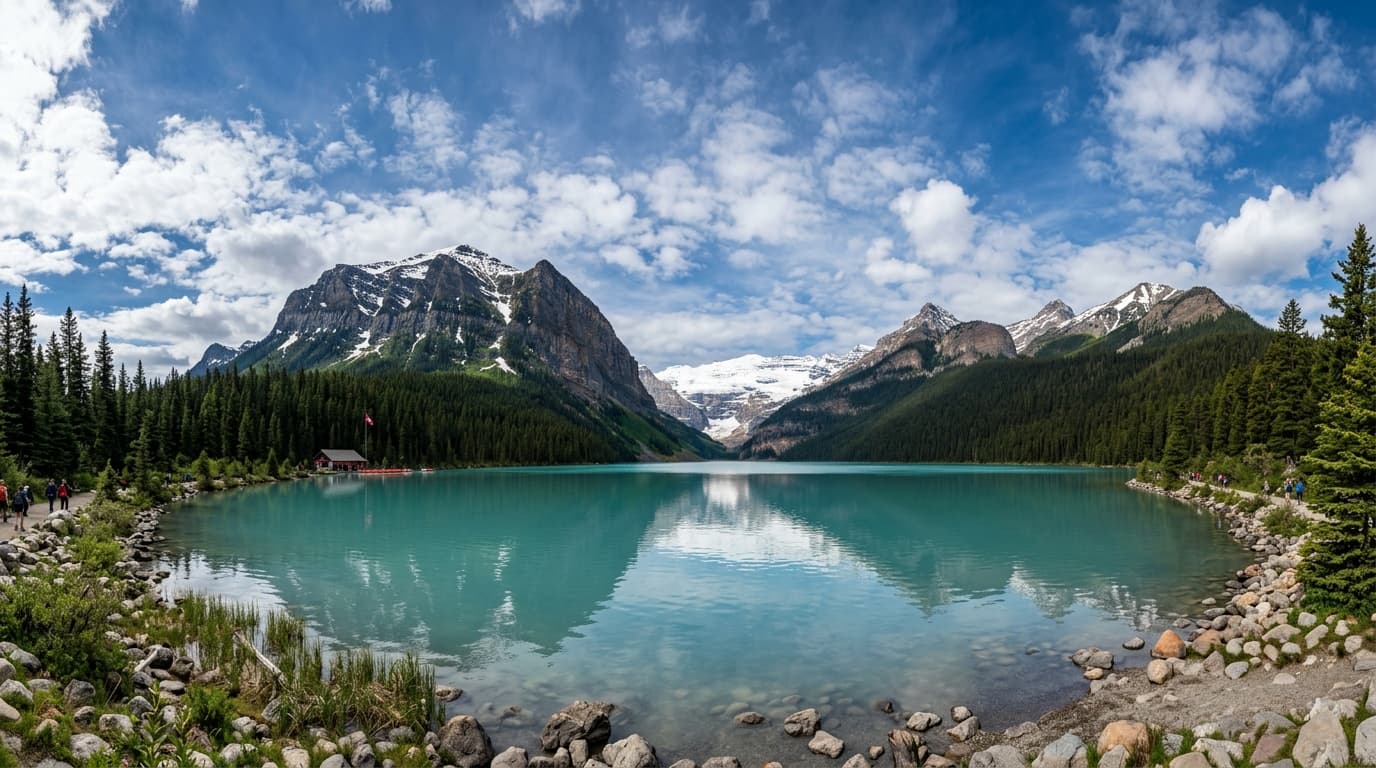
मुफ्त · बिना साइन-अप · आपकी छवि कभी संग्रहीत नहीं होती
AI इमेज एक्सपैंडर के लिए GPT Image 2 क्यों
सहज आउटपेंट
टेक्सचर और लाइटिंग को मिलाता है — कोई जोड़ दिखाई नहीं देता।
कोई भी दिशा
ऊपर, नीचे, बाएँ, दाएँ, या चारों ओर बढ़ाएँ।
प्रॉम्प्ट-निर्देशित
AI को बताएं कि किस चीज़ के साथ विस्तार करना है — या इसे स्वतः जारी रखने दें।
एस्पेक्ट रेशियो सुधार
चौकोर को लैंडस्केप में, पोर्ट्रेट को सिनेमैटिक 16:9 में बदलें।
AI इमेज एक्सपैंडर का उपयोग कैसे करें
इमेज अपलोड करें।
चुनें कि प्रत्येक तरफ कितना विस्तार करना है।
वैकल्पिक: एक प्रॉम्प्ट जोड़ें।
विस्तारित इमेज जेनरेट करें।
AI इमेज एक्सपैंडर का उपयोग कौन करता है
सोशल मीडिया
लैंडस्केप बैनर के लिए पोर्ट्रेट तस्वीरों को रीफ्रेम करें।
ई-कॉमर्स
मार्केटप्लेस विनिर्देशों के अनुकूल होने के लिए प्रोडक्ट बैकग्राउंड का विस्तार करें।
प्रिंट
मौजूदा छवियों में ब्लीड (bleed) एरिया जोड़ें।
क्रिएटिव
तंग क्रॉप्स (tight crops) को व्यापक दृश्यों में खोलें।
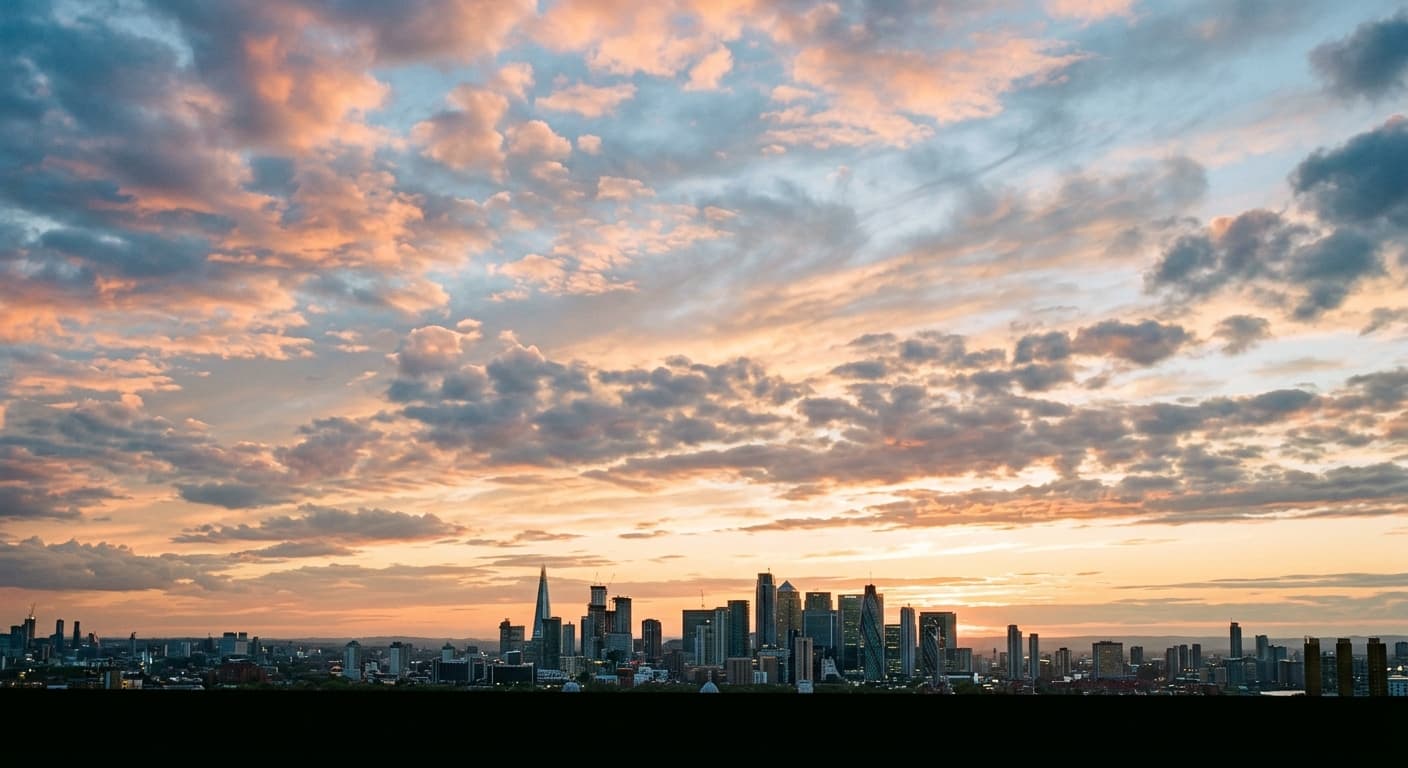
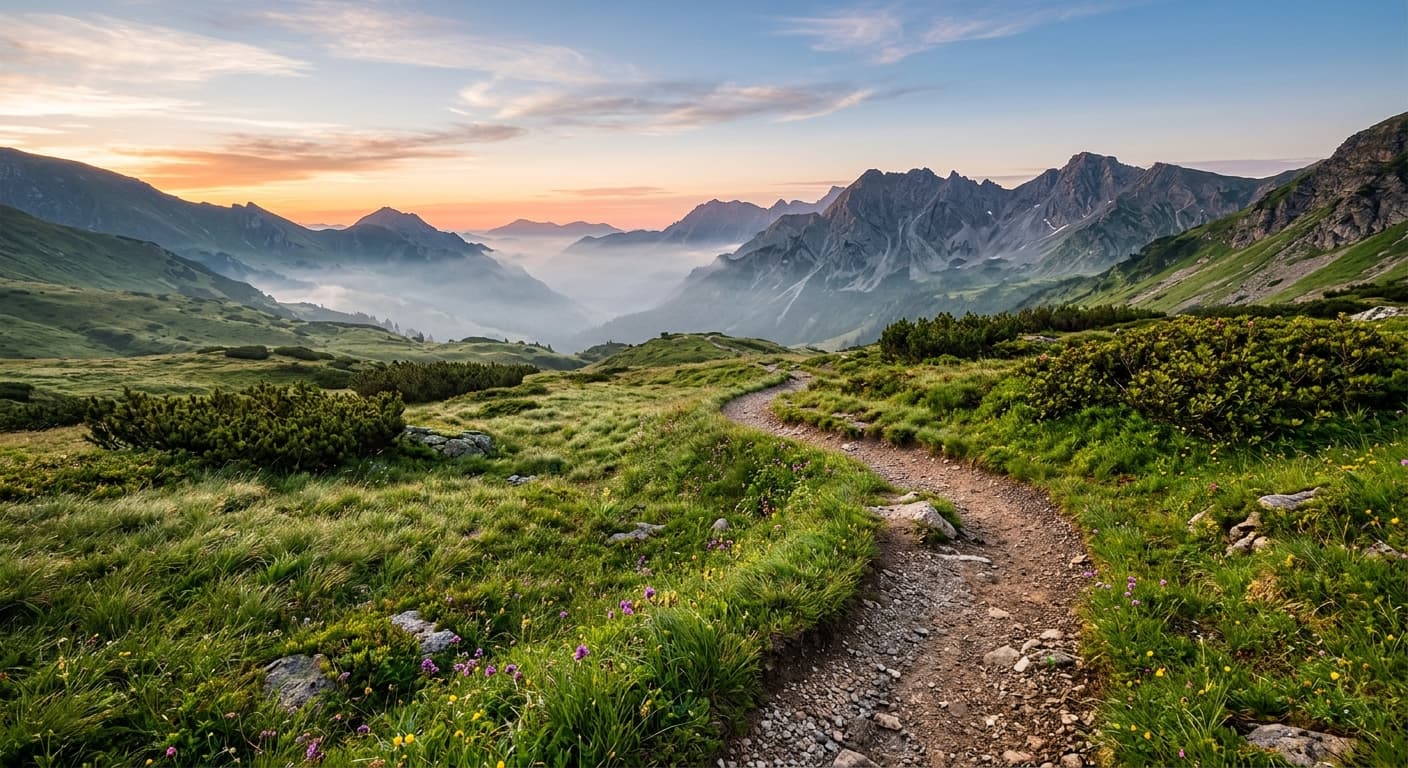
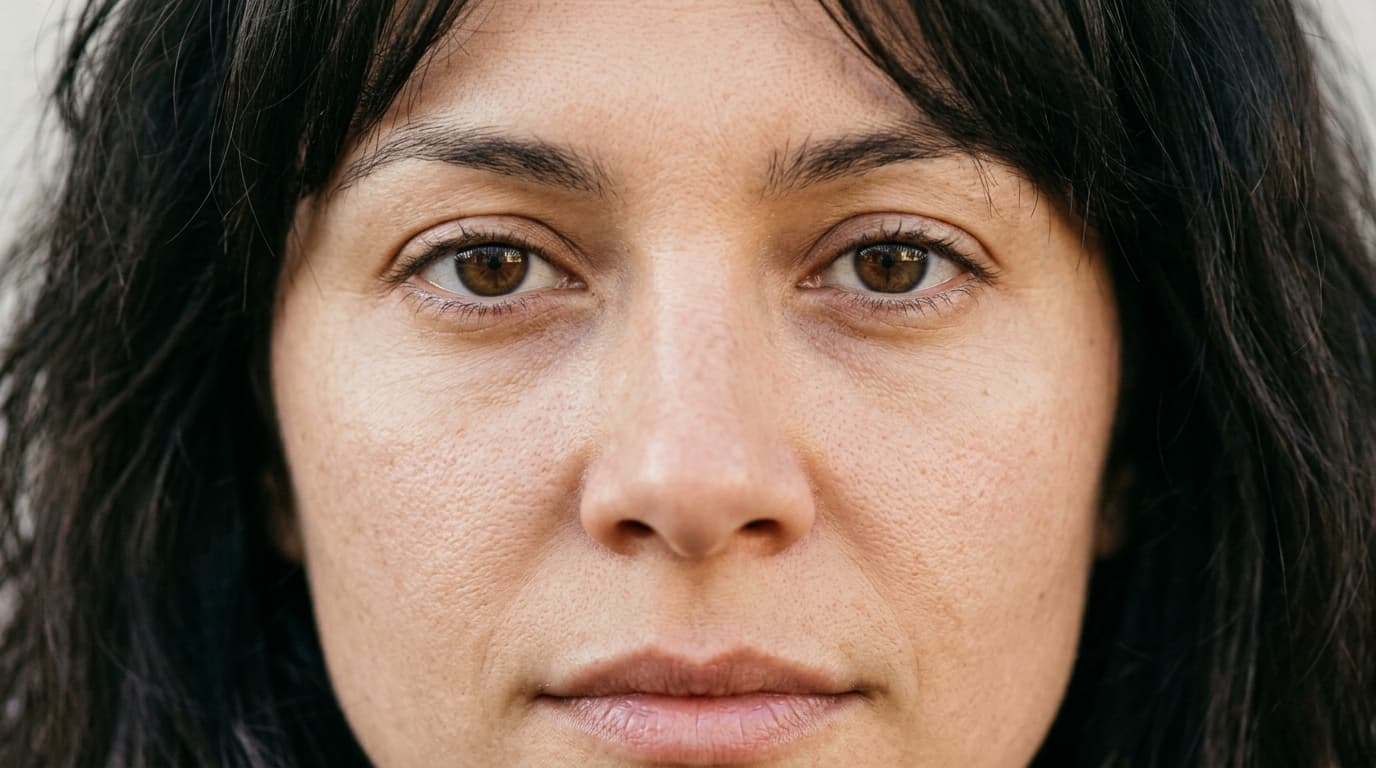
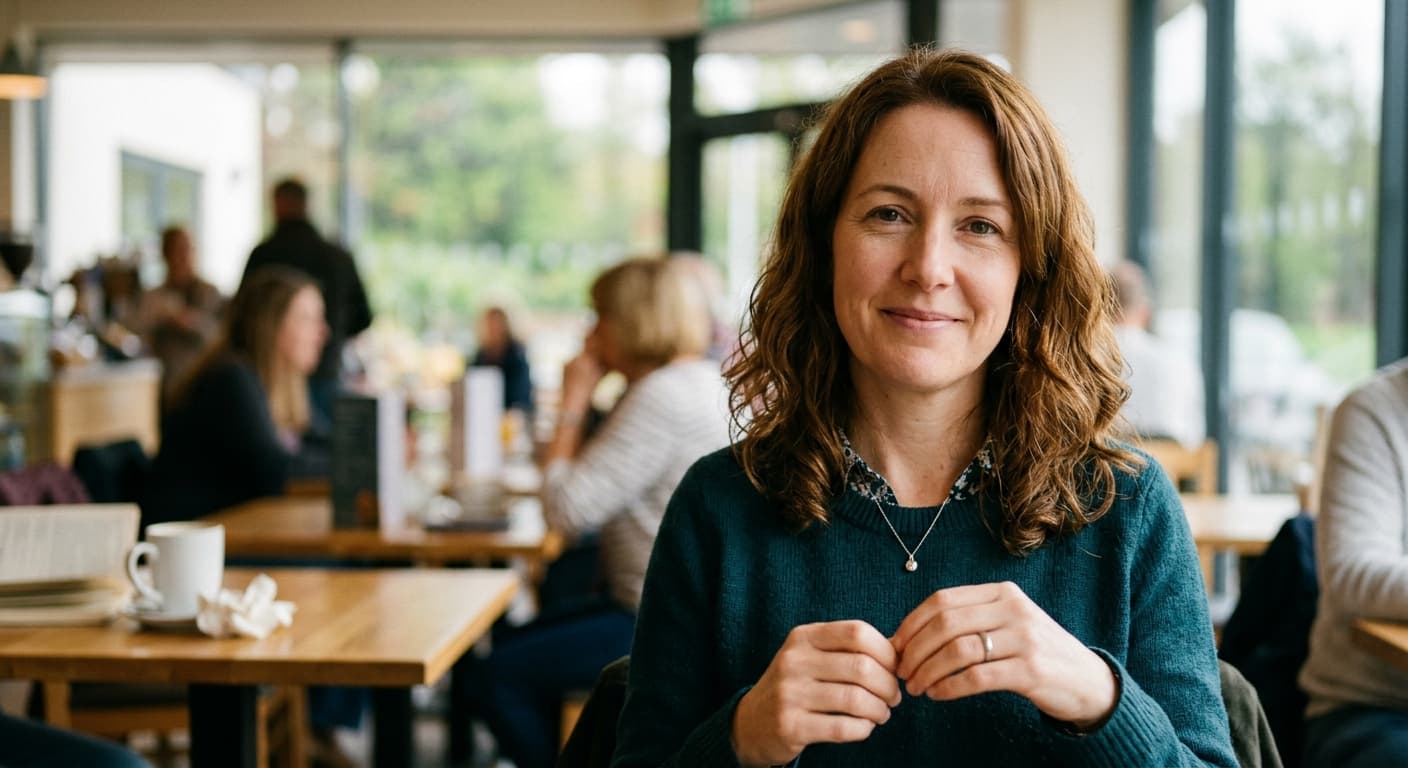
उदाहरण परिणाम
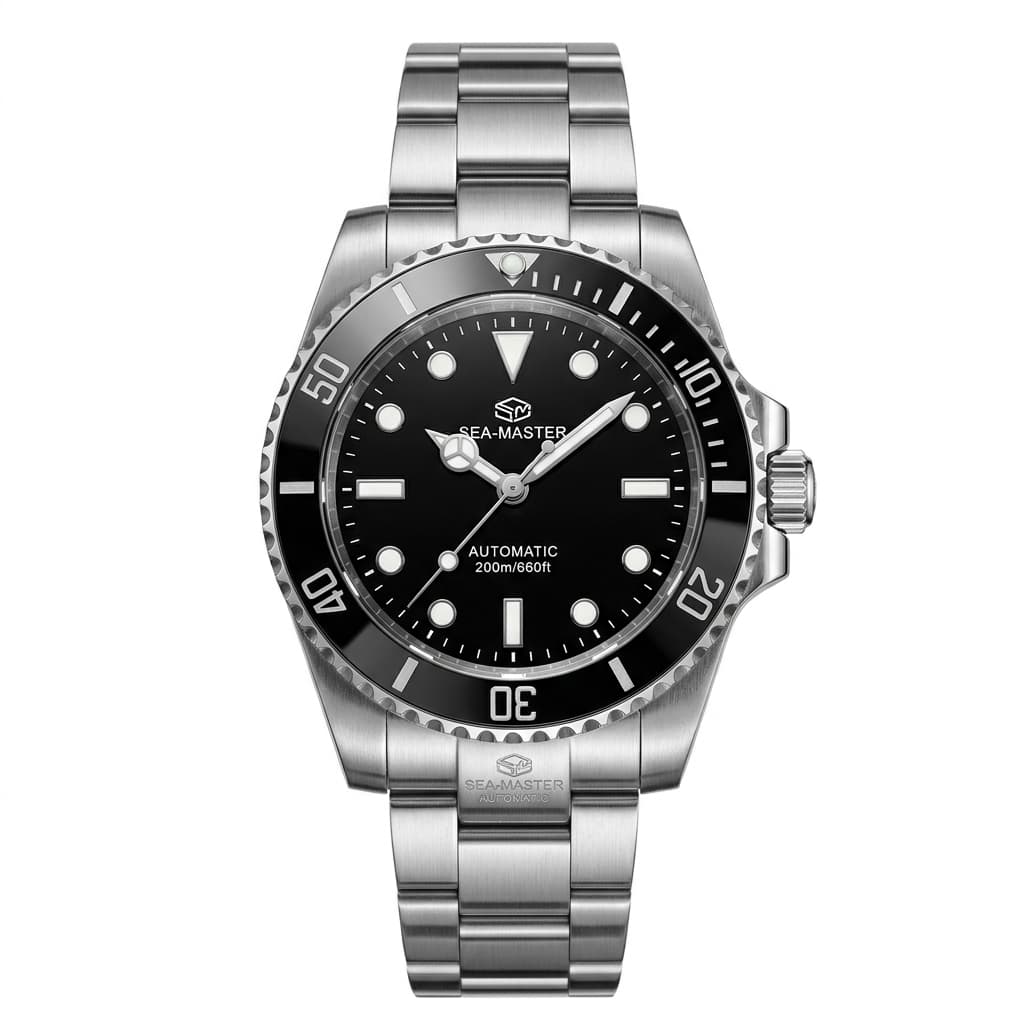
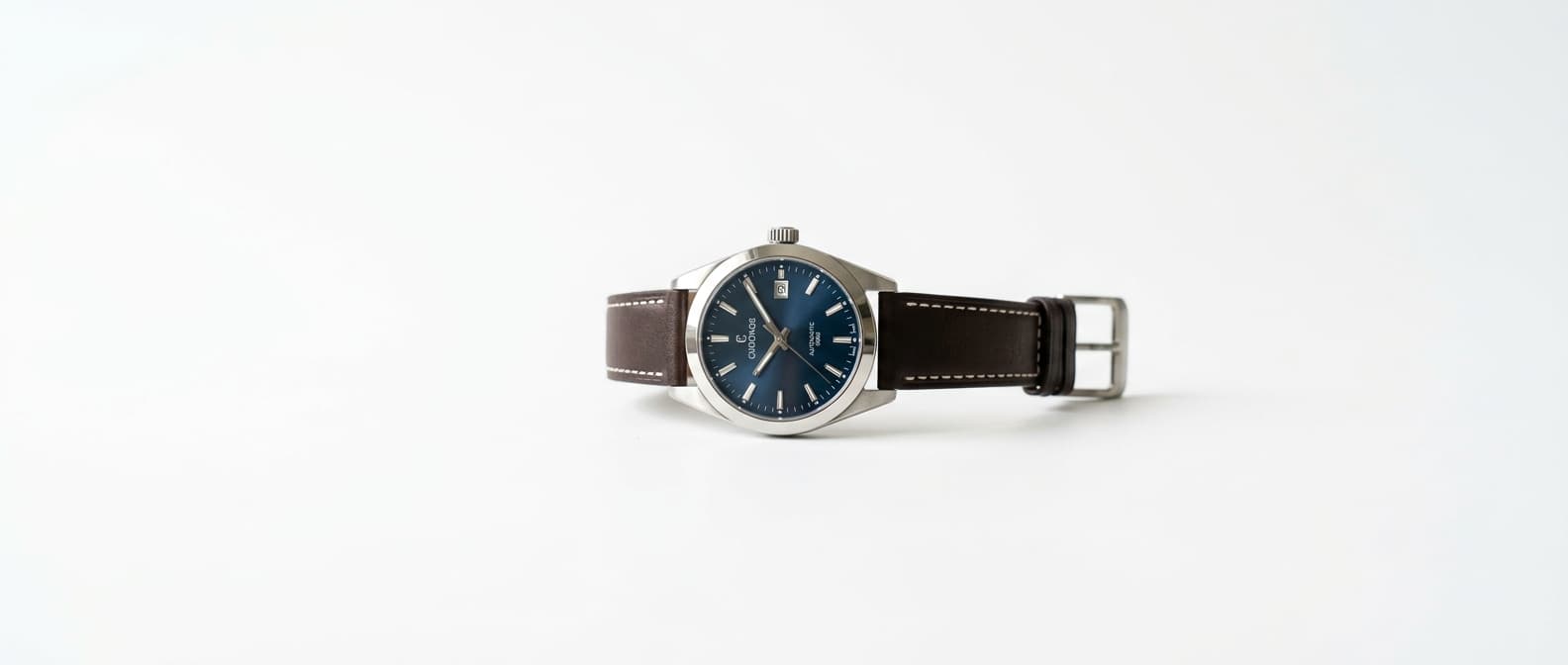
पहले और बाद की तुलना करने के लिए स्लाइडर खींचें।
AI इमेज एक्सपैंडर बनाम अन्य टूल
| तुलना | GPT Image 2 का लाभ |
|---|---|
| DALL·E Outpaint | हाई-रिज़ॉल्यूशन आउटपुट; प्रॉम्प्ट-गाइडेड एक्सटेंशन। |
| Runway Expand | कोई सब्सक्रिप्शन नहीं; मुफ़्त और असीमित। |
| Photoshop Generative Expand | ब्राउज़र-आधारित, किसी Adobe की आवश्यकता नहीं। |
संबंधित AI टूल
यदि आपको AI इमेज एक्सपैंडर पसंद आया, तो इन्हें आज़माएँ।
AI फ़ोटो एन्हांसर
एक ही बार में शार्पन, डी-नॉइज़, कलर-करेक्ट और अपस्केल करें।
अभी आज़माएँ →AI बैकग्राउंड चेंजर
नए बैकग्राउंड का वर्णन करें। GPT Image 2 आपके विषय को पूरी तरह से सेट कर देता है।
अभी आज़माएँ →AI इनपेंटिंग टूल
एक मास्क पेंट करें, टाइप करें कि क्या बदलना है। GPT Image 2 केवल उस क्षेत्र को संपादित करता है।
अभी आज़माएँ →