AI टूल · वर्धन
AI फ़ोटो एन्हांसर — वन-क्लिक क्वालिटी बूस्ट
एक ही बार में शार्पन, डी-नॉइज़, कलर-करेक्ट और अपस्केल करें।
कोई भी कम गुणवत्ता वाली फ़ोटो डालें। GPT Image 2 एक ही पाइपलाइन में डीनॉइज़ + शार्पन + कलर करेक्शन + अपस्केलिंग चलाता है — जो एक स्नैपशॉट और प्रो फ़ोटो के बीच का अंतर बनाता है।
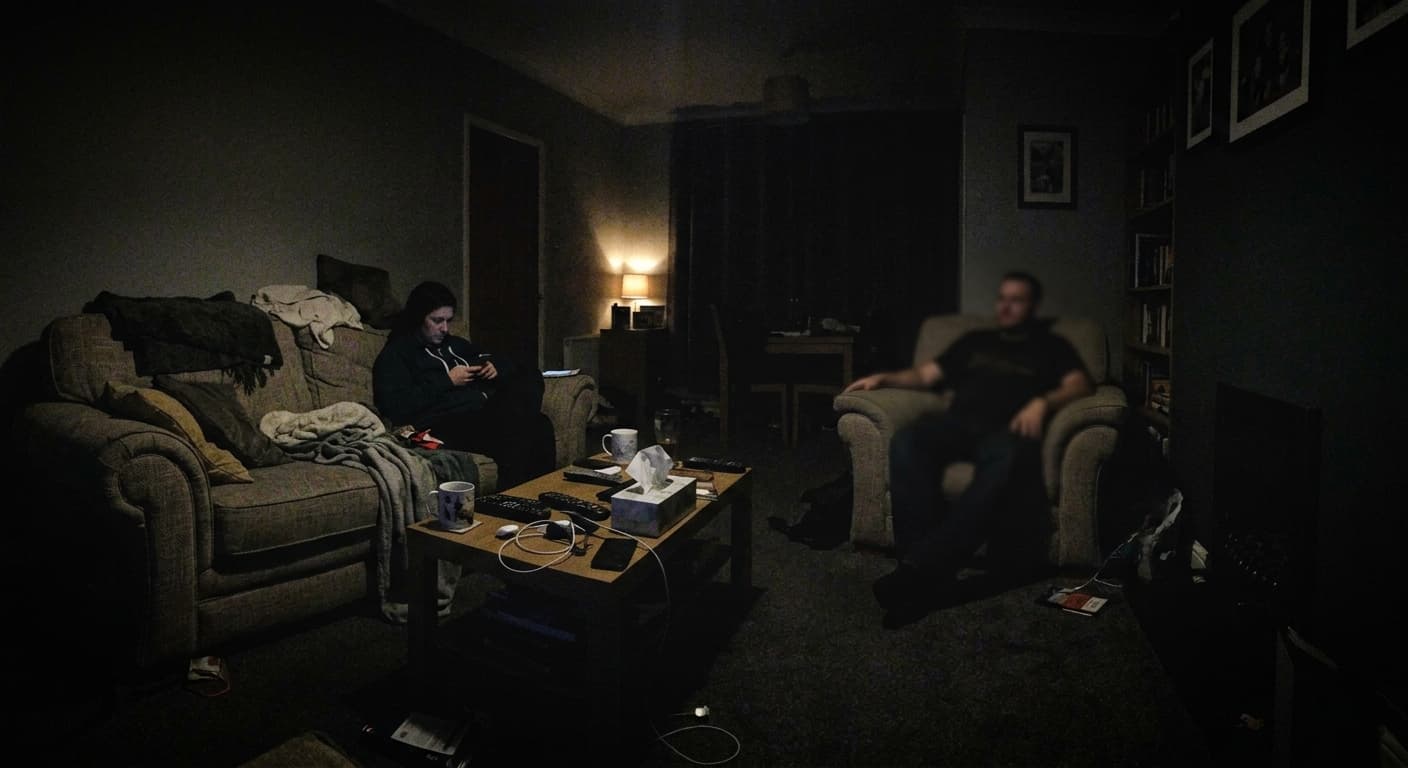
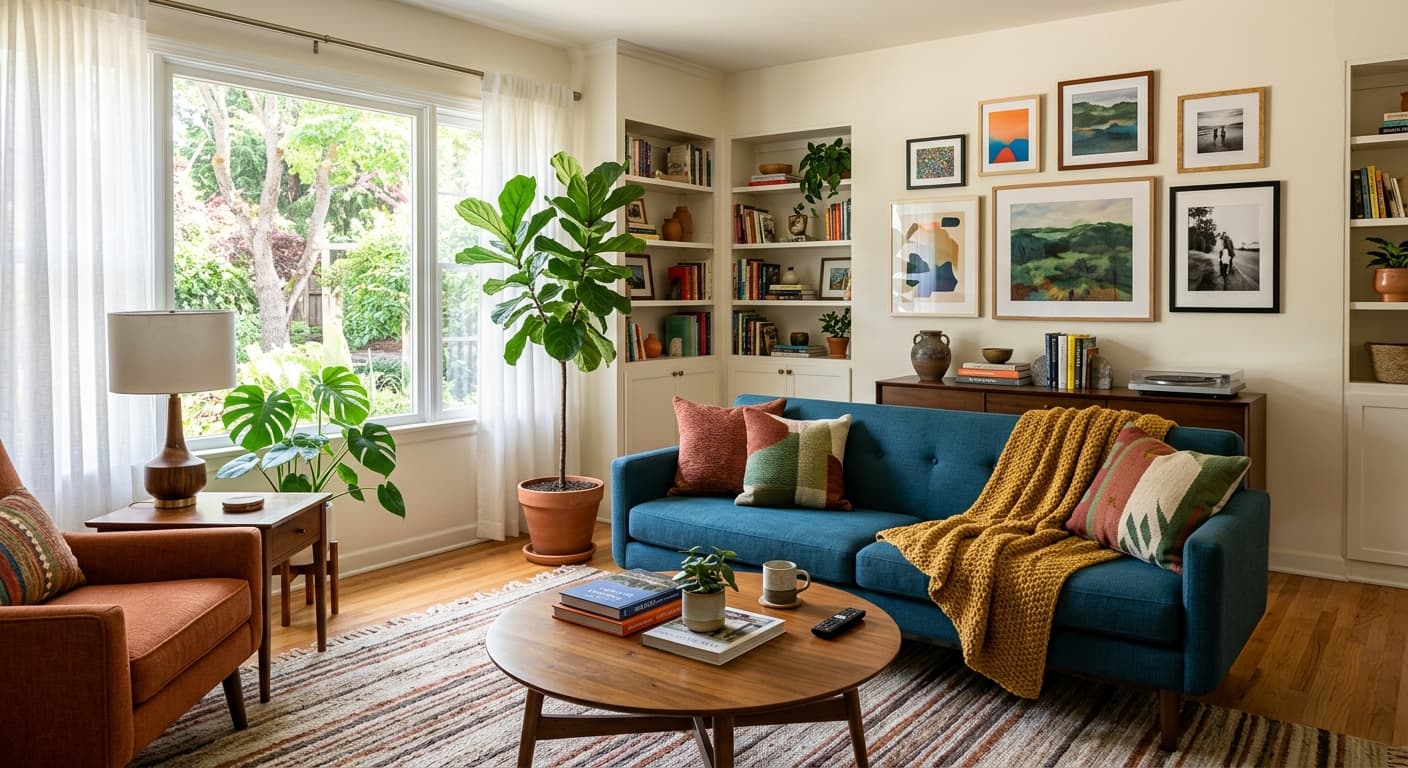
मुफ्त · बिना साइन-अप · आपकी छवि कभी संग्रहीत नहीं होती
AI फ़ोटो एन्हांसर के लिए GPT Image 2 क्यों
वन-क्लिक एन्हांसमेंट
कोई सेटिंग नहीं। मॉडल स्वतः तय करता है कि प्रत्येक तस्वीर को क्या चाहिए।
डीनॉइज़ + शार्पन कॉम्बो
असली एज (किनारे की) शार्पनेस जोड़ते हुए ISO नॉइज़ को हटाता है।
ऑटो कलर करेक्शन
व्हाइट बैलेंस, एक्सपोज़र और सैचुरेशन को ठीक करता है।
मुफ़्त 4K एक्सपोर्ट
फुल रिज़ॉल्यूशन, कोई वॉटरमार्क नहीं, कोई साइन-अप नहीं।
AI फ़ोटो एन्हांसर का उपयोग कैसे करें
फ़ोटो अपलोड करें।
एन्हांस (Enhance) पर क्लिक करें।
प्रो-क्वालिटी वर्ज़न डाउनलोड करें।
AI फ़ोटो एन्हांसर का उपयोग कौन करता है
सोशल
फ़ोन के स्नैपशॉट को पोस्ट-योग्य छवियों में बदलें।
लिस्टिंग्स
Airbnb और eBay के लिए प्रो-दिखने वाली तस्वीरें।
पोर्टफोलियो
बिना Lightroom के पोर्टफोलियो शॉट्स को टच-अप करें।
पुरानी तस्वीरें
फ़्रेम करने के लिए धुंधले प्रिंट्स को पुनर्जीवित करें।
उदाहरण परिणाम
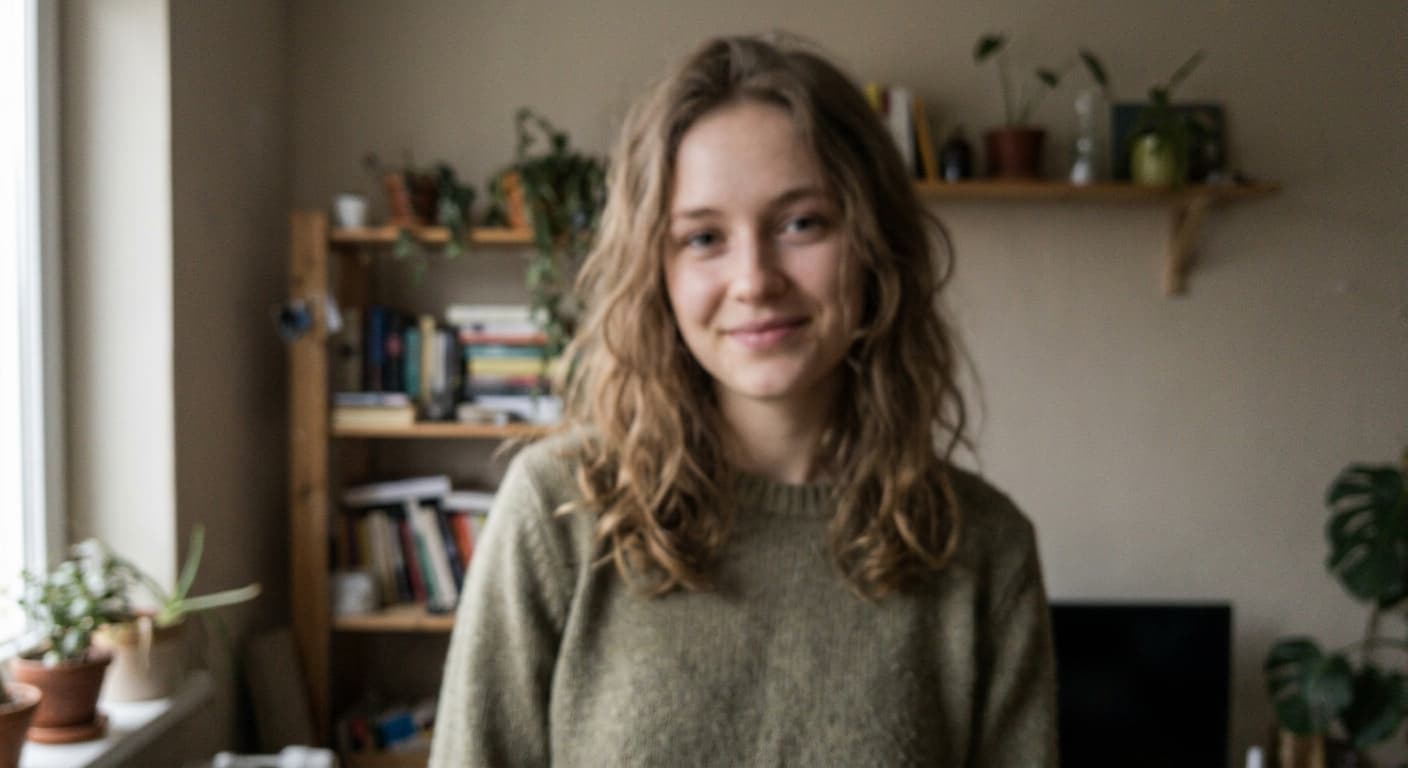
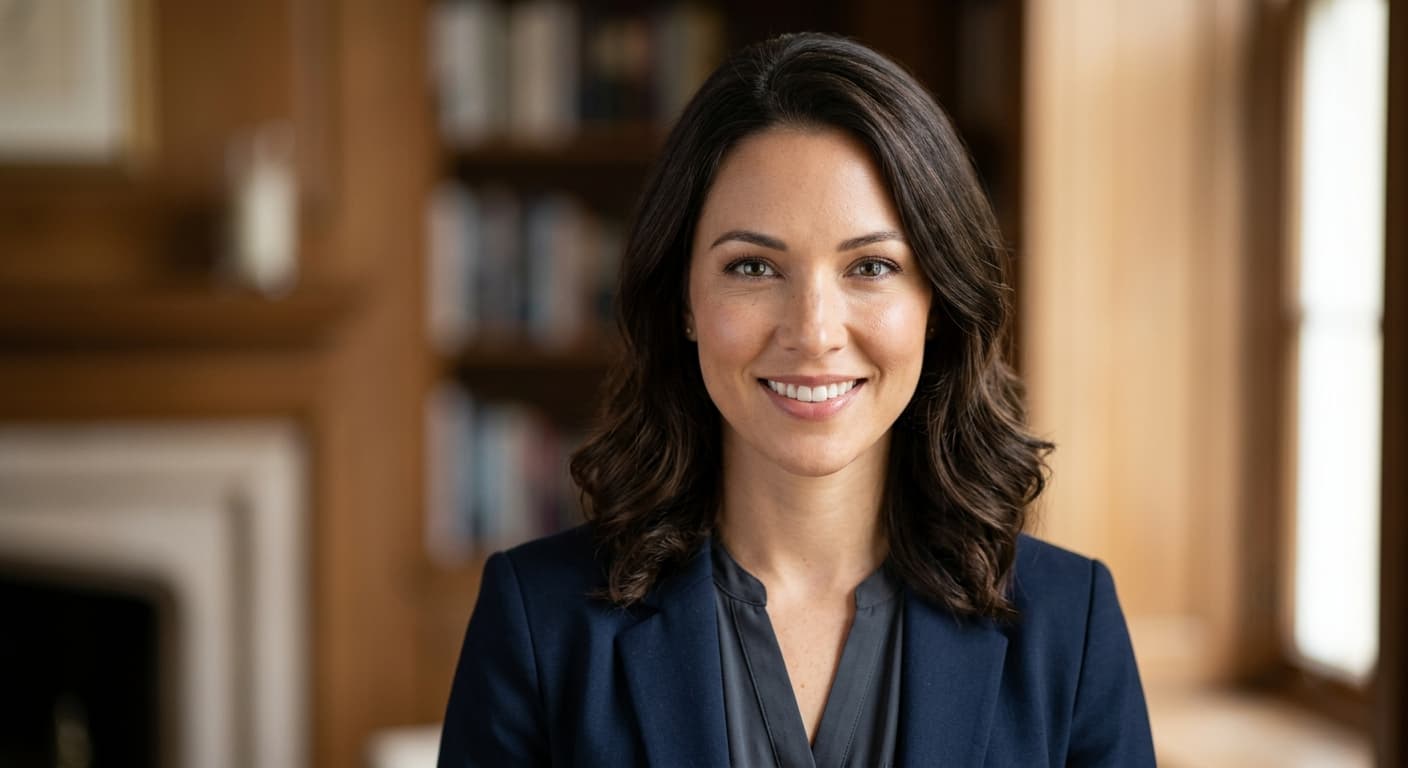
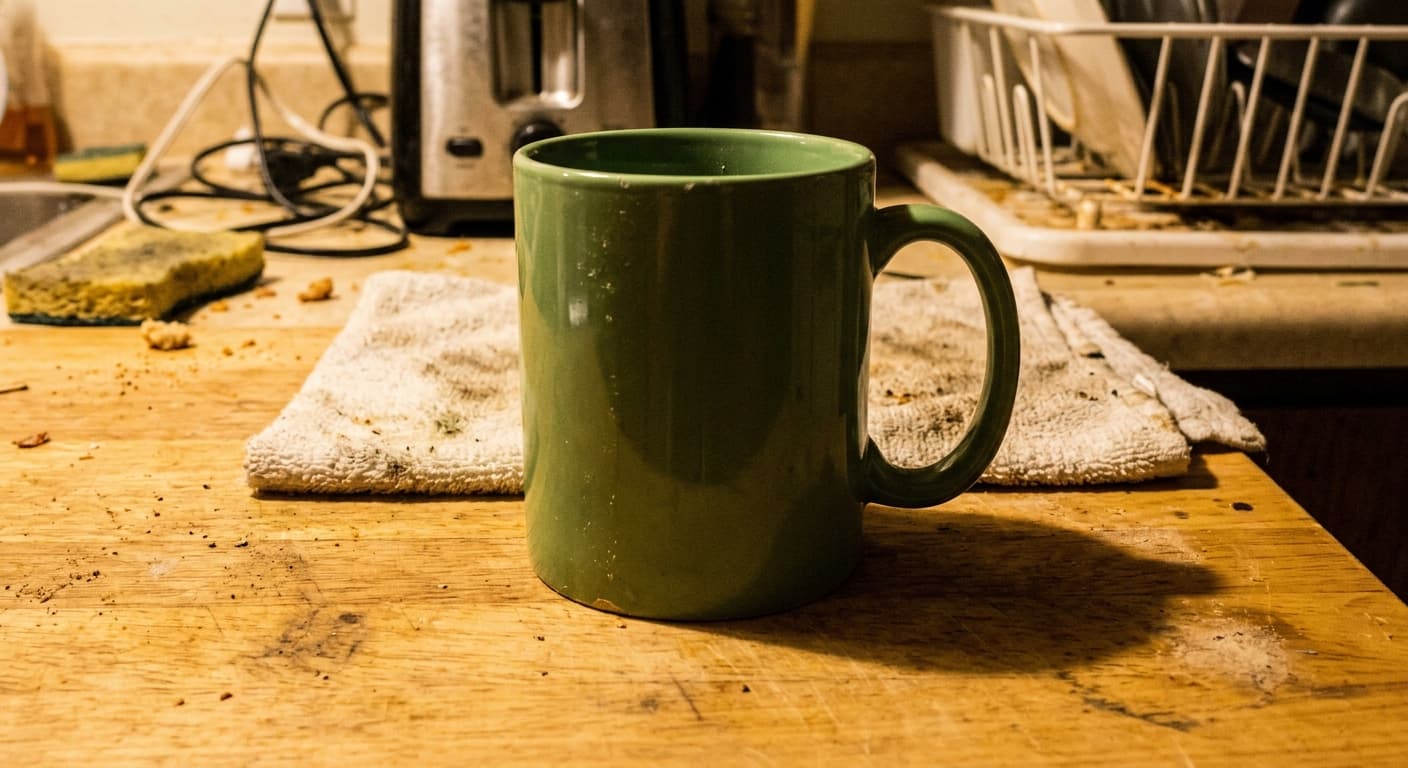
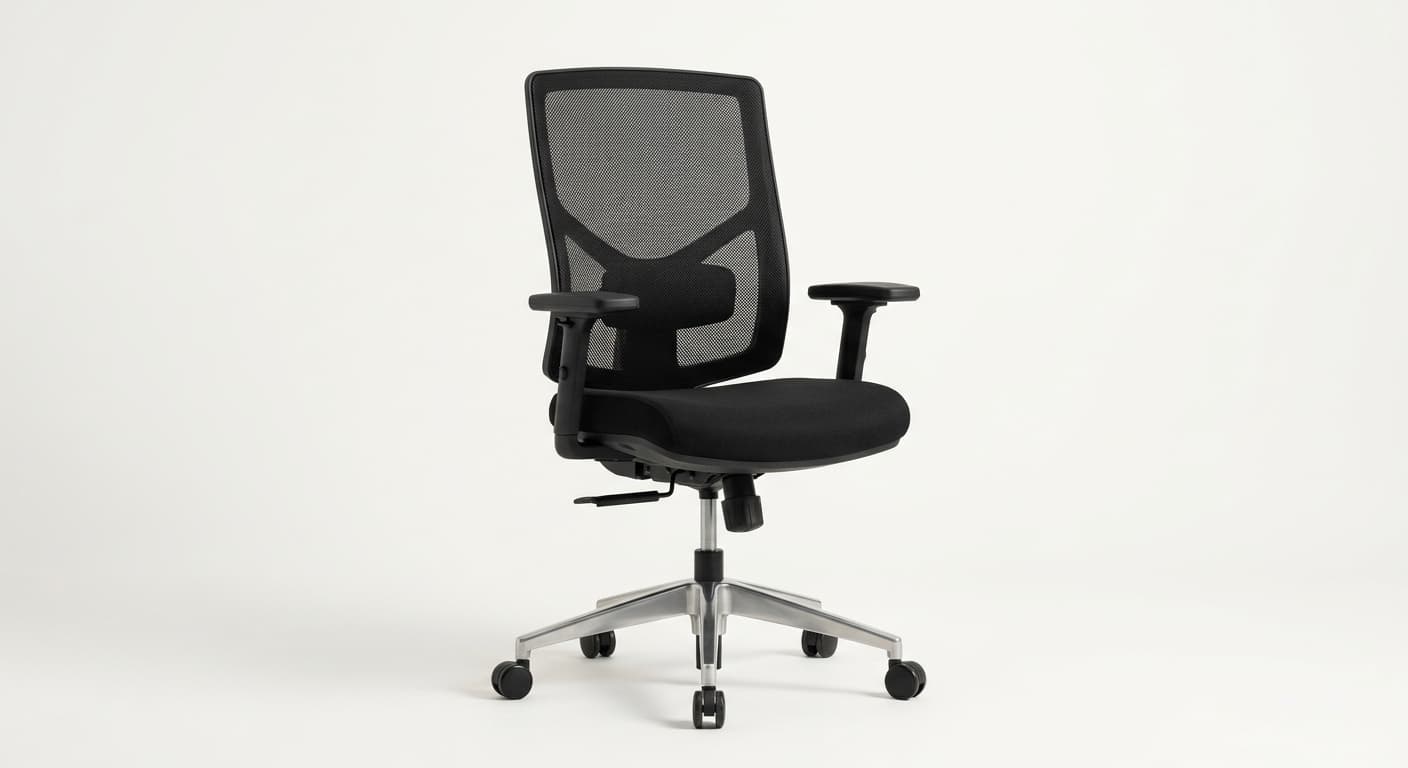
पहले और बाद की तुलना करने के लिए स्लाइडर खींचें।
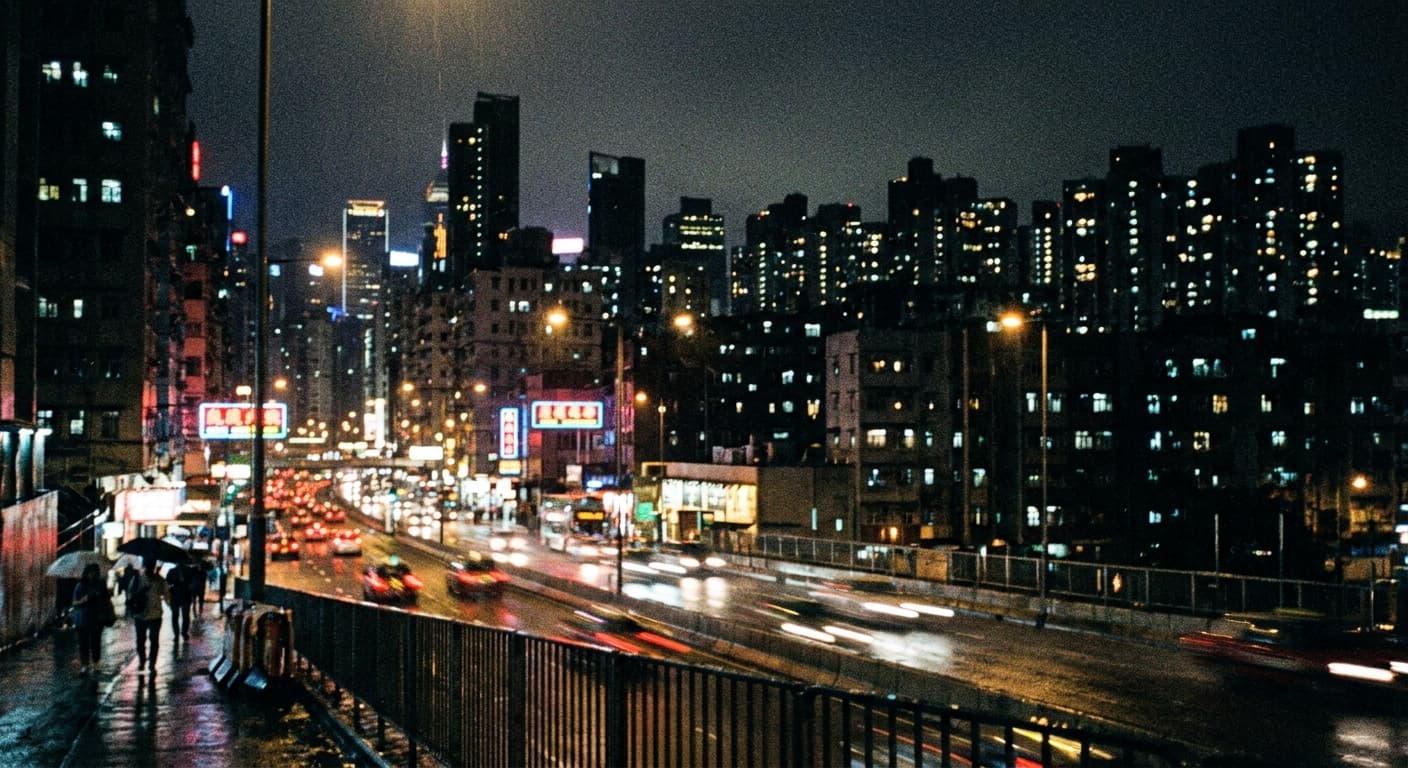
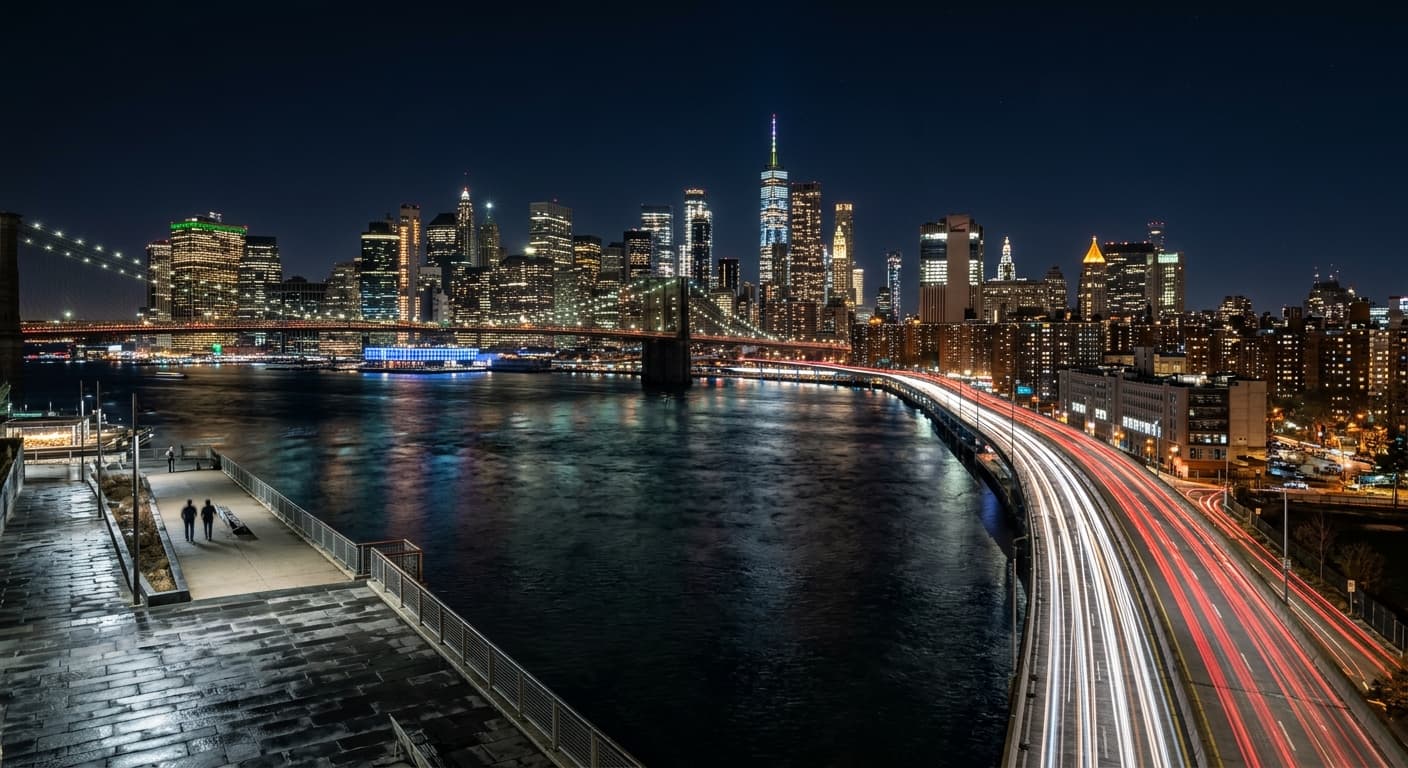
AI फ़ोटो एन्हांसर बनाम अन्य टूल
| तुलना | GPT Image 2 का लाभ |
|---|---|
| Remini Enhance | कोई विज्ञापन नहीं; कोई वॉटरमार्क नहीं। |
| Let's Enhance | प्रीव्यू के दौरान असीमित मुफ़्त एन्हांसमेंट। |
| Canva Magic Edit | वन-क्लिक — कोई सब्सक्रिप्शन नहीं। |
संबंधित AI टूल
यदि आपको AI फ़ोटो एन्हांसर पसंद आया, तो इन्हें आज़माएँ।
AI Image Upscaler
4K, 8K, या 16K तक अपस्केल करें। कोई क्वालिटी लॉस नहीं, कोई वॉटरमार्क नहीं, कोई साइन-अप नहीं।
अभी आज़माएँ →AI Colorize Old Photo
पारिवारिक इतिहास में जान डालें। GPT Image 2 प्राकृतिक स्किन टोन और युग-सटीक रंगों के साथ B&W तस्वीरों को रंगीन करता है।
अभी आज़माएँ →AI Photo Restoration
खरोंच, आंसू, लुप्त होना और धुंधलेपन को ठीक करें। आपका पारिवारिक इतिहास, पुनर्स्थापित।
अभी आज़माएँ →