AI टूल · पृष्ठभूमि
AI बैकग्राउंड चेंजर — प्रॉम्प्ट के साथ किसी भी दृश्य को बदलें
नए बैकग्राउंड का वर्णन करें। GPT Image 2 आपके विषय को पूरी तरह से सेट कर देता है।
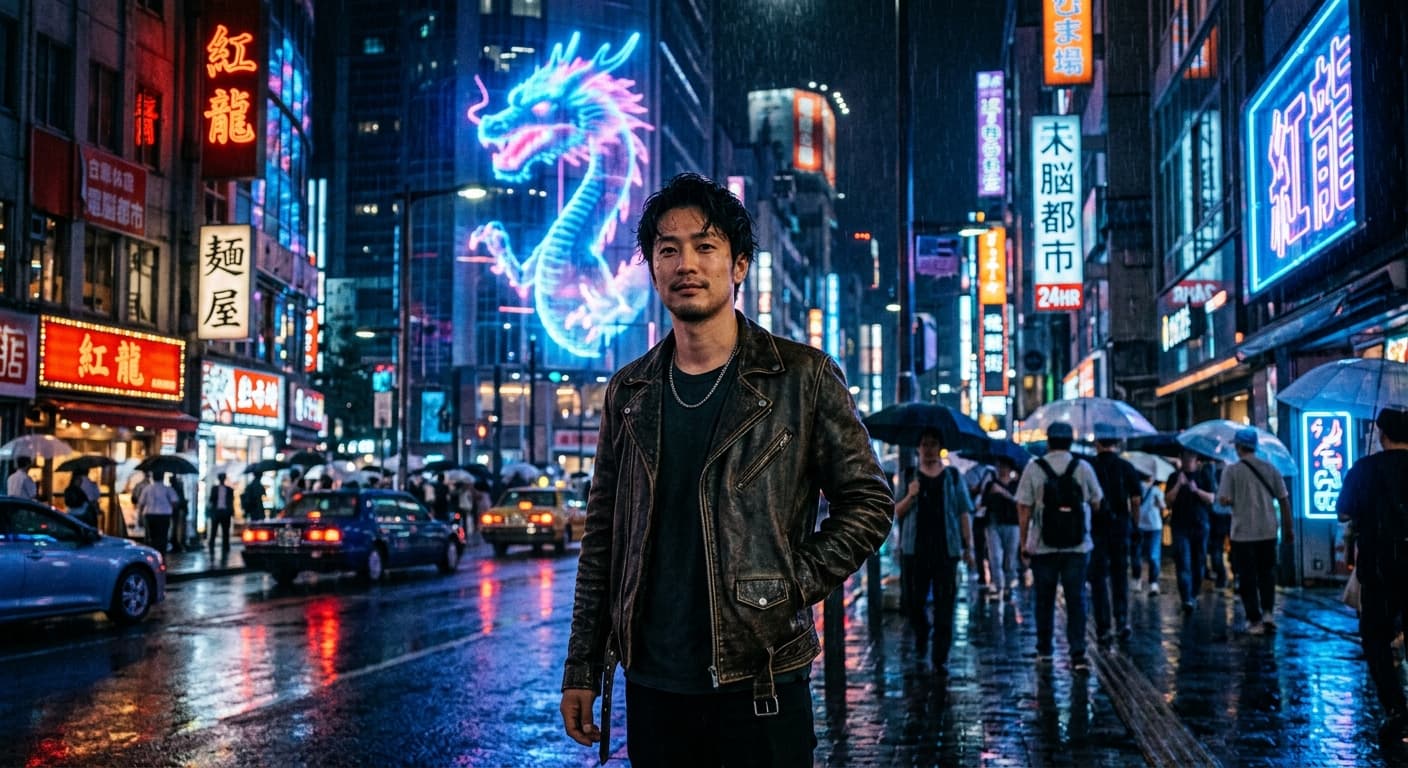
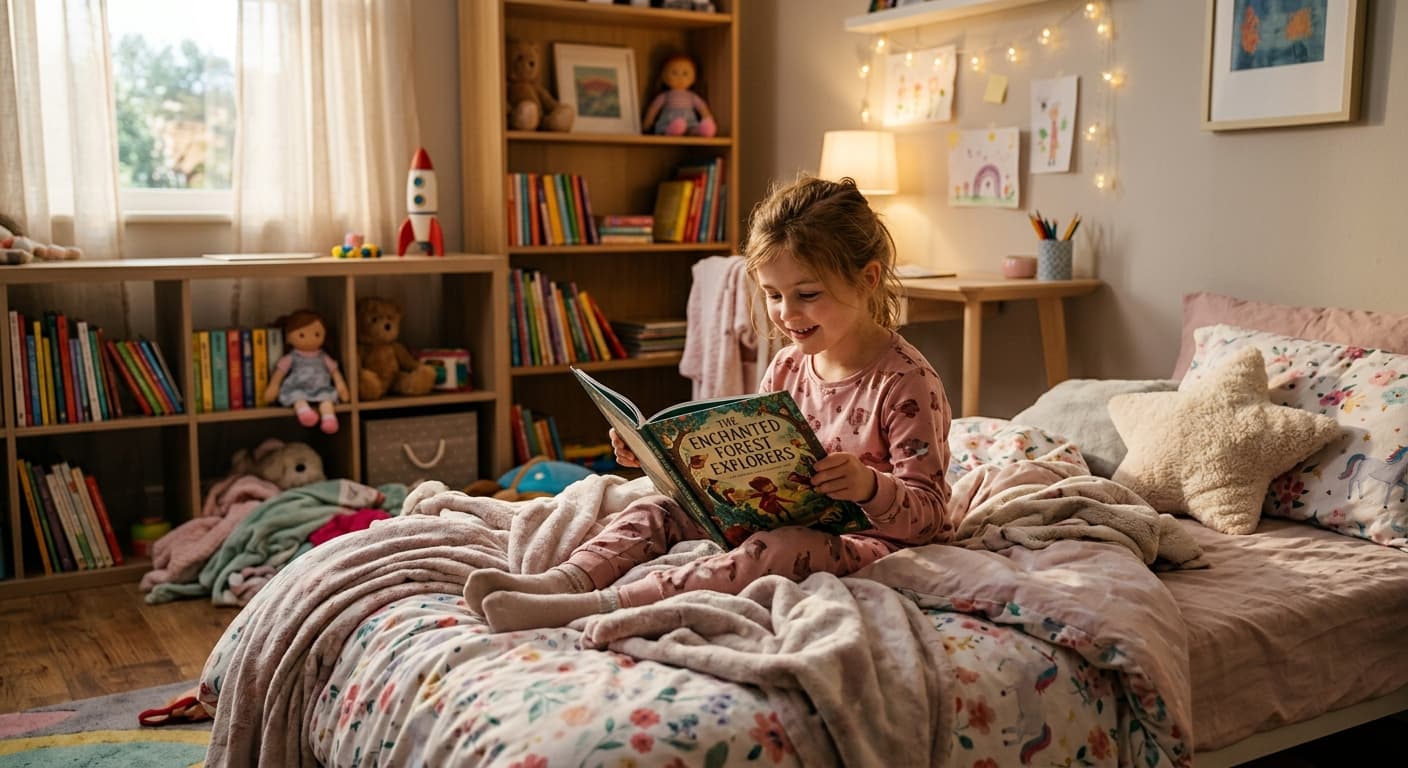
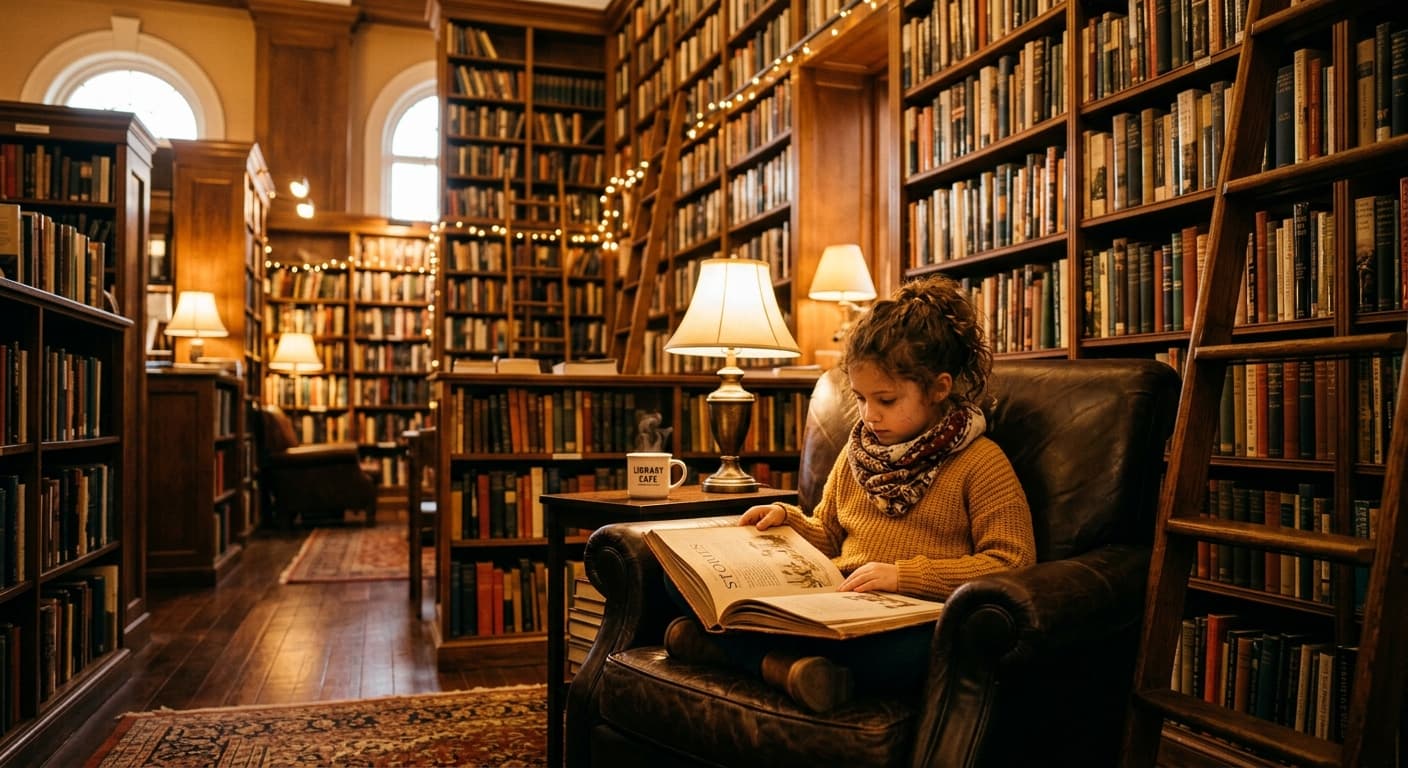
बैकग्राउंड हटाने के बजाय, उसे बदलें। किसी भी दृश्य का वर्णन करें — "सूर्यास्त के समय उष्णकटिबंधीय समुद्र तट", "मिनिमलिस्ट स्टूडियो", "साइबरपंक गली" — और GPT Image 2 आपके विषय को मेल खाते प्रकाश के साथ संयोजित करता है।
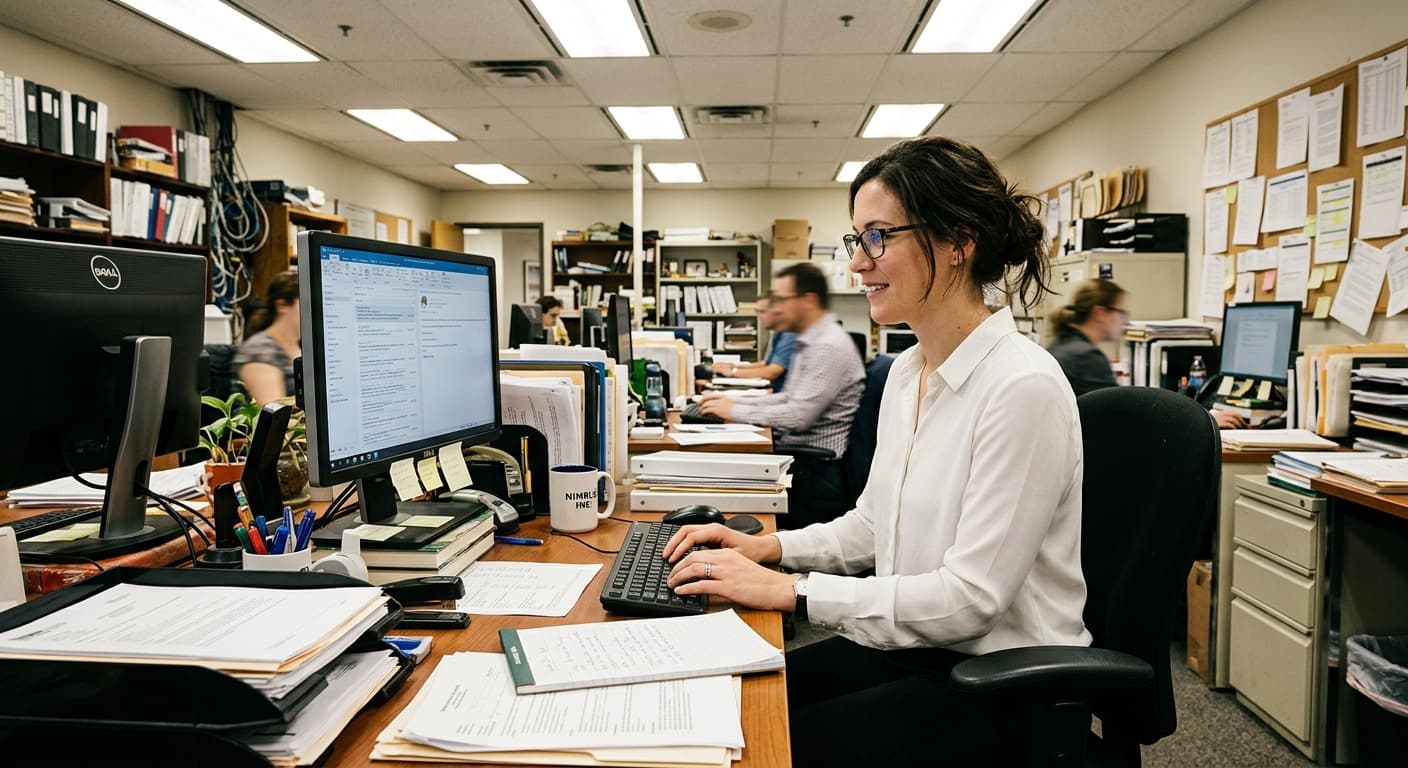

मुफ्त · बिना साइन-अप · आपकी छवि कभी संग्रहीत नहीं होती
AI बैकग्राउंड चेंजर के लिए GPT Image 2 क्यों
प्रॉम्प्ट-आधारित दृश्य
कोई भी बैकग्राउंड जिसका आप वर्णन कर सकते हैं — स्टॉक फोटो लाइब्रेरी की आवश्यकता नहीं है।
रीलिट कंपोजिटिंग
विषय नए दृश्य से परिवेशी रंग (ambient color) को अपना लेता है।
विषय के किनारों को सुरक्षित रखता है
बाल, रोएं, कांच — ज़ीरो-ड्रिफ्ट एडिटिंग के साथ सब कुछ वैसा ही बना रहता है।
ई-कॉमर्स के लिए त्वरित
5 सेकंड में स्टूडियो-गुणवत्ता वाले उत्पाद बैकग्राउंड।
AI बैकग्राउंड चेंजर का उपयोग कैसे करें
अपनी फोटो अपलोड करें।
नए बैकग्राउंड का वर्णन करें।
जेनरेट करें।
AI बैकग्राउंड चेंजर का उपयोग कौन करता है
ई-कॉमर्स
अव्यवस्थित बैकग्राउंड को साफ स्टूडियो दृश्यों से बदलें।
ट्रैवल कंटेंट
अपनी सेल्फी को किसी भी गंतव्य पर टेलीपोर्ट करें।
प्रोफ़ाइल फोटो
LinkedIn के लिए पेशेवर बैकड्रॉप।
मार्केटिंग
ब्रांडेड वातावरण के साथ विज्ञापन क्रिएटिव।
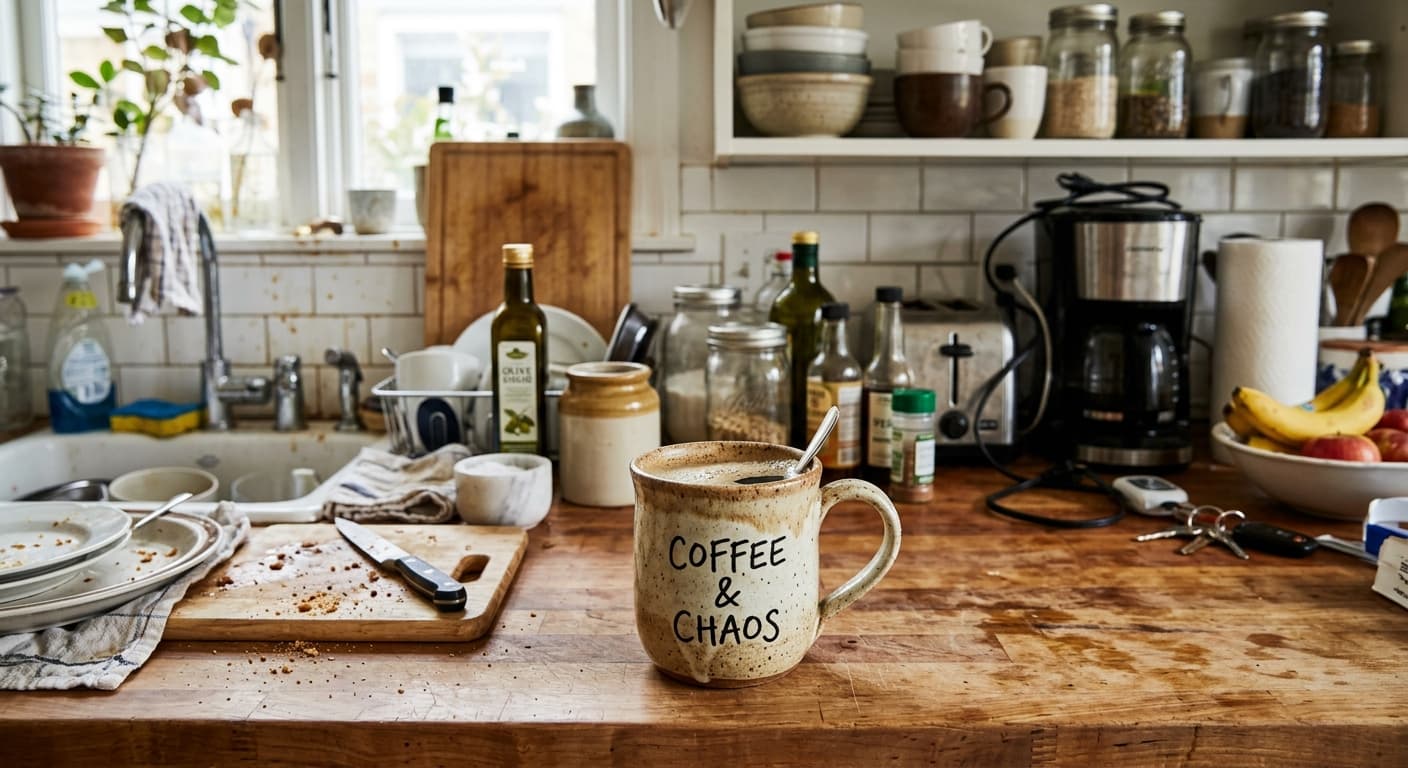
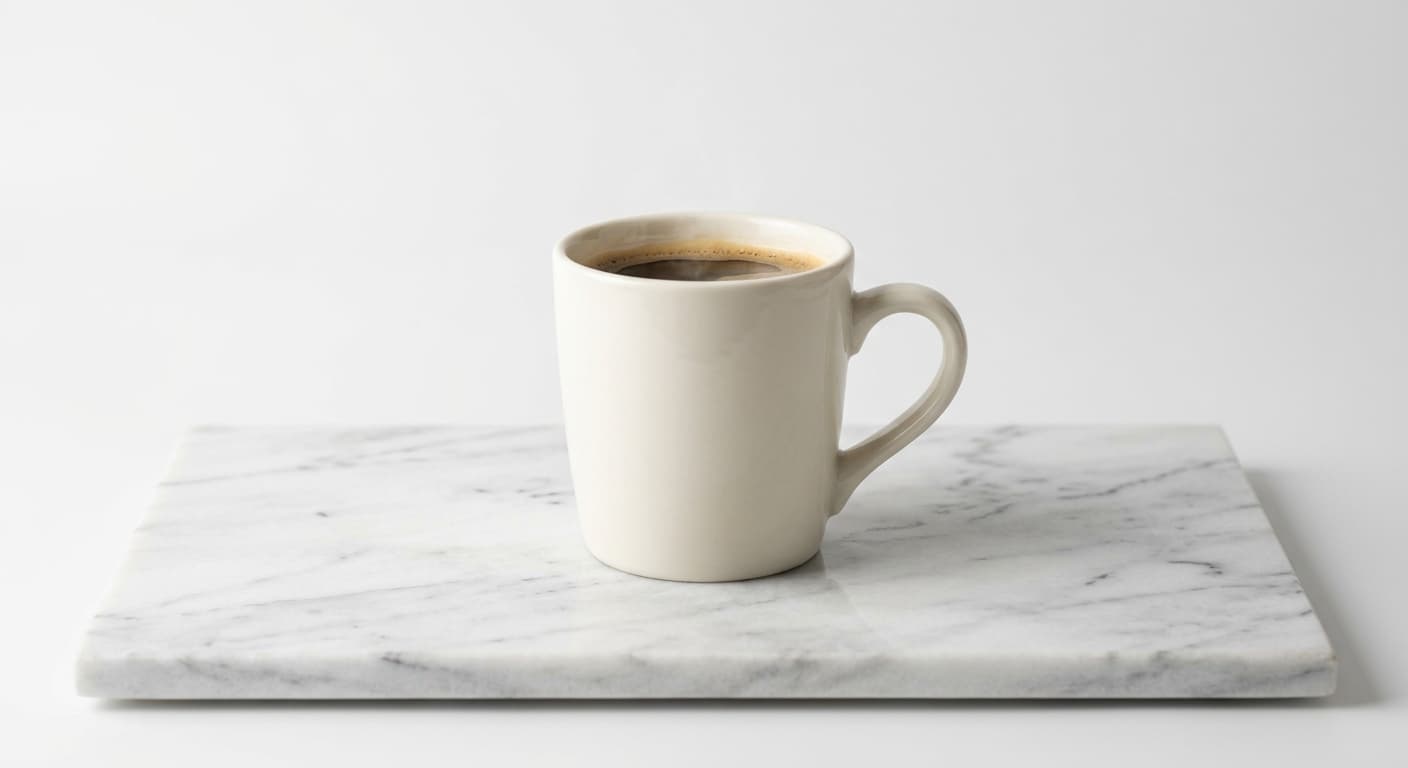
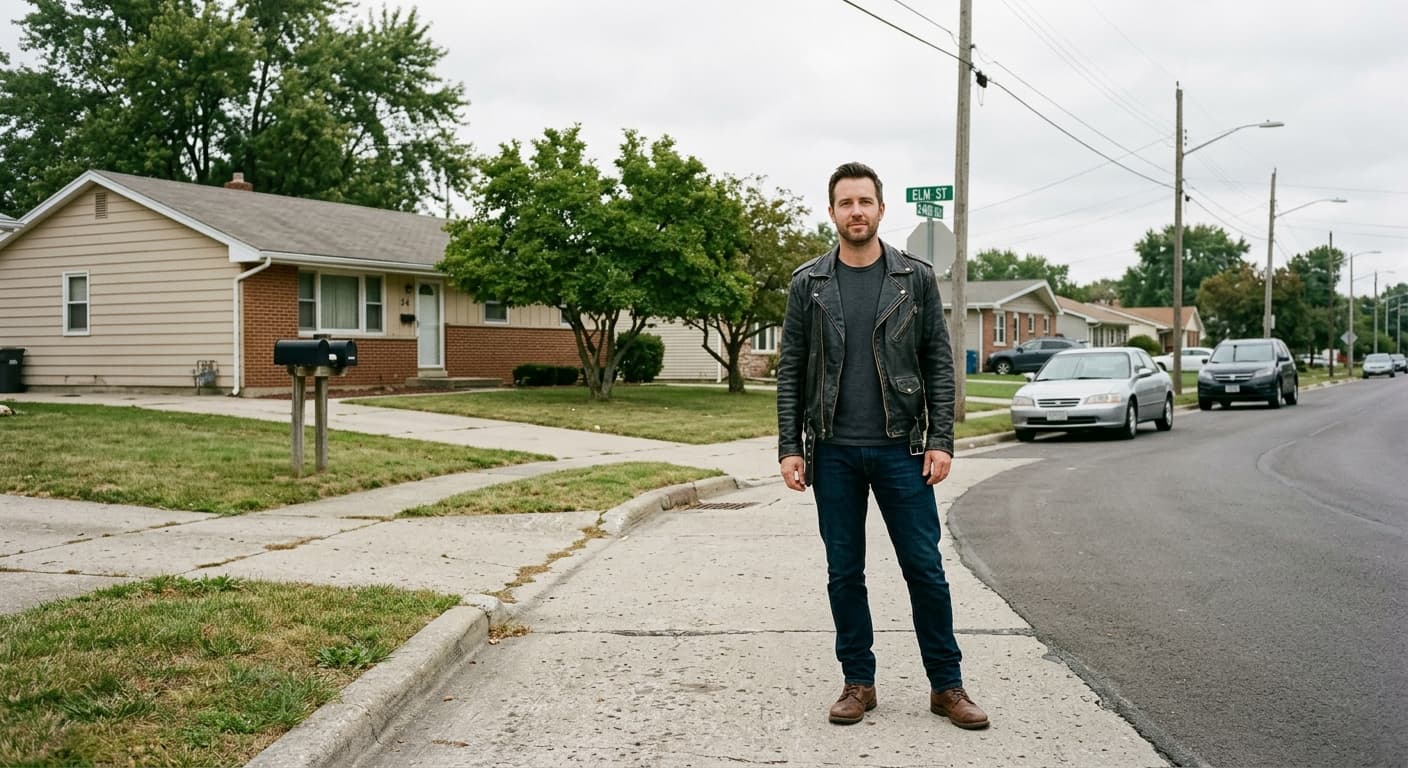
उदाहरण परिणाम
पहले और बाद की तुलना करने के लिए स्लाइडर खींचें।
AI बैकग्राउंड चेंजर बनाम अन्य टूल
| तुलना | GPT Image 2 का लाभ |
|---|---|
| Photoroom | मुफ़्त प्रॉम्प्ट-आधारित दृश्य, केवल प्रीसेट टेम्प्लेट नहीं। |
| Canva Magic Edit | उच्च निष्ठा (fidelity) वाली कंपोजिटिंग, कोई सब्सक्रिप्शन नहीं। |
| Remove.bg + Replace | वन-स्टेप टूल — कोई कॉपी-पेस्ट वर्कफ़्लो नहीं। |
संबंधित AI टूल
यदि आपको AI बैकग्राउंड चेंजर पसंद आया, तो इन्हें आज़माएँ।
एआई बैकग्राउंड रिमूवर
किसी भी फोटो का बैकग्राउंड 3 सेकंड में हटाएं। ट्रांसपेरेंट PNG, 4K, बिना वॉटरमार्क के।
अभी आज़माएँ →एआई वर्चुअल ट्राई-ऑन
अपनी फोटो + कोई भी कपड़े अपलोड करें। GPT Image 2 एक यथार्थवादी ट्राई-ऑन उत्पन्न करता है।
अभी आज़माएँ →AI इमेज एक्सपैंडर
अपनी तस्वीर को उसकी सीमाओं के पार बढ़ाएं। GPT Image 2 नए पिक्सल उत्पन्न करता है जो सहजता से मिल जाते हैं。
अभी आज़माएँ →