AI 工具 · 背景
免费 AI 背景去除 — 由 GPT Image 2 提供支持
3 秒内移除任何图像背景。透明 PNG,4K 高清,无水印。
上传任何照片,GPT Image 2 即可精确到发丝地去除背景。输出的透明 PNG 可直接放入产品照、头像或社交媒体帖子中。
✓ 免费✓ 无需注册✓ 4K 输出✓ GPT Image 2 驱动
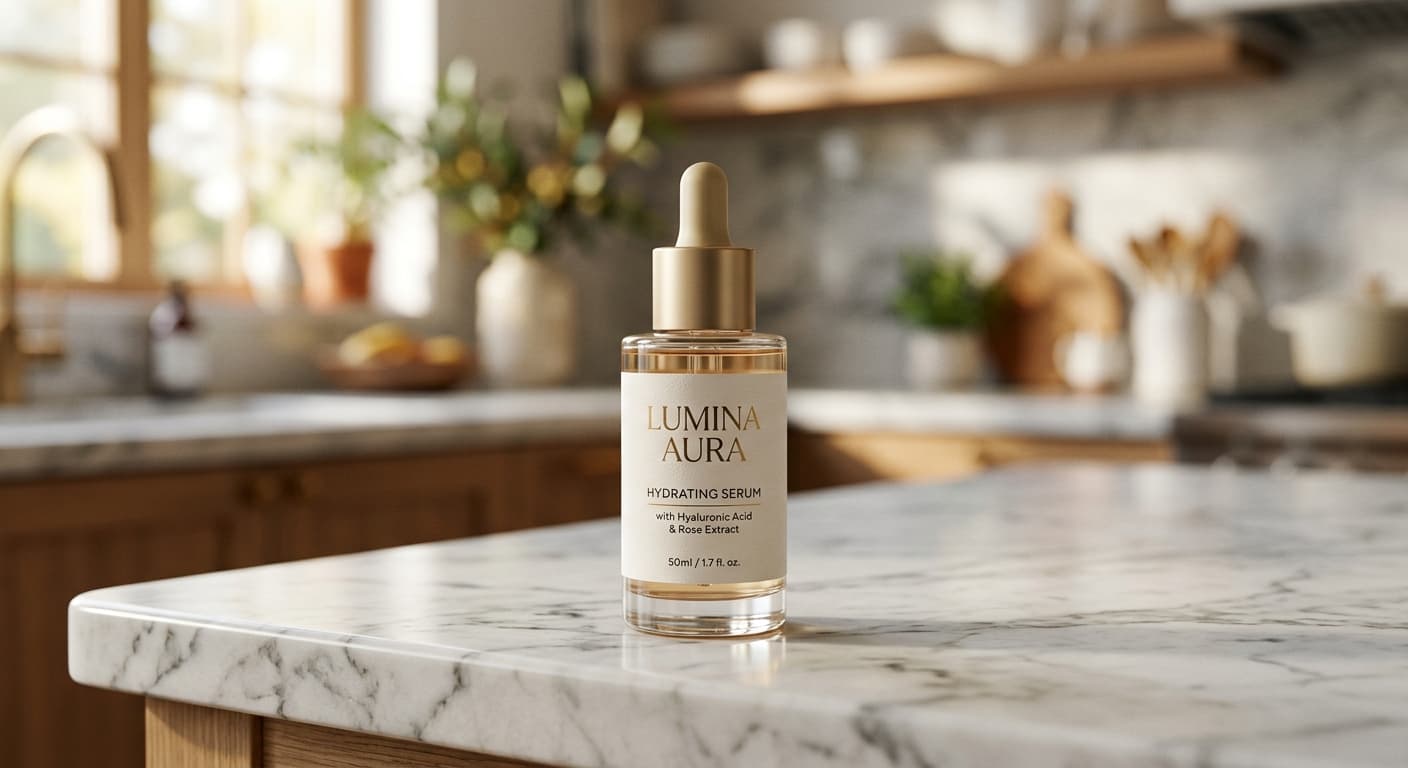
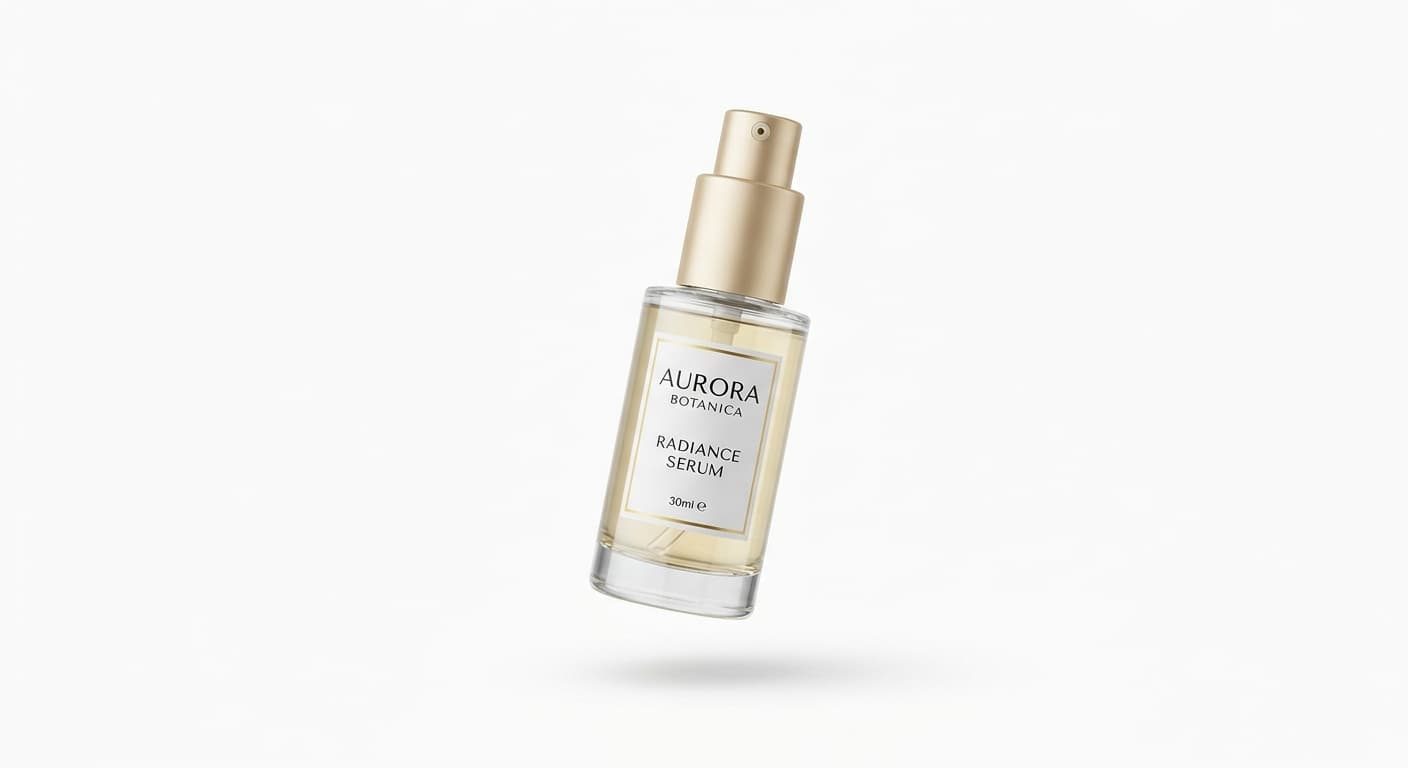
Before
After
免费 · 无需注册 · 不存储你的图片
为什么用 GPT Image 2 做AI 背景去除工具
发丝级精度
零漂移分割技术可保留头发、皮毛、玻璃和半透明织物等精细细节。
透明 PNG
完整的 Alpha 通道支持 — 将抠图置于任何背景上都不会出现白边。
原生 4K 输出
其他免费工具通常限制在 1080p。我们提供最高 4K 的原始分辨率输出。
商业用途
支持用于亚马逊列表、广告及按需打印产品。
如何使用 AI 背景去除工具
1
上传您的图像(JPG / PNG / WEBP,最大 10MB)。
2
GPT Image 2 检测主体并在约 3 秒内分离背景。
3
下载您的透明 PNG 或应用新背景。
AI 背景去除工具 适合谁用
电子商务
为亚马逊和 Shopify 列表准备纯净的产品照片。
社交媒体
制作脱颖而出的头像和个人资料图片。
营销
制作带有孤立主体的主图横幅和广告素材。
按需打印
制作贴纸设计、马克杯和 T 恤图案。
示例效果
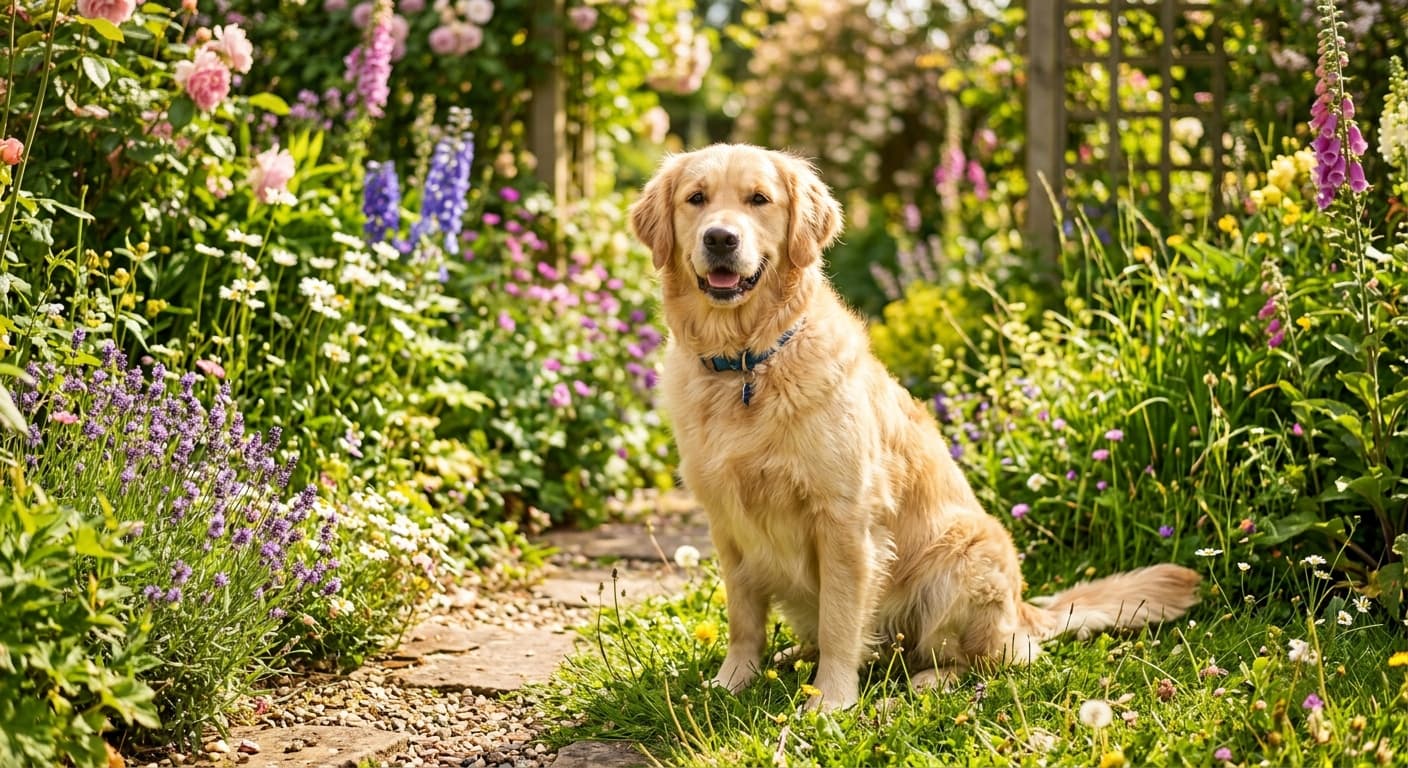
拖动滑块对比处理前后。
Before
After
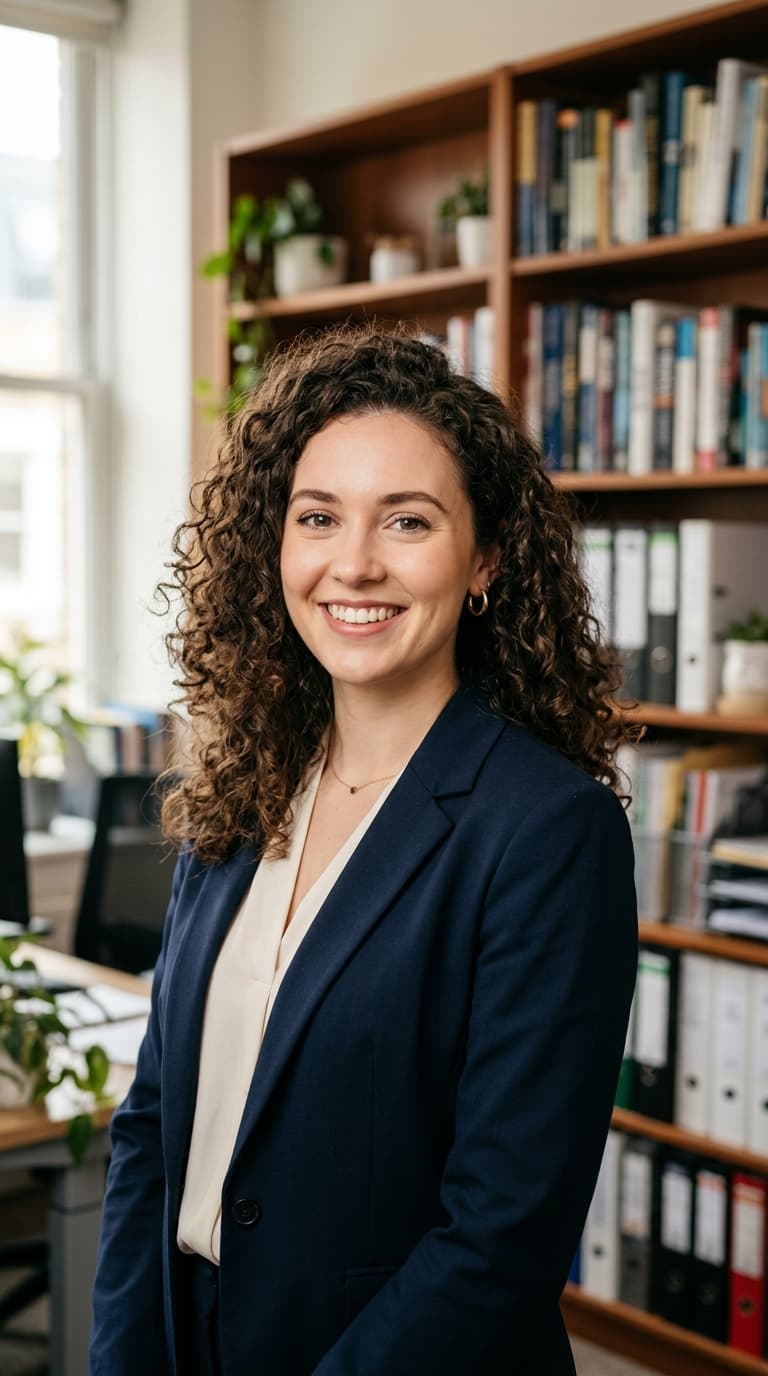
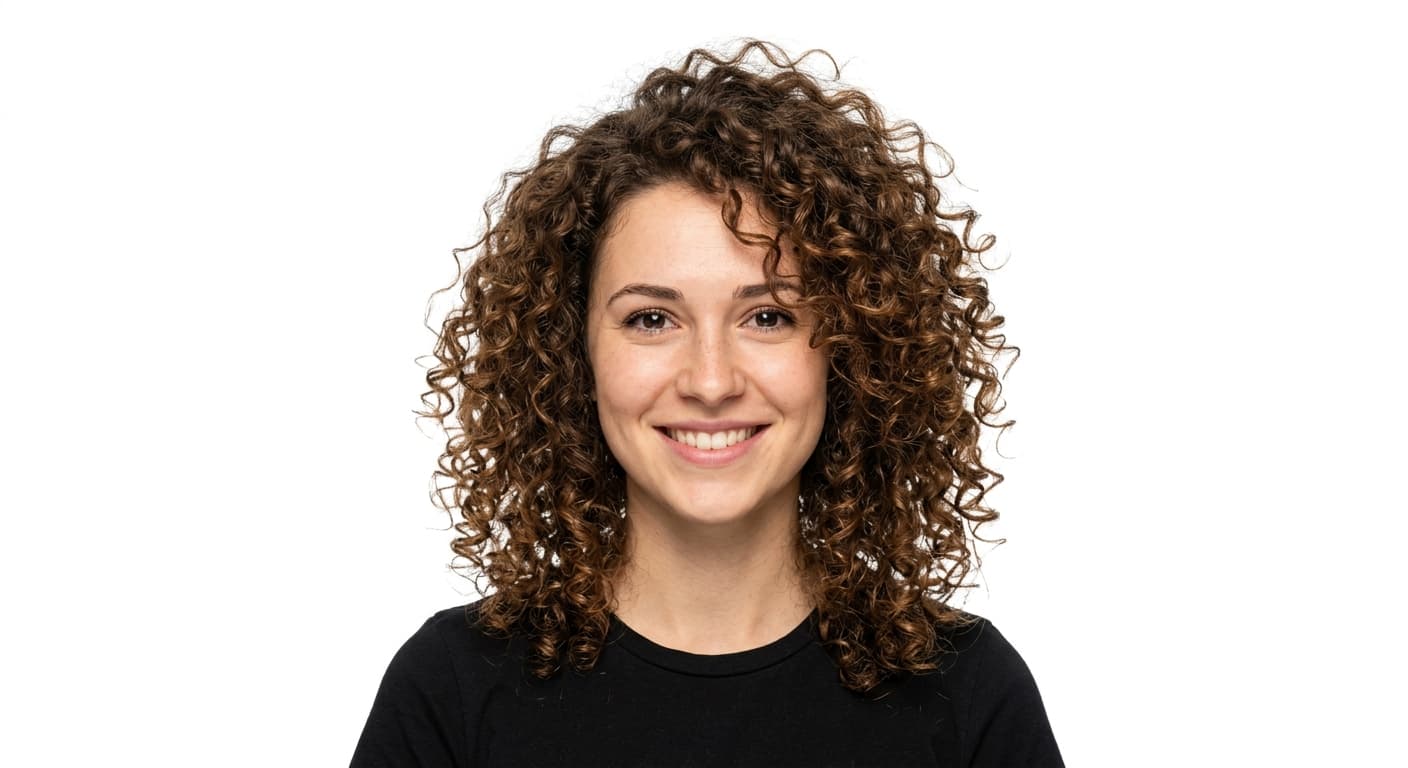
Before
After
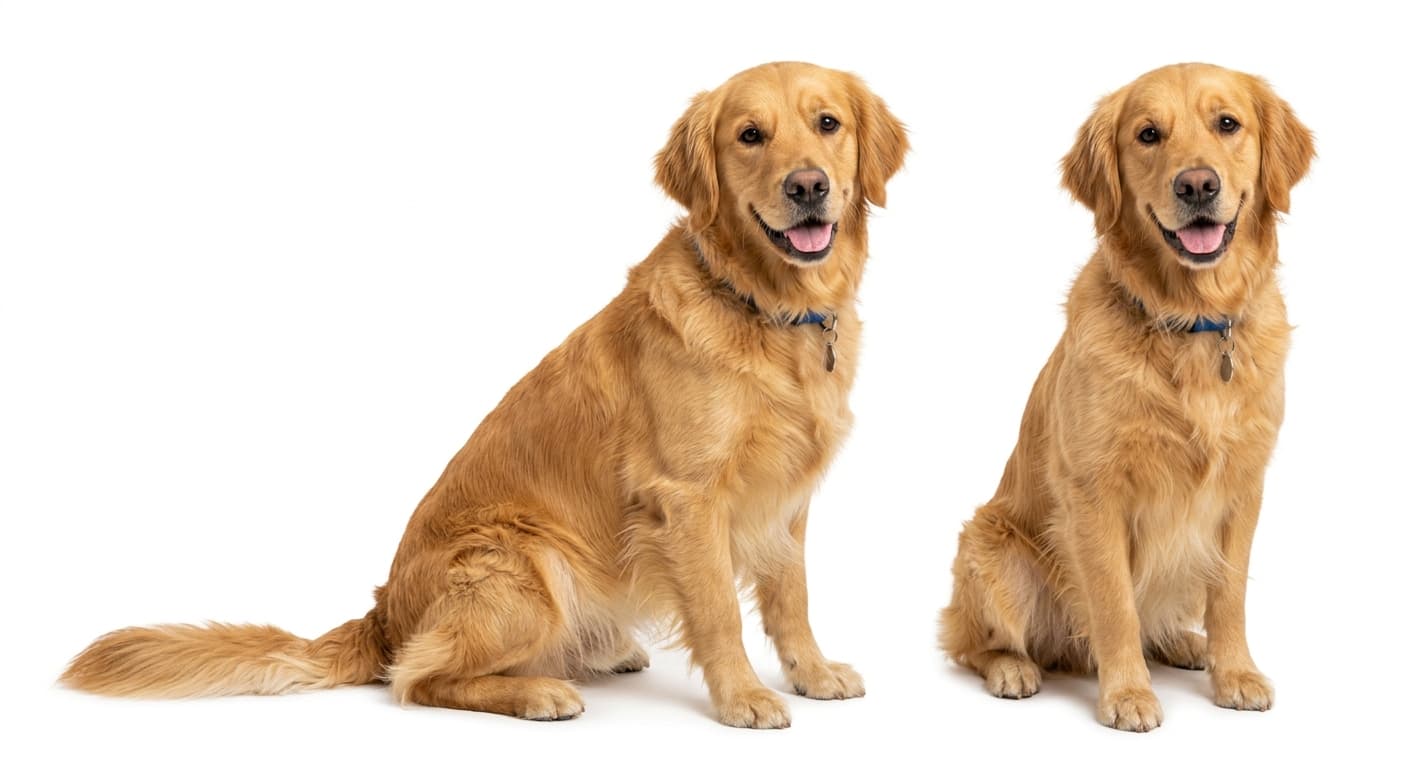
Before
After

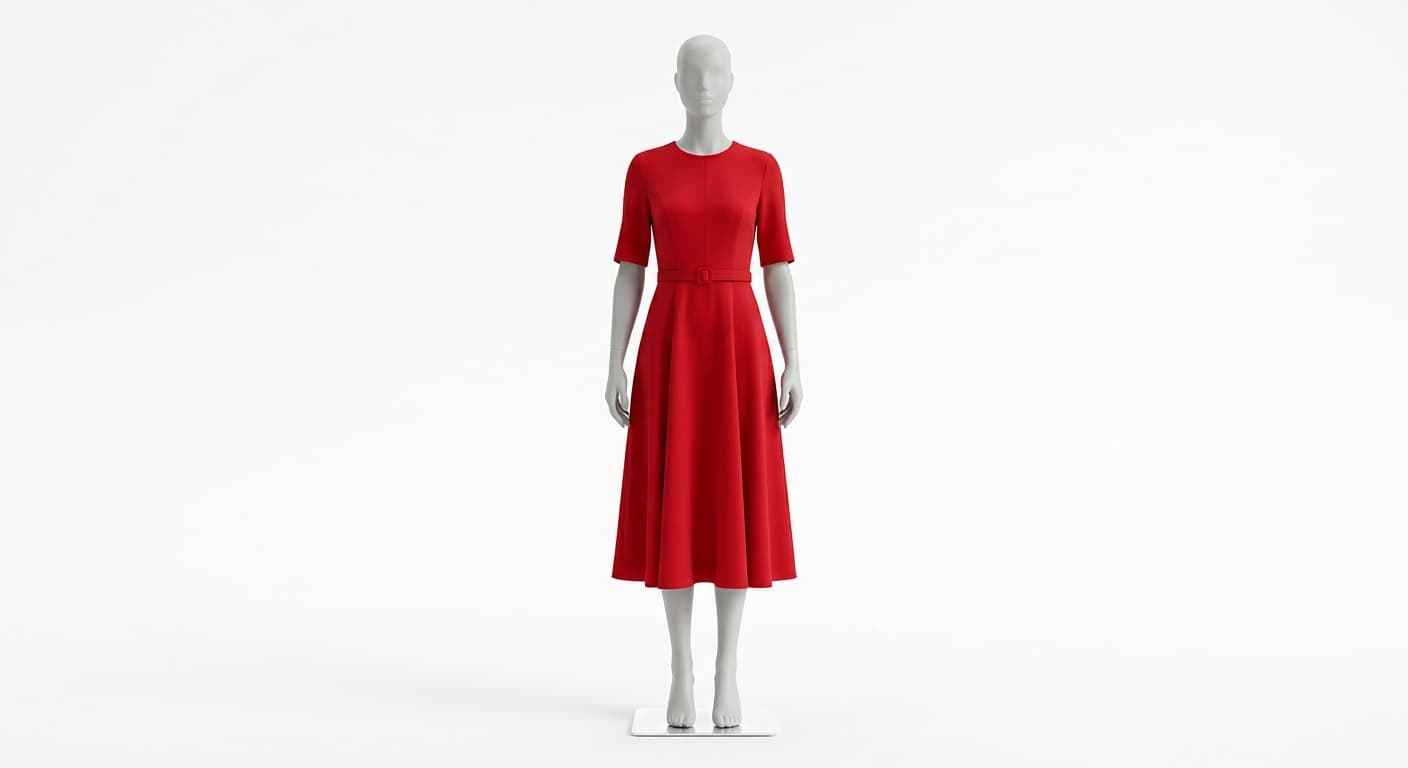
Before
After
AI 背景去除工具 与其他工具对比
| 对比工具 | GPT Image 2 的优势 |
|---|---|
| Remove.bg | 免费高清输出(Remove.bg 对免费用户的限制为 0.25MP)。 |
| Photoroom | 无需注册,无水印。 |
| Canva | 在处理卷发/长发时的发丝精度明显更高。 |
相关 AI 工具
如果你喜欢 AI 背景去除工具,可以试试这些。