AI 工具 · 编辑
AI 局部重绘 — 用提示词编辑任何区域
绘制遮罩,输入要修改的内容。GPT Image 2 仅编辑该区域。
完全由提示词驱动的精准编辑。涂抹遮罩区域,描述想要改变的内容,GPT Image 2 将仅修改该区域——保持图像其余部分完美无缺。
✓ 免费✓ 无需注册✓ 4K 输出✓ GPT Image 2 驱动
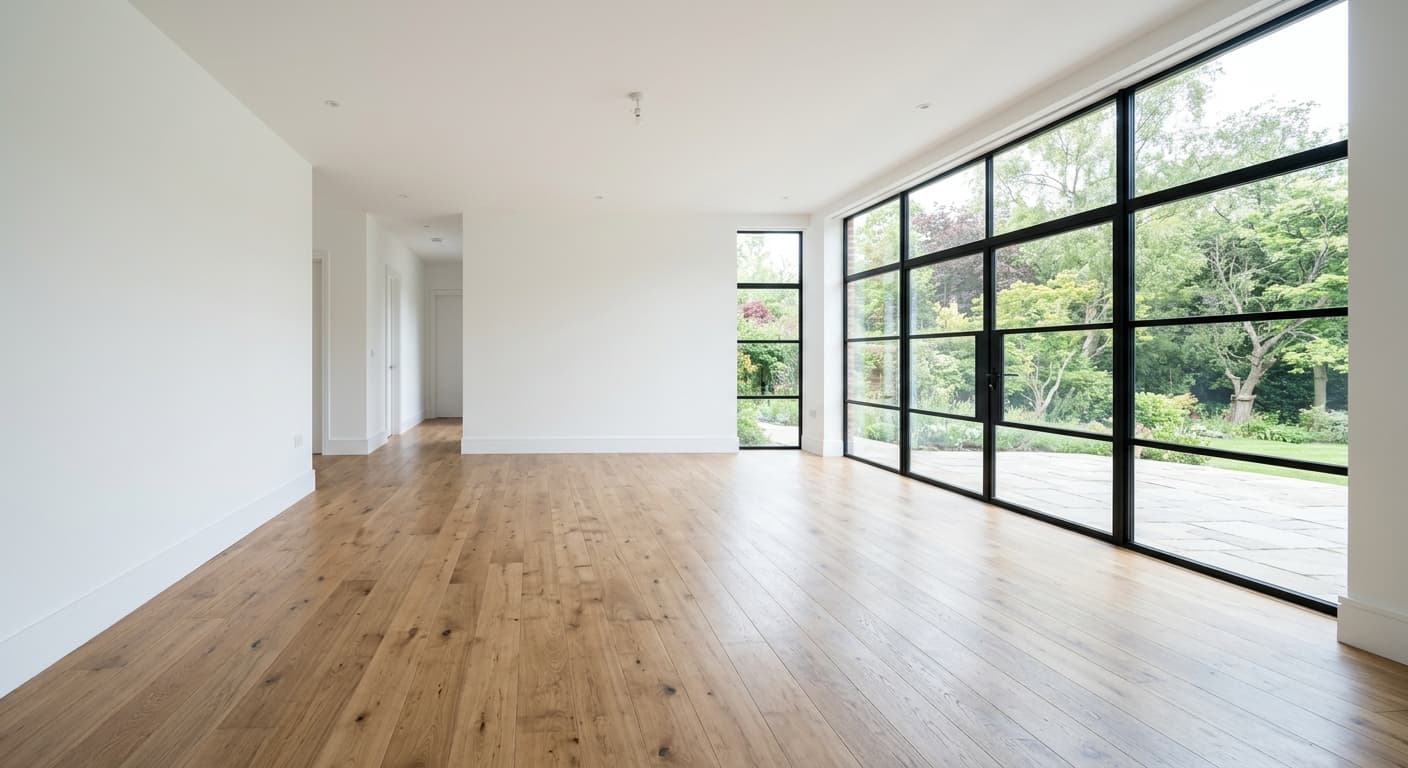
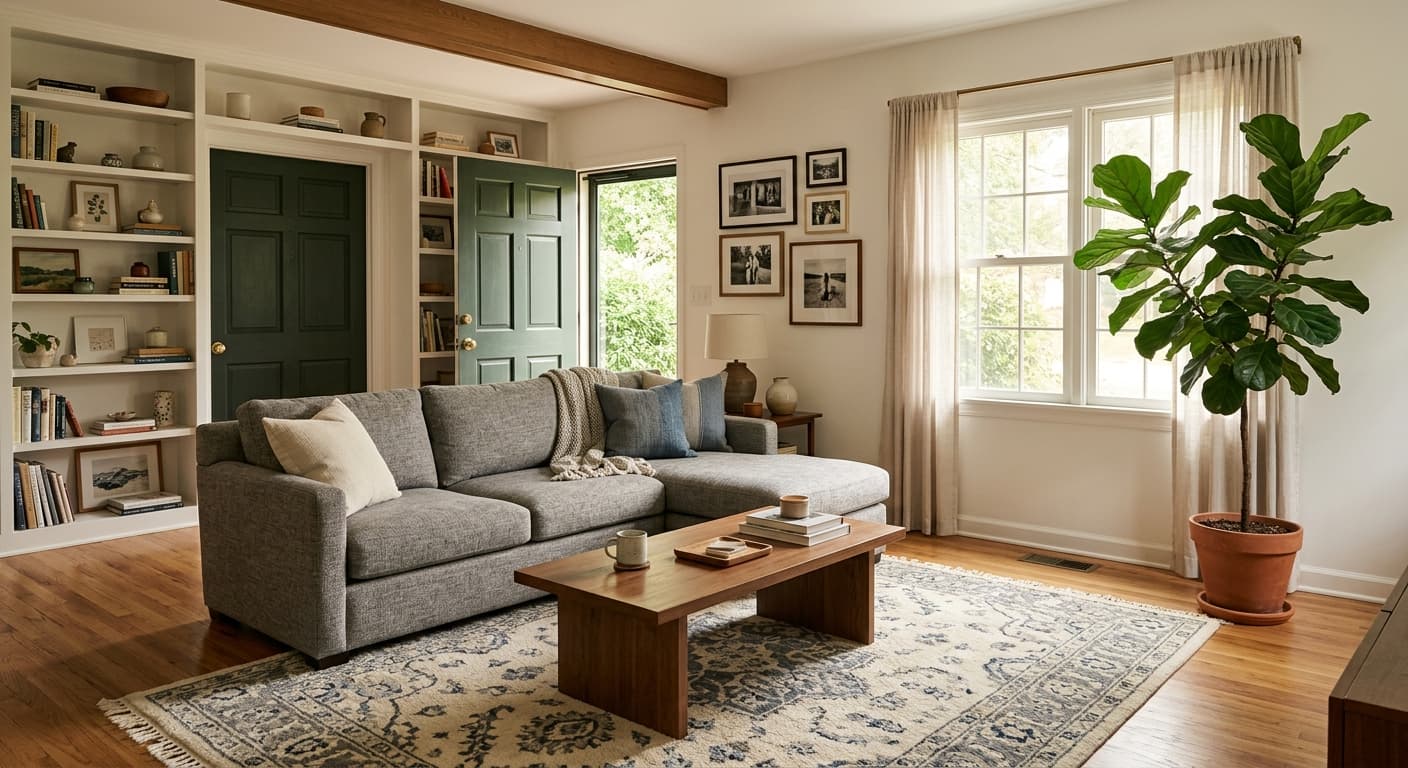
Before
After
免费 · 无需注册 · 不存储你的图片
为什么用 GPT Image 2 做AI 局部重绘工具
手术级精准编辑
准确改变您遮罩的内容——区域外的所有元素都不会改变。
提示词驱动
用自然语言描述任何添加或更改。
多次迭代
在同一区域反复迭代直到满意为止。
专业级控制
Photoshop 生成式填充的替代方案——免费且只需浏览器。
如何使用 AI 局部重绘工具
1
上传图像。
2
在编辑区域上涂抹遮罩。
3
描述应该出现什么。
4
生成。
AI 局部重绘工具 适合谁用
设计
替换设计稿中的特定元素。
电子商务
更改现有照片中的产品颜色。
房地产
布置空房间——通过提示词添加家具。
创意
在构图中添加或替换物体。
示例效果
拖动滑块对比处理前后。
Before
After
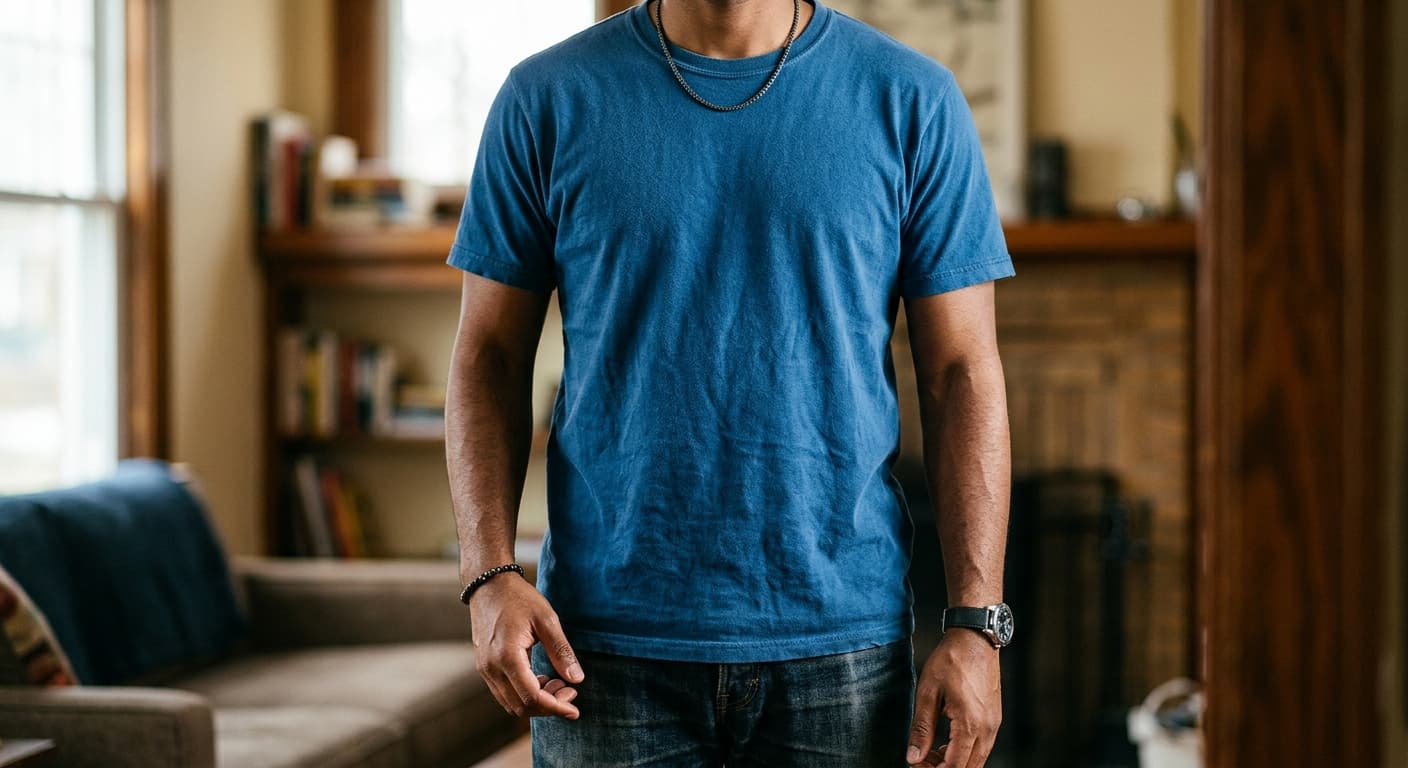
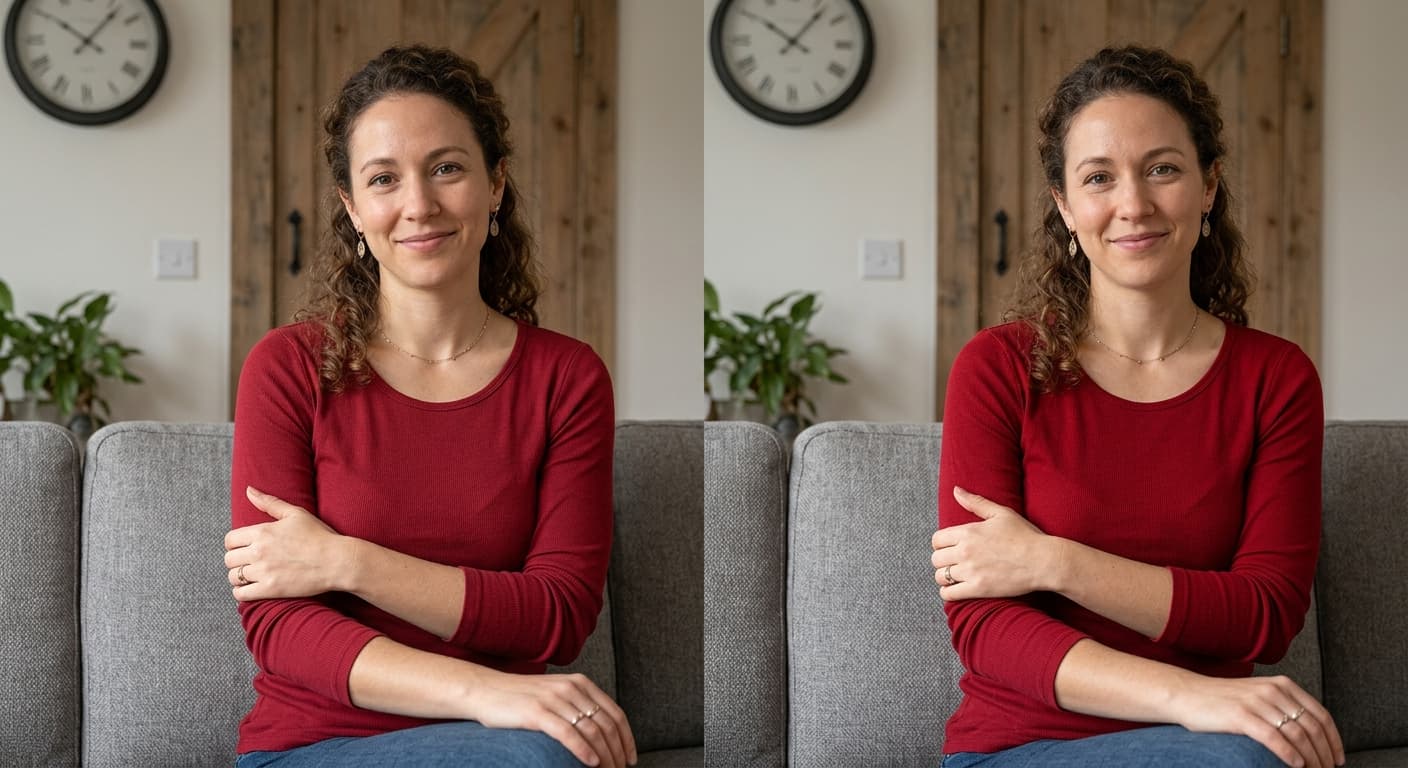
Before
After
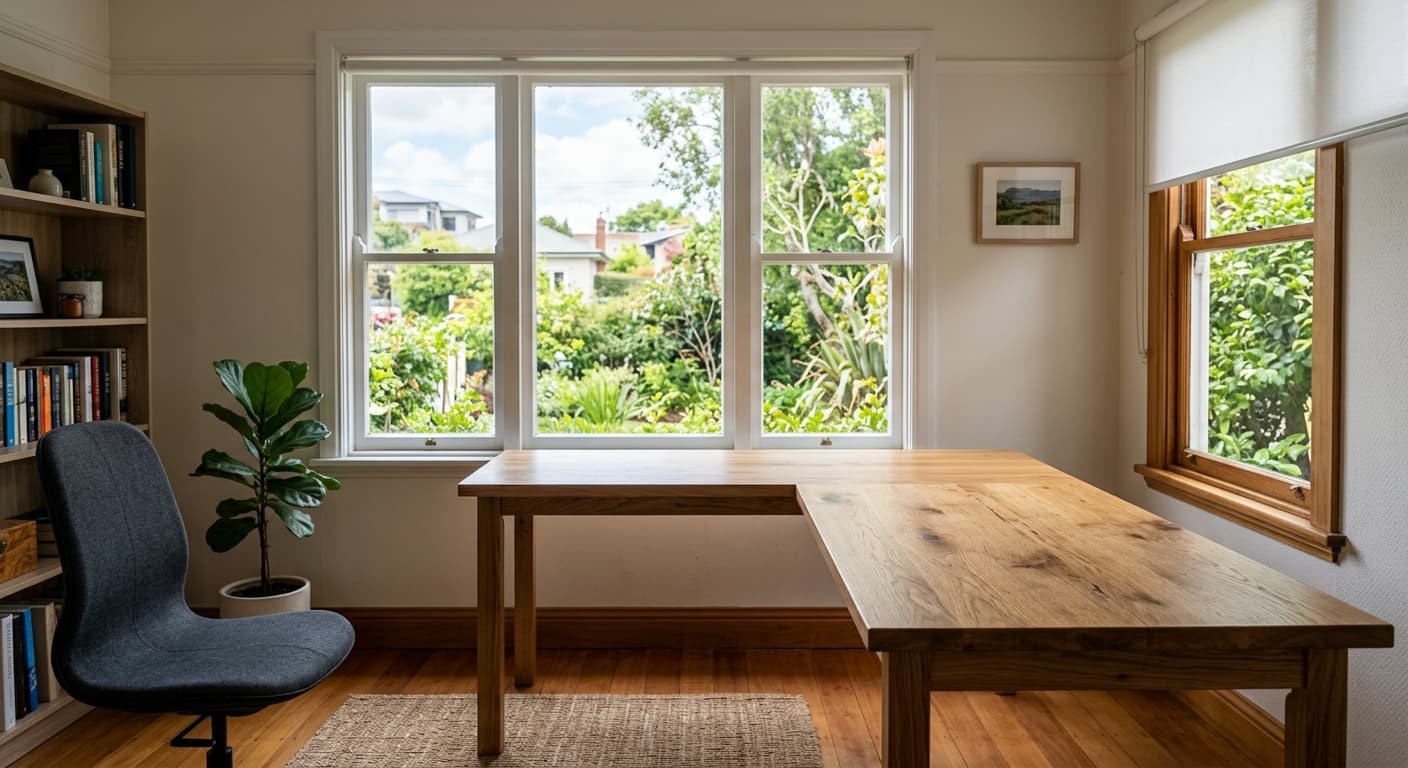
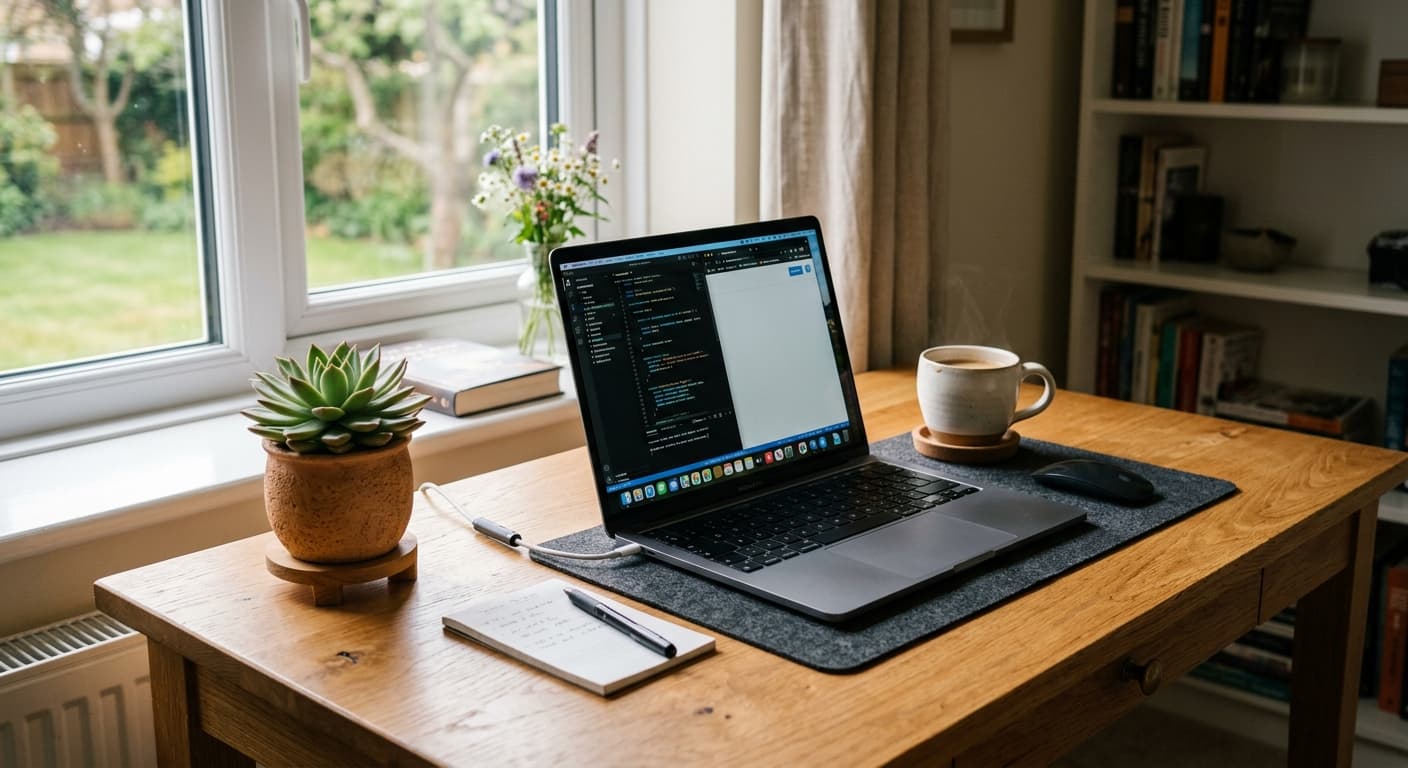
Before
After
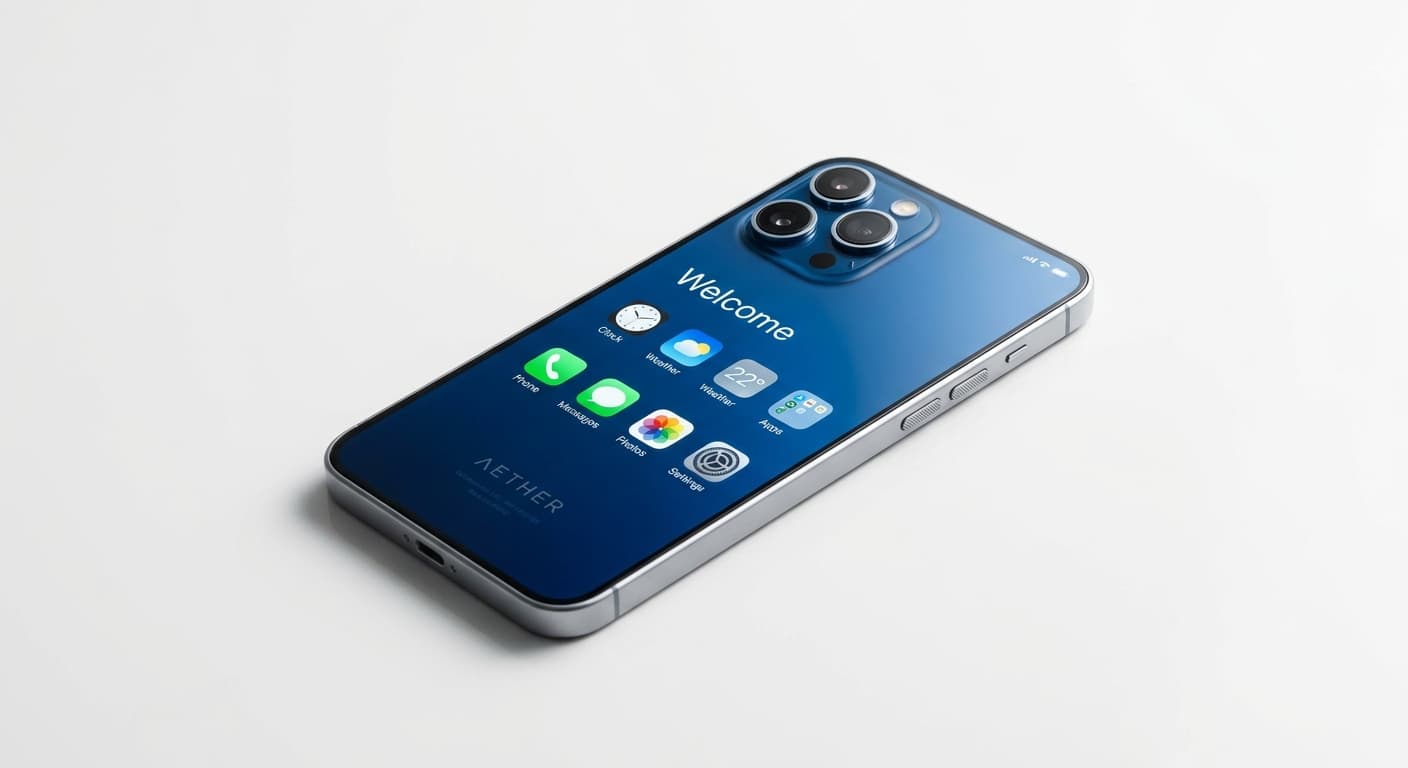
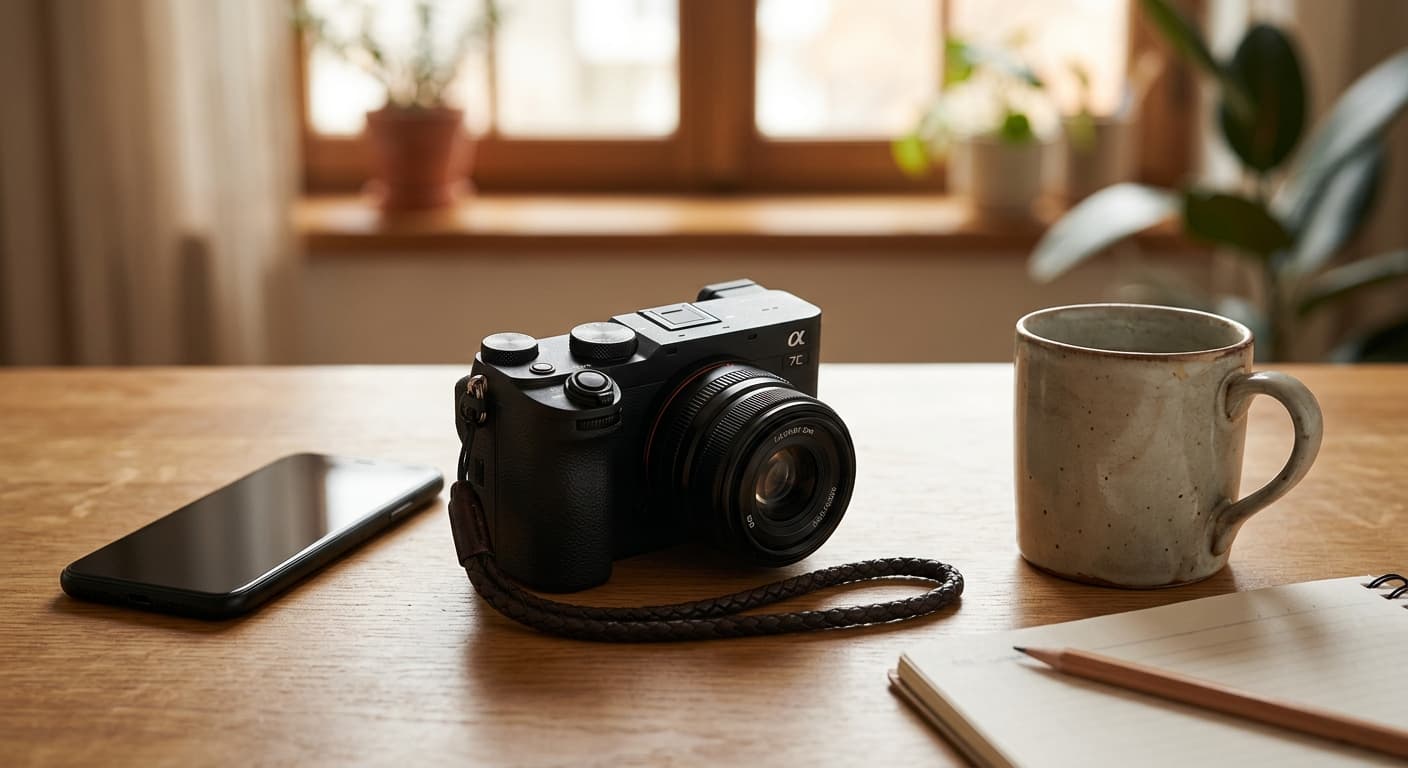
Before
After
AI 局部重绘工具 与其他工具对比
| 对比工具 | GPT Image 2 的优势 |
|---|---|
| Photoshop 创成式填充 | 无需订阅 Adobe——仅需浏览器即可使用。 |
| Clipdrop Inpaint | 4K 输出,无水印。 |
| Krea Inpaint | 对复杂添加项的提示词还原度更高。 |