AI टूल · संपादन
एआई ऑब्जेक्ट रिमूवर — GPT Image 2 के साथ कुछ भी मिटाएं
लोगों, वस्तुओं, टेक्स्ट या वॉटरमार्क को हटाएं। एआई स्वचालित रूप से बैकग्राउंड को फिर से बनाता है।
जिसे आप हटाना चाहते हैं, उस पर पेंट करें। GPT Image 2 इनपेंटिंग बैकग्राउंड को मेल खाती हुई लाइटिंग, टेक्सचर और परिप्रेक्ष्य के साथ फिर से बनाता है — फोटोशॉप की जरूरत नहीं।
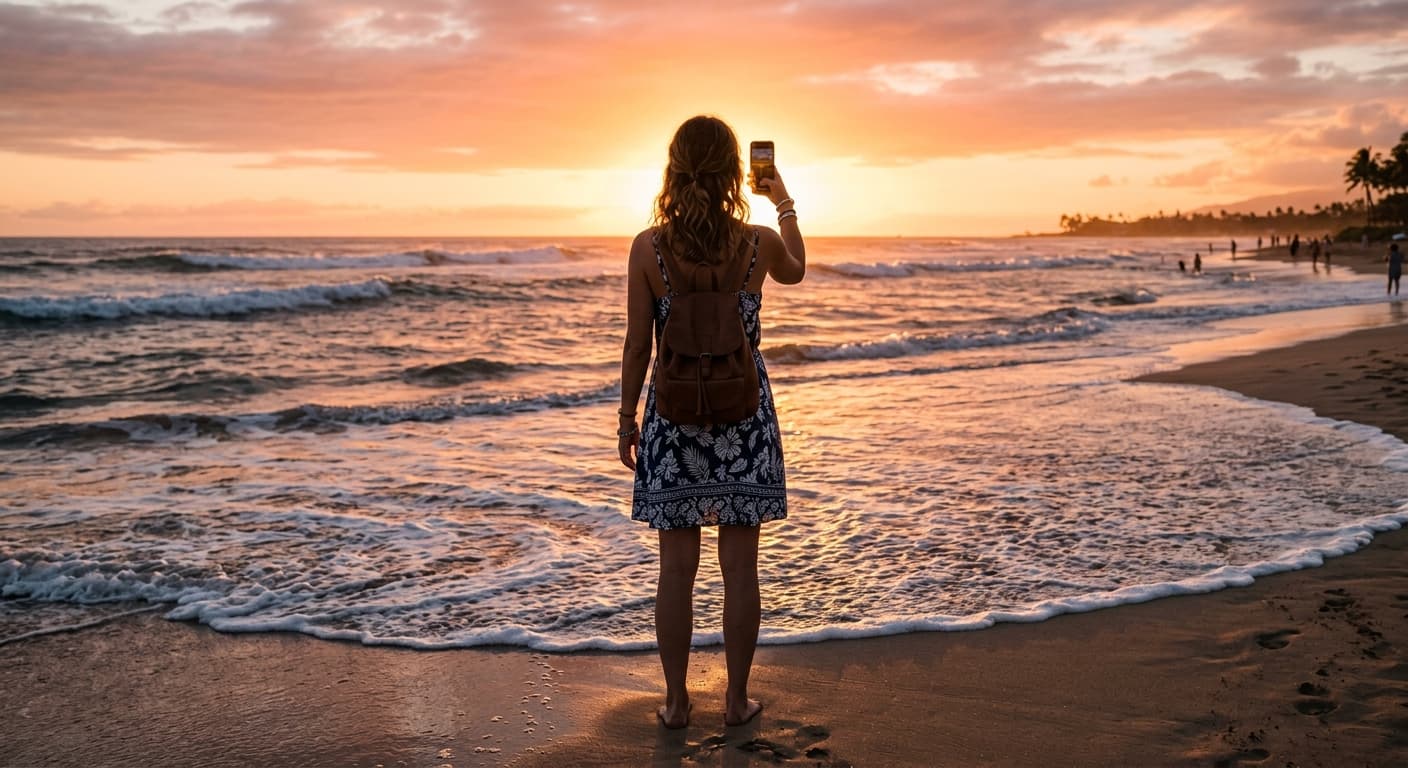
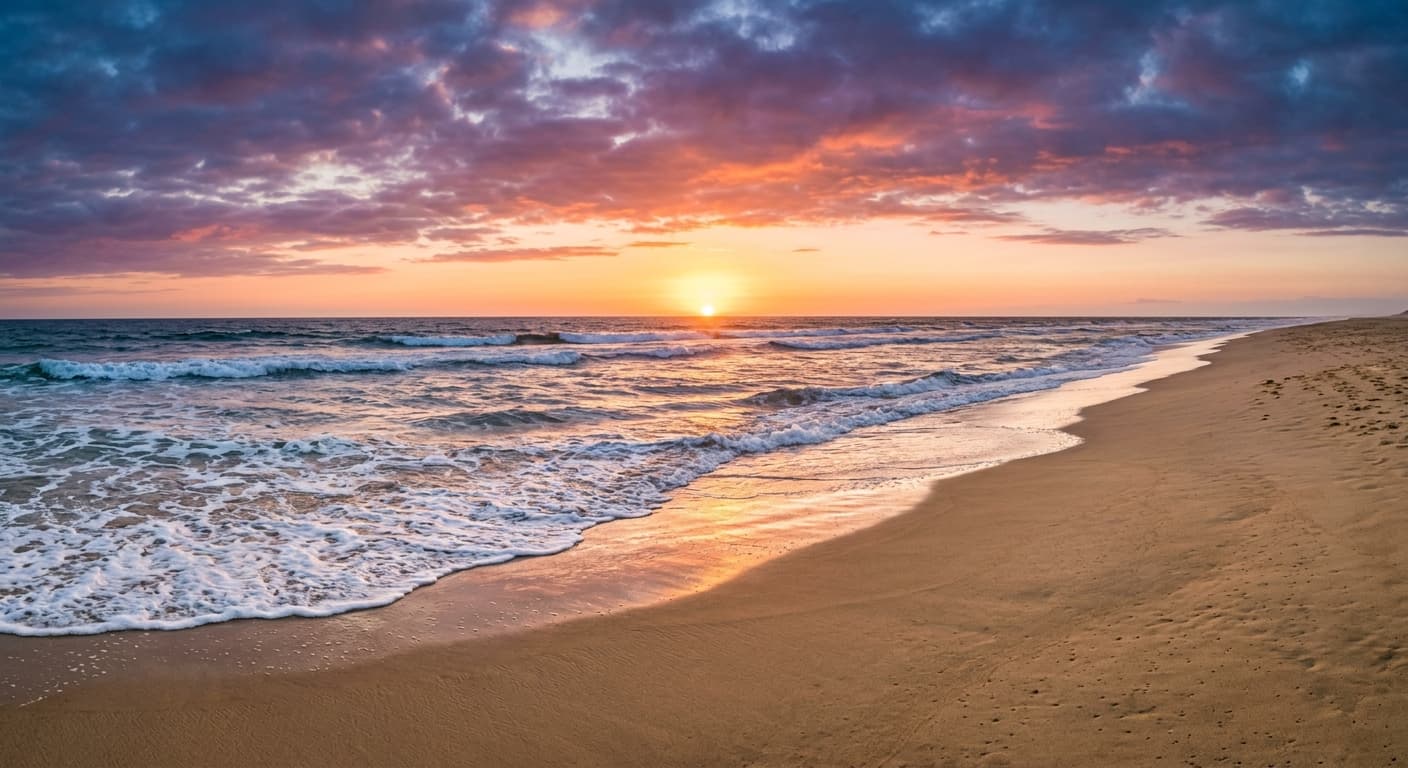
मुफ्त · बिना साइन-अप · आपकी छवि कभी संग्रहीत नहीं होती
एआई ऑब्जेक्ट रिमूवर के लिए GPT Image 2 क्यों
कंटेंट-अवेयर फिल
एआई धुंधले पैच के बजाय मेल खाती लाइटिंग और टेक्सचर के साथ बैकग्राउंड को पुनर्निर्मित करता है।
कुछ भी हटाएं
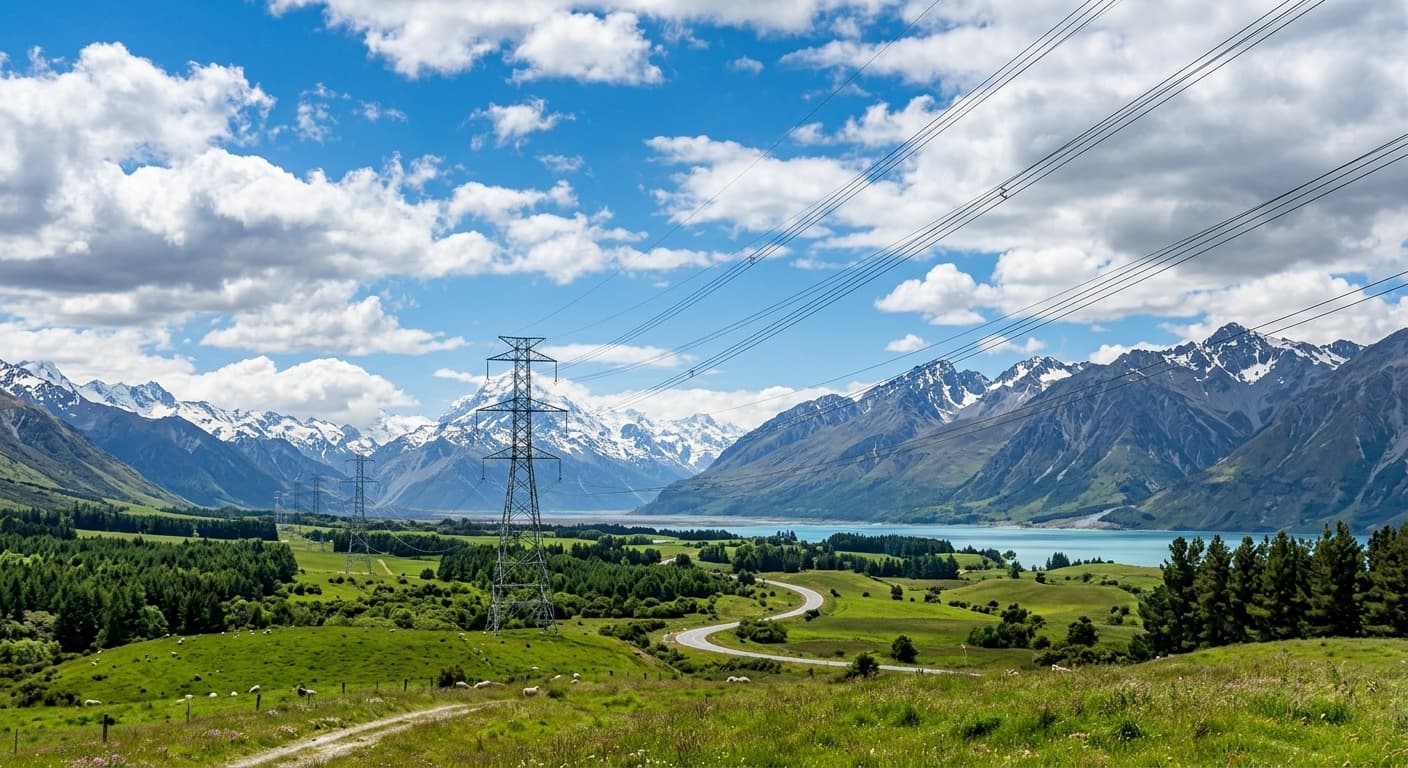
पर्यटक, बिजली के तार, वॉटरमार्क, मुहांसे, टेक्स्ट, लोगो — बस पेंट करें और मिटाएं।
मल्टी-पास सटीकता
मास्क को रिफाइन करें और फिर से चलाएं। जीरो-ड्रिफ्ट बाकी फोटो को बिना छुए रखता है।
कोई साइन-अप नहीं
कोई खाता नहीं, कोई वॉटरमार्क नहीं, कोई क्रेडिट कार्ड नहीं।
एआई ऑब्जेक्ट रिमूवर का उपयोग कैसे करें
अपनी फोटो अपलोड करें।
उस वस्तु पर ब्रश चलाएं जिसे आप हटाना चाहते हैं।
मिटाएं पर क्लिक करें — एआई सेकंडों में बैकग्राउंड फिर से बना देता है।
एआई ऑब्जेक्ट रिमूवर का उपयोग कौन करता है
यात्रा
छुट्टियों की तस्वीरों से पर्यटकों को हटाना।
रियल एस्टेट
लिस्टिंग फोटो से फालतू चीजों को हटाना — तार और साइन बोर्ड साफ करें।
कंटेंट क्रिएटर्स
स्टॉक इमेज से वॉटरमार्क और लोगो हटाना।
ई-कॉमर्स
प्रोडक्ट फोटो से प्राइस टैग, स्टिकर और तारीख हटाना।
उदाहरण परिणाम
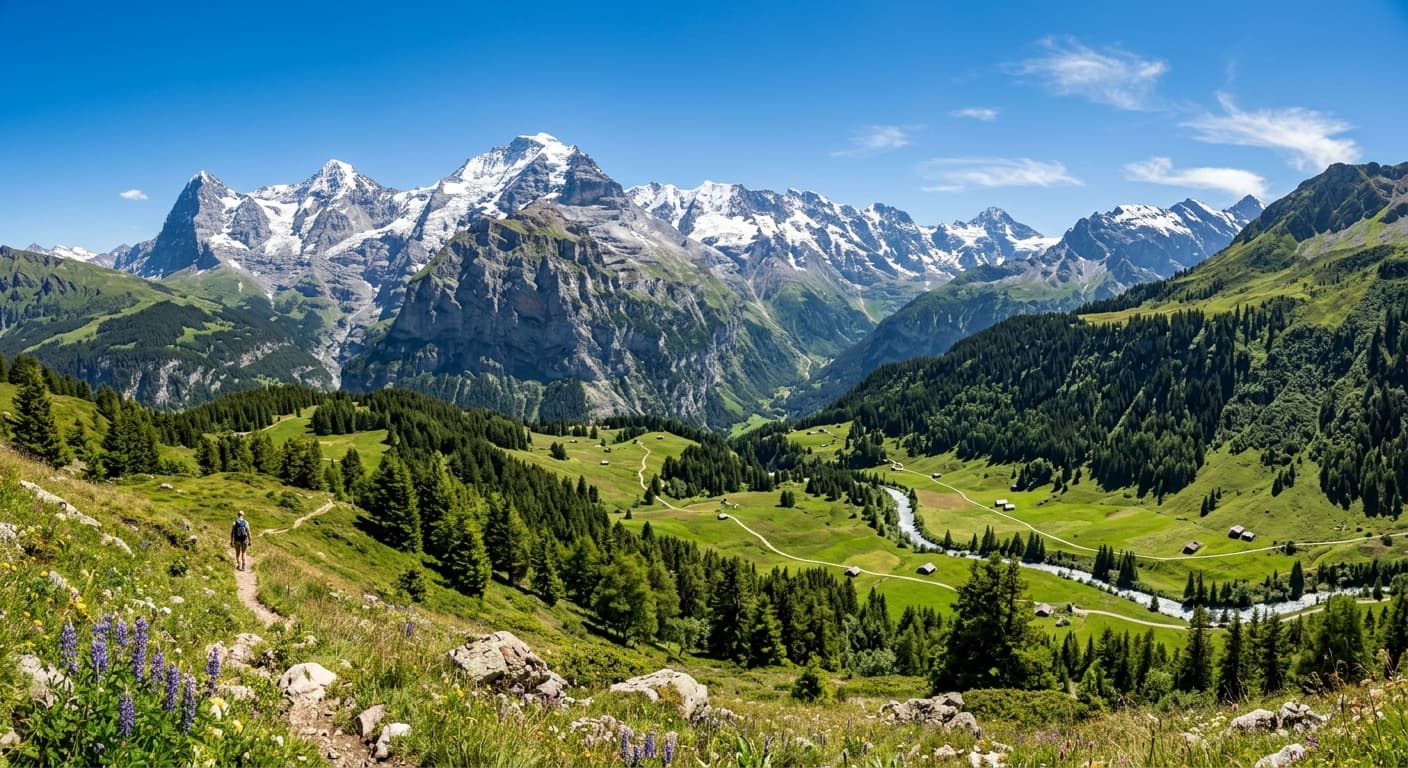
पहले और बाद की तुलना करने के लिए स्लाइडर खींचें।
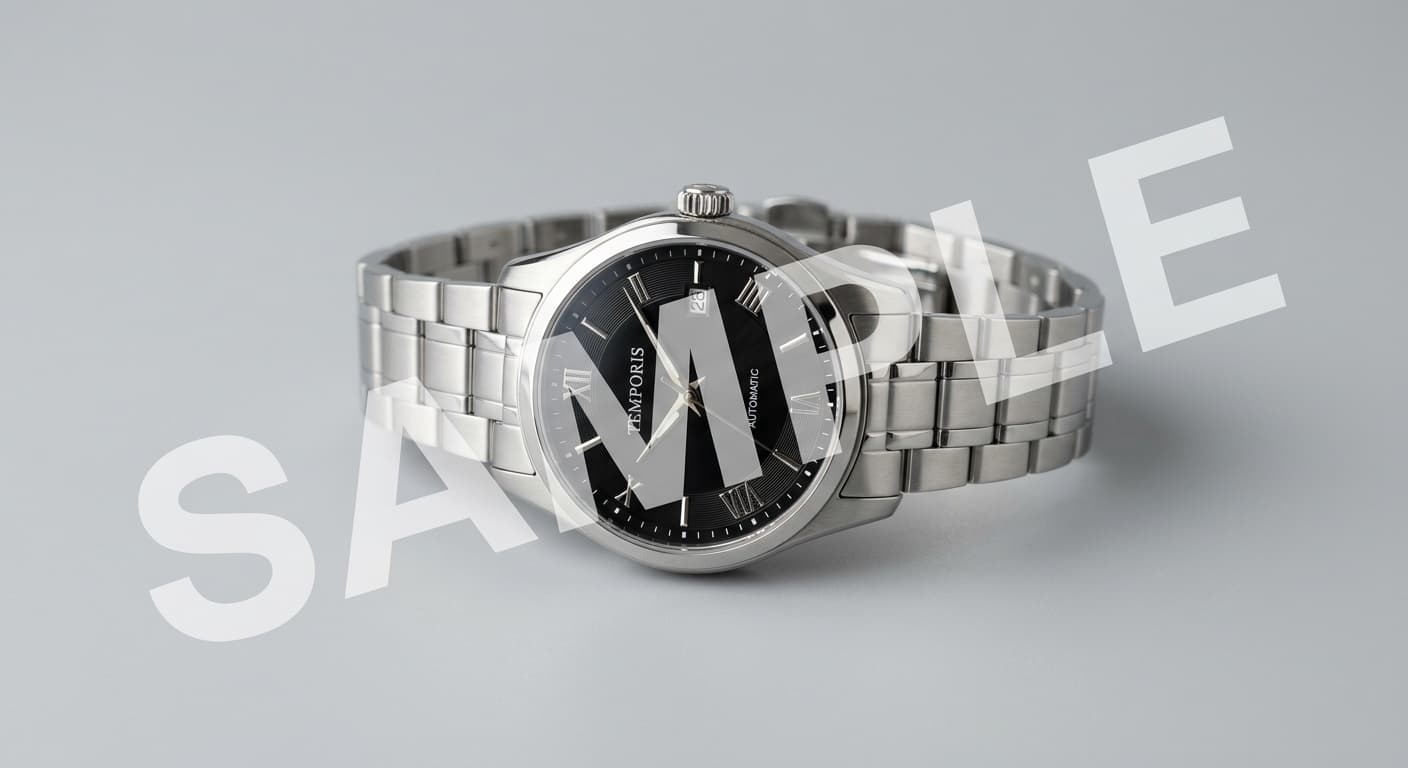
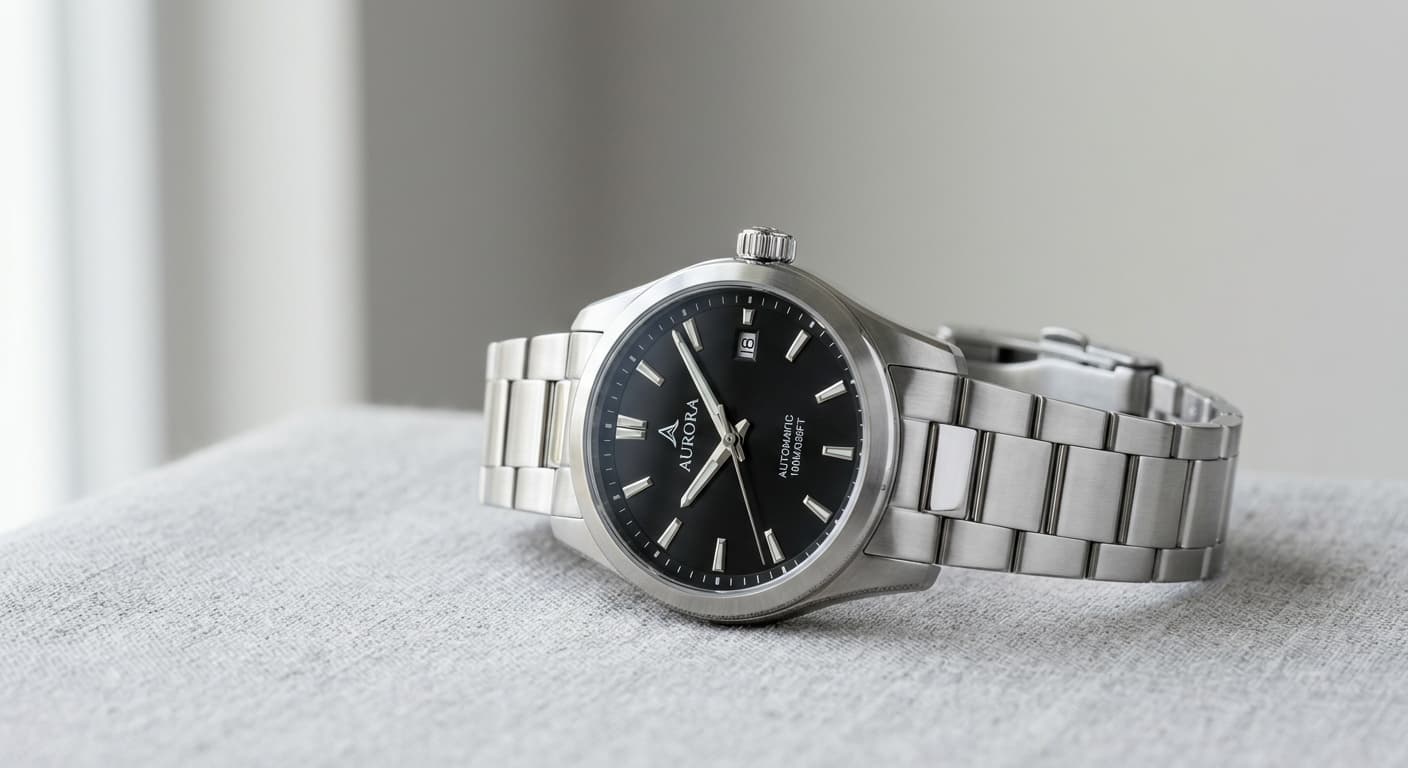
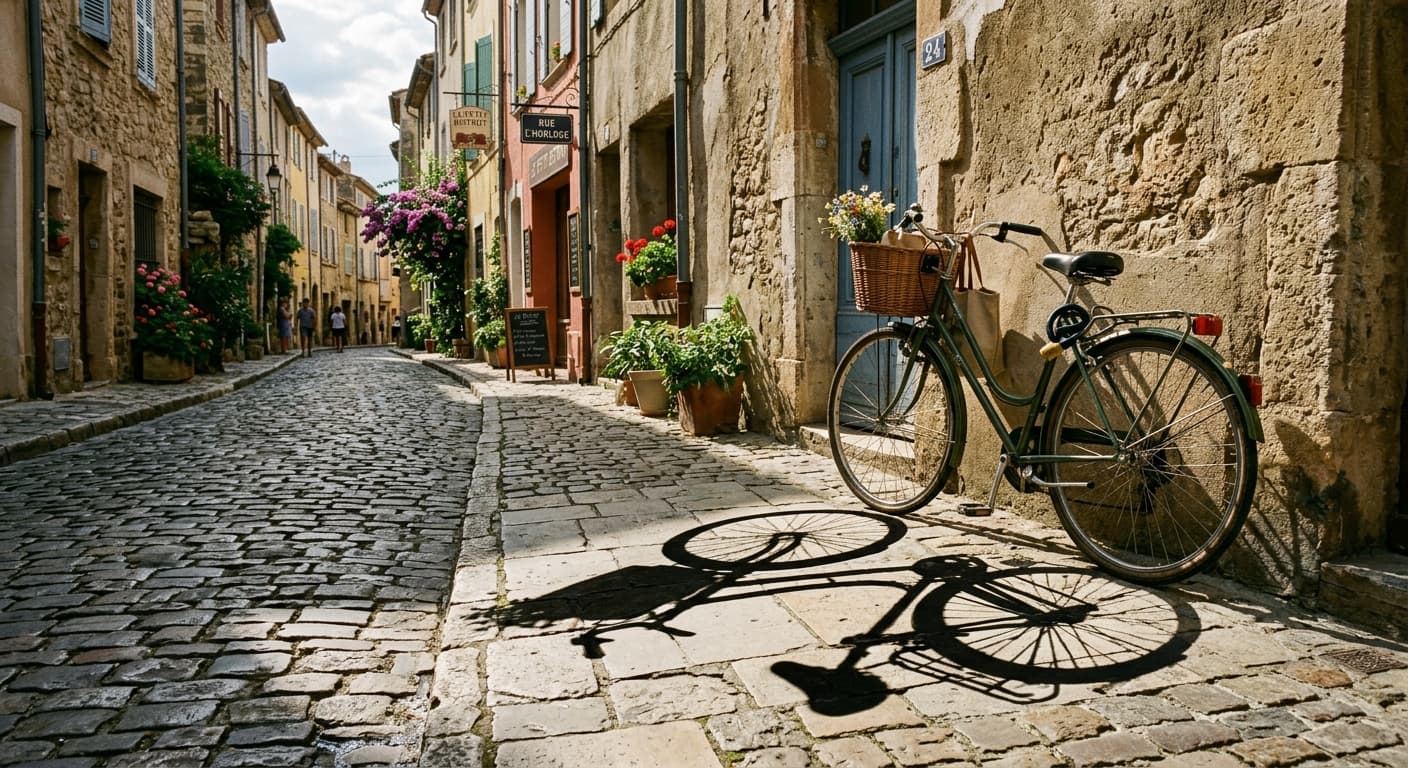
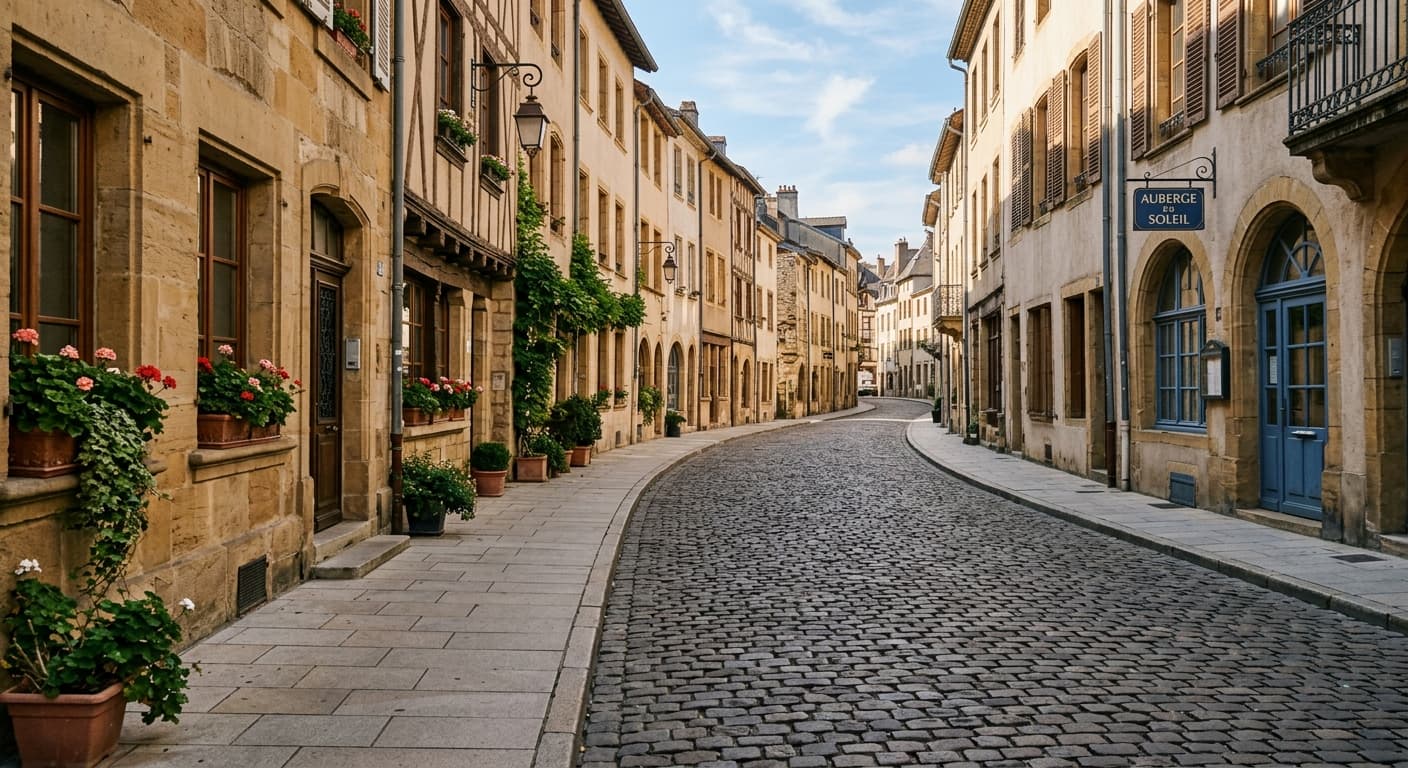
एआई ऑब्जेक्ट रिमूवर बनाम अन्य टूल
| तुलना | GPT Image 2 का लाभ |
|---|---|
| Magic Eraser | उच्च-रिज़ॉल्यूशन आउटपुट और बेहतर शैडो रिकंस्ट्रक्शन। |
| Photoshop Generative Fill | मुफ्त और केवल ब्राउज़र आधारित — कोई एडोब सब्सक्रिप्शन नहीं। |
| SnapEdit | बीटा के दौरान कोई साइन-अप नहीं और असीमित दैनिक उपयोग। |
संबंधित AI टूल
यदि आपको एआई ऑब्जेक्ट रिमूवर पसंद आया, तो इन्हें आज़माएँ।
एआई बैकग्राउंड रिमूवर
किसी भी फोटो का बैकग्राउंड 3 सेकंड में हटाएं। ट्रांसपेरेंट PNG, 4K, बिना वॉटरमार्क के।
अभी आज़माएँ →AI वॉटरमार्क रिमूवर
अपने खुद के वॉटरमार्क, डेट स्टैम्प और लोगो हटाएं। बैकग्राउंड को सहजता से फिर से बनाता है।
अभी आज़माएँ →AI इनपेंटिंग टूल
एक मास्क पेंट करें, टाइप करें कि क्या बदलना है। GPT Image 2 केवल उस क्षेत्र को संपादित करता है।
अभी आज़माएँ →