AI Tool · transform
AI Virtual Try-On — Try Any Outfit in Seconds
Upload your photo + any outfit. GPT Image 2 generates a realistic try-on.
Stop guessing whether that jacket will suit you. GPT Image 2 preserves your face, pose, and body shape while swapping in any outfit — with fabric physics and lighting that match.


Free · No sign-up · Your image is never stored
Why GPT Image 2 for AI Virtual Try-On
Face stays locked
Zero-drift editing means your face, hair, and skin tone never shift.
Realistic fabric
Drape, folds, and wrinkles respect the original pose — not flat-sticker overlay.
Lighting match
The outfit picks up ambient color from your original scene.
4K fashion-ready
Outputs are sharp enough for lookbooks and e-commerce shots.
How to Use AI Virtual Try-On
Upload a clear photo of yourself (full body recommended).
Upload an outfit image — garment only or from a catalog.
Click Try On. Result renders in ~5 seconds.
Who Uses AI Virtual Try-On
Online Shoppers
Preview any piece before clicking buy.
Fashion Brands
Skip photoshoots — generate catalog shots with AI models.
Influencers
Create outfit-of-the-day content without changing clothes.
Stylists
Build client mood boards in minutes.
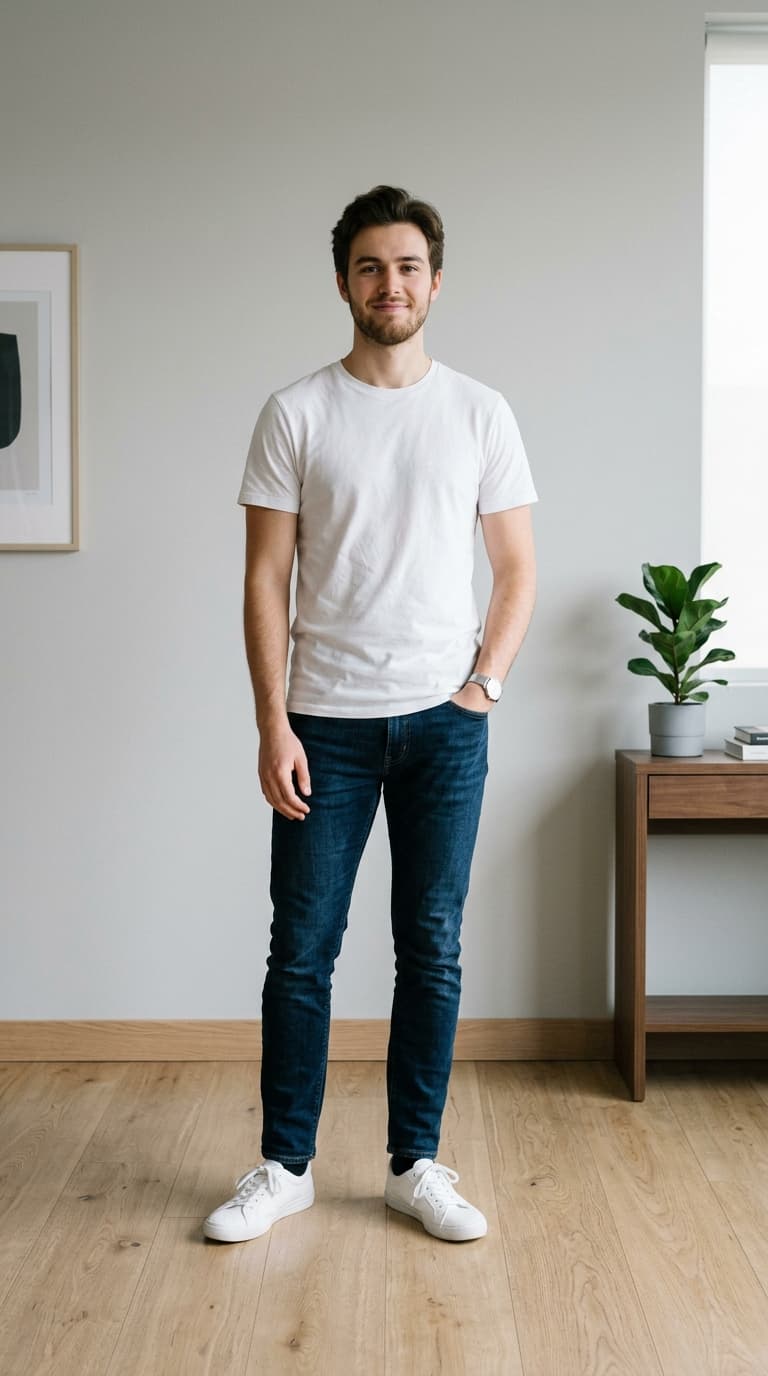
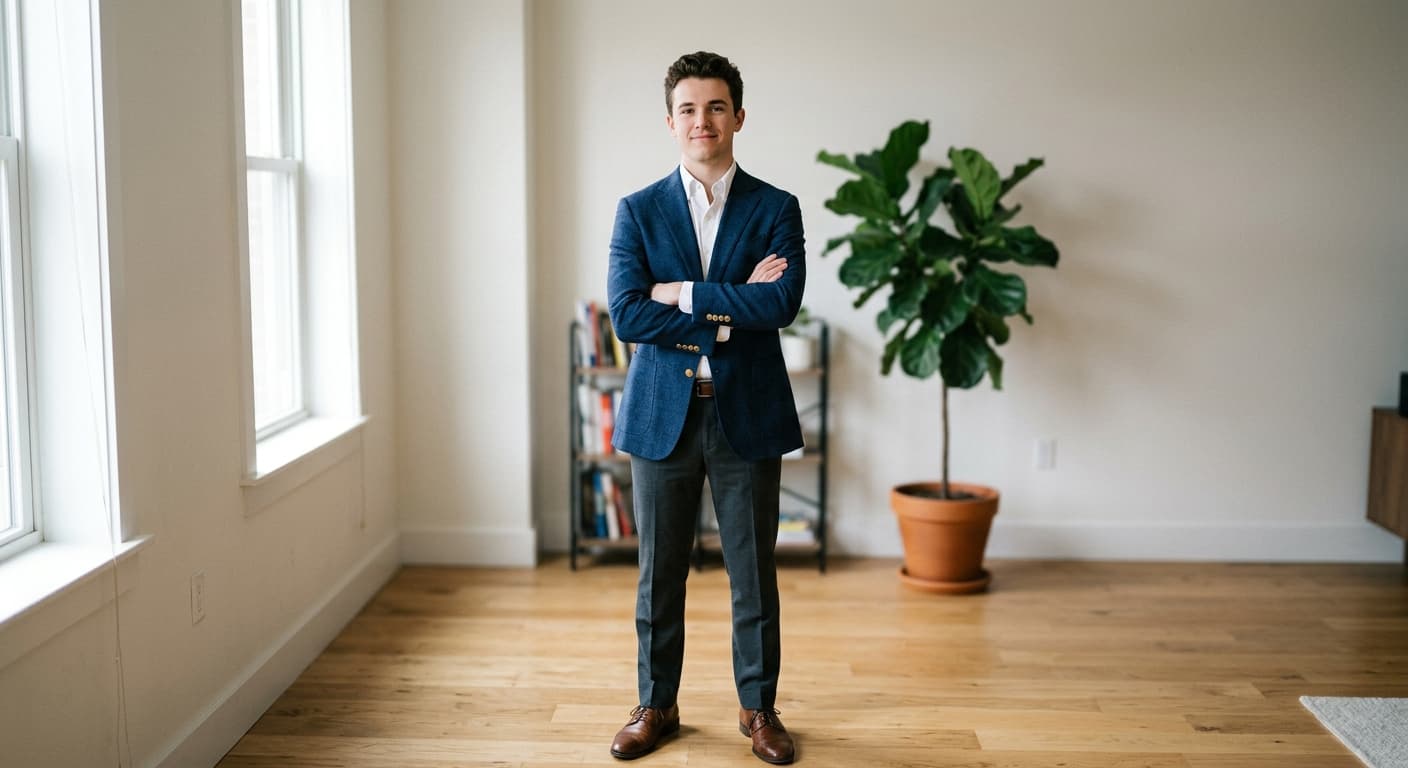
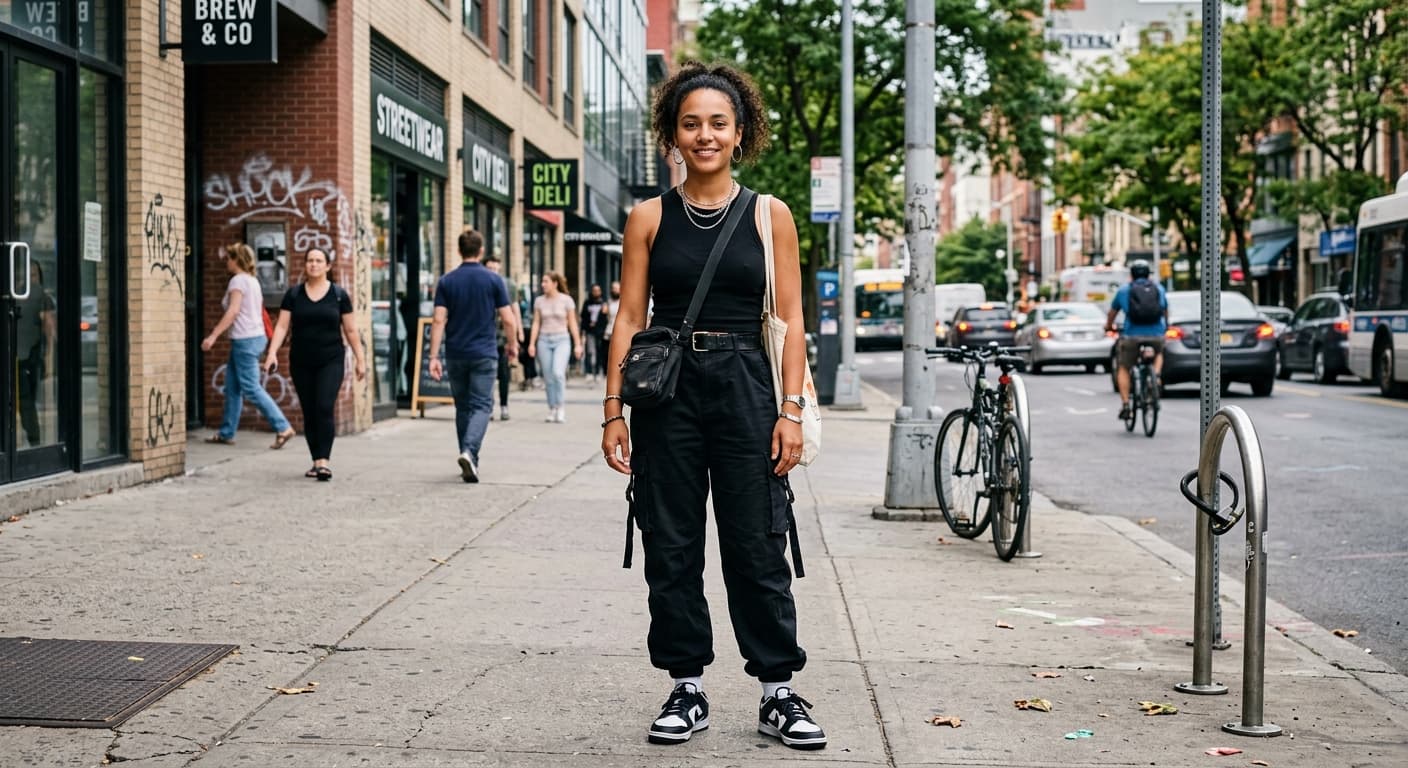
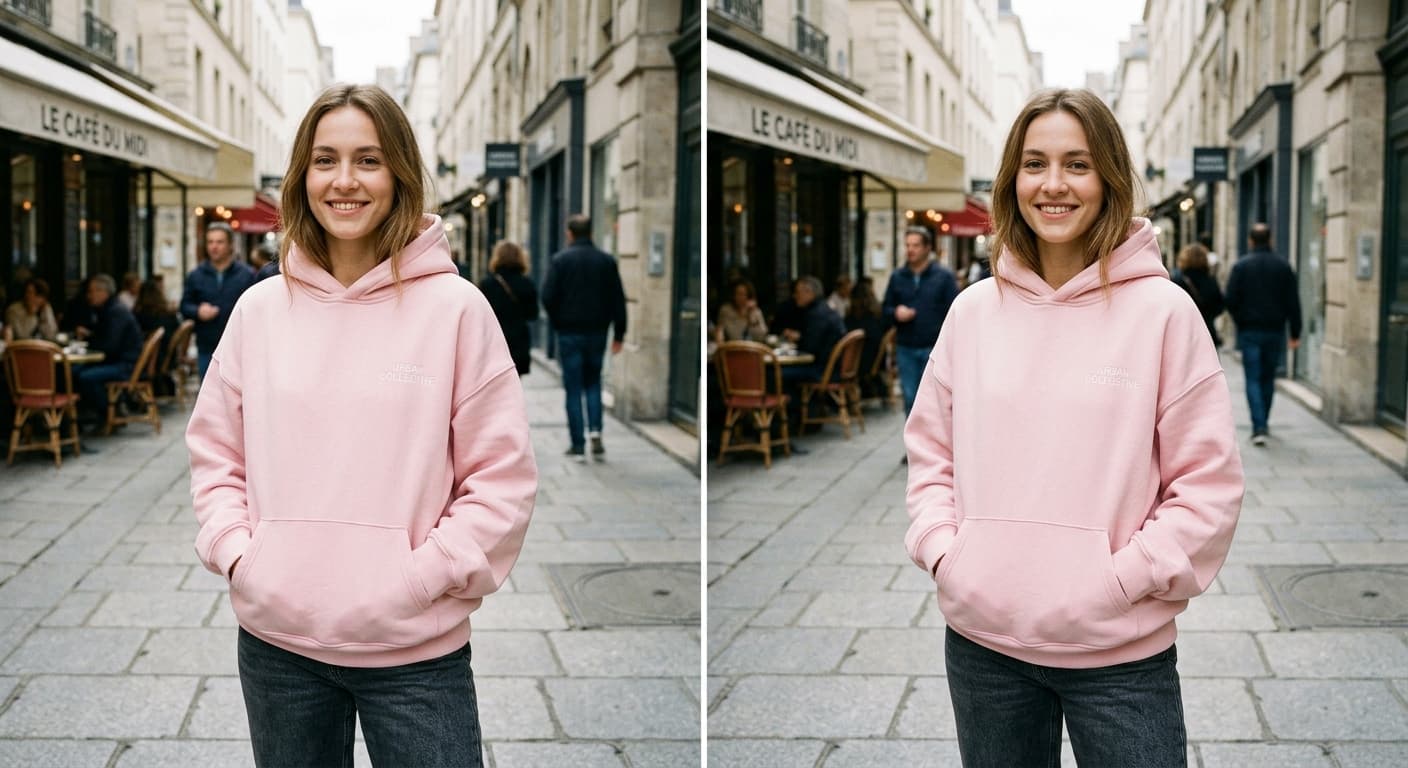
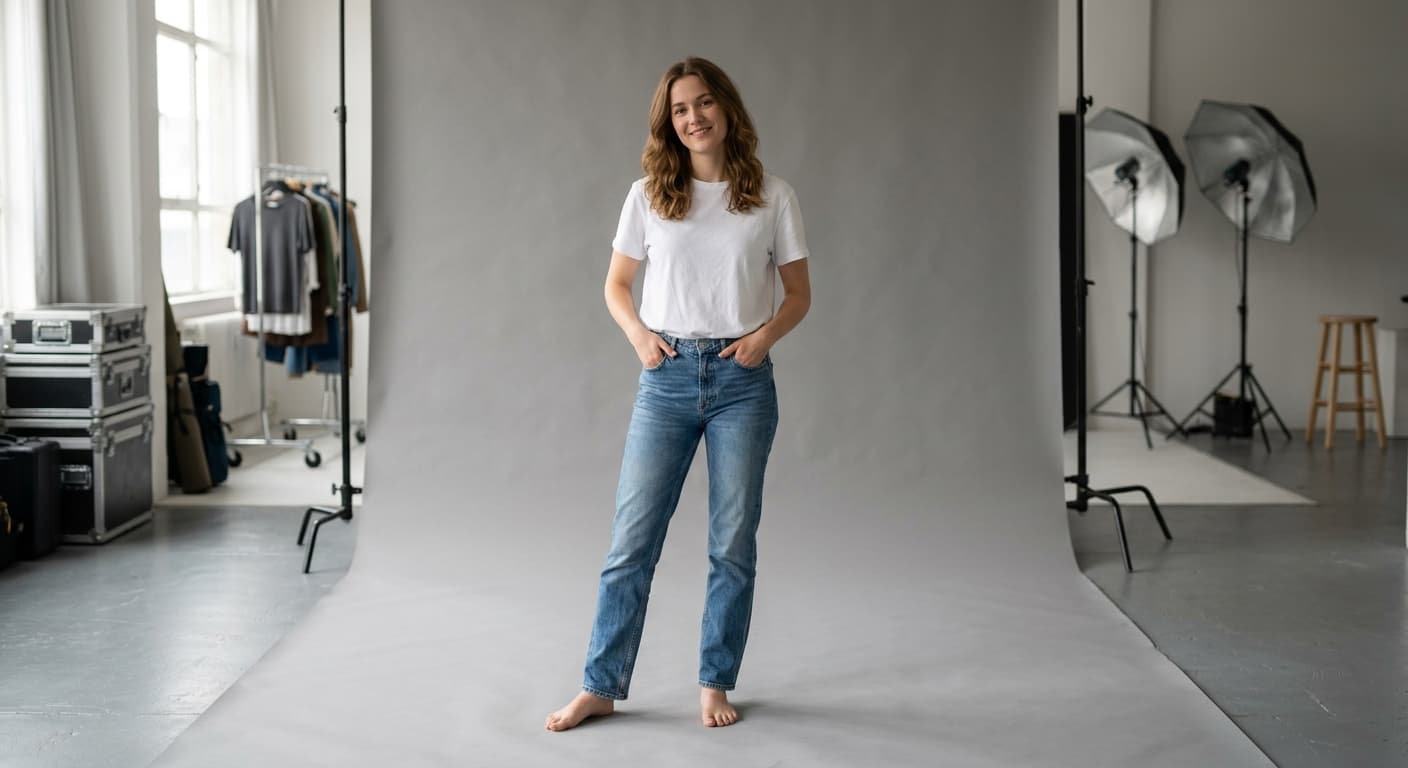
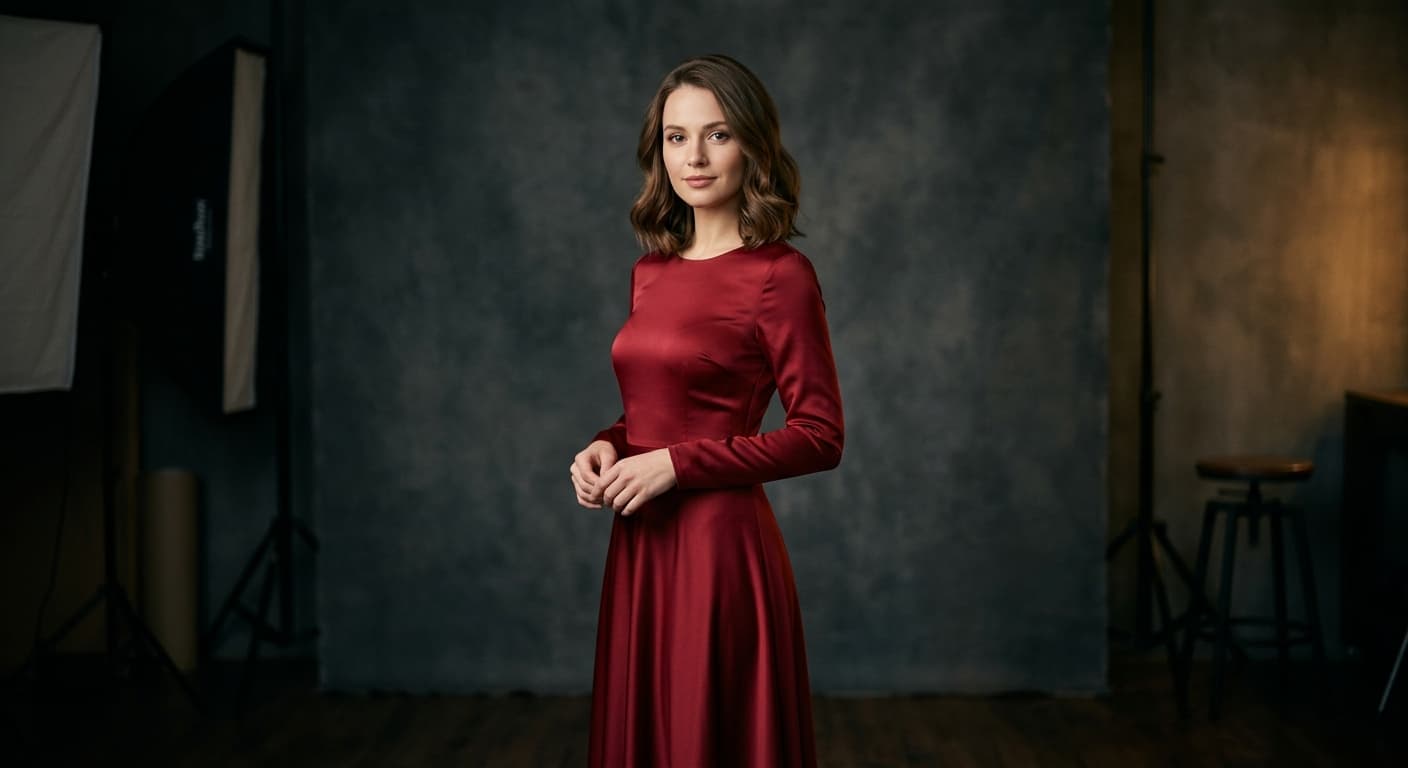
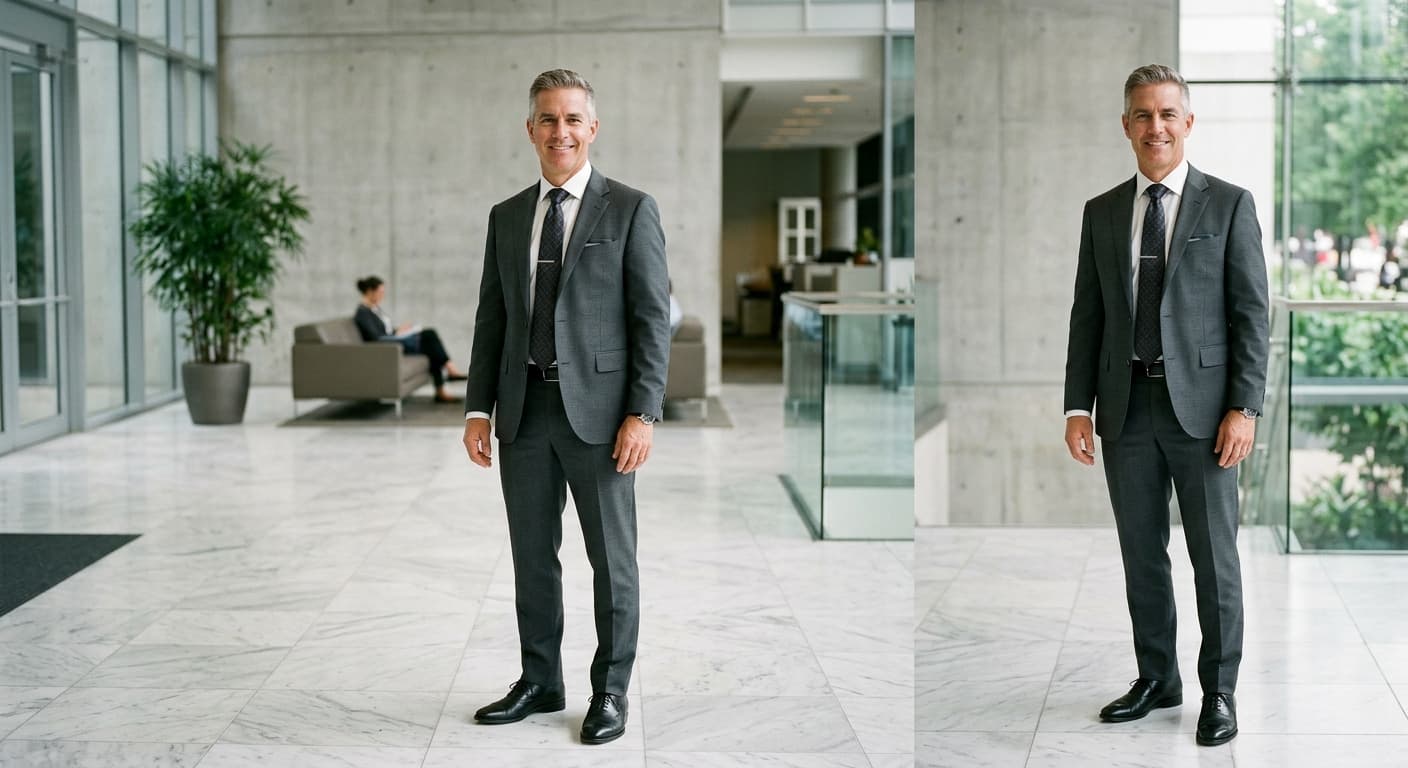
Example Results
Drag the slider to compare before and after.


AI Virtual Try-On vs Other Tools
| Compared to | GPT Image 2 advantage |
|---|---|
| Kolors Virtual Try On | Better face preservation; works on side and 3/4 angles. |
| WeShop AI | Fewer weird artifacts on long hair and accessories. |
| Google Virtual Try-On | Works on non-catalog garments — any photo. |
Related AI Tools
If you liked AI Virtual Try-On, try these.
AI Clothes Changer
Type what you want to wear. GPT Image 2 swaps your outfit — face and pose intact.
Try now →AI Face Swap
Swap faces between photos with matched lighting, skin tone, and expression.
Try now →AI Background Changer
Describe the new background. GPT Image 2 places your subject perfectly.
Try now →