AI Tool · enhancement
AI Image Upscaler 4K — Sharpen Photos with GPT Image 2
Upscale to 4K, 8K, or 16K. No quality loss, no watermark, no sign-up.
Bring blurry, low-resolution, or tiny photos back to life. GPT Image 2 doesn't just stretch pixels — it reconstructs details, textures, and edges with model-native super-resolution.


Free · No sign-up · Your image is never stored
Why GPT Image 2 for AI Image Upscaler
Native 4K reconstruction
Not interpolation — the model re-renders at target resolution.
Face/text aware
Reconstructs eyes, letters, and fine textures instead of blurring them.
Artifact-free
Removes JPEG noise and banding during upscale.
Up to 16K
Perfect for print, large-format signage, and 8K displays.
How to Use AI Image Upscaler
Upload a low-res photo.
Choose output size (2×, 4×, 8×, 16×).
Download the upscaled HD image.
Who Uses AI Image Upscaler
Enlarge photos for posters, canvas, and banners without pixelation.
Restoration
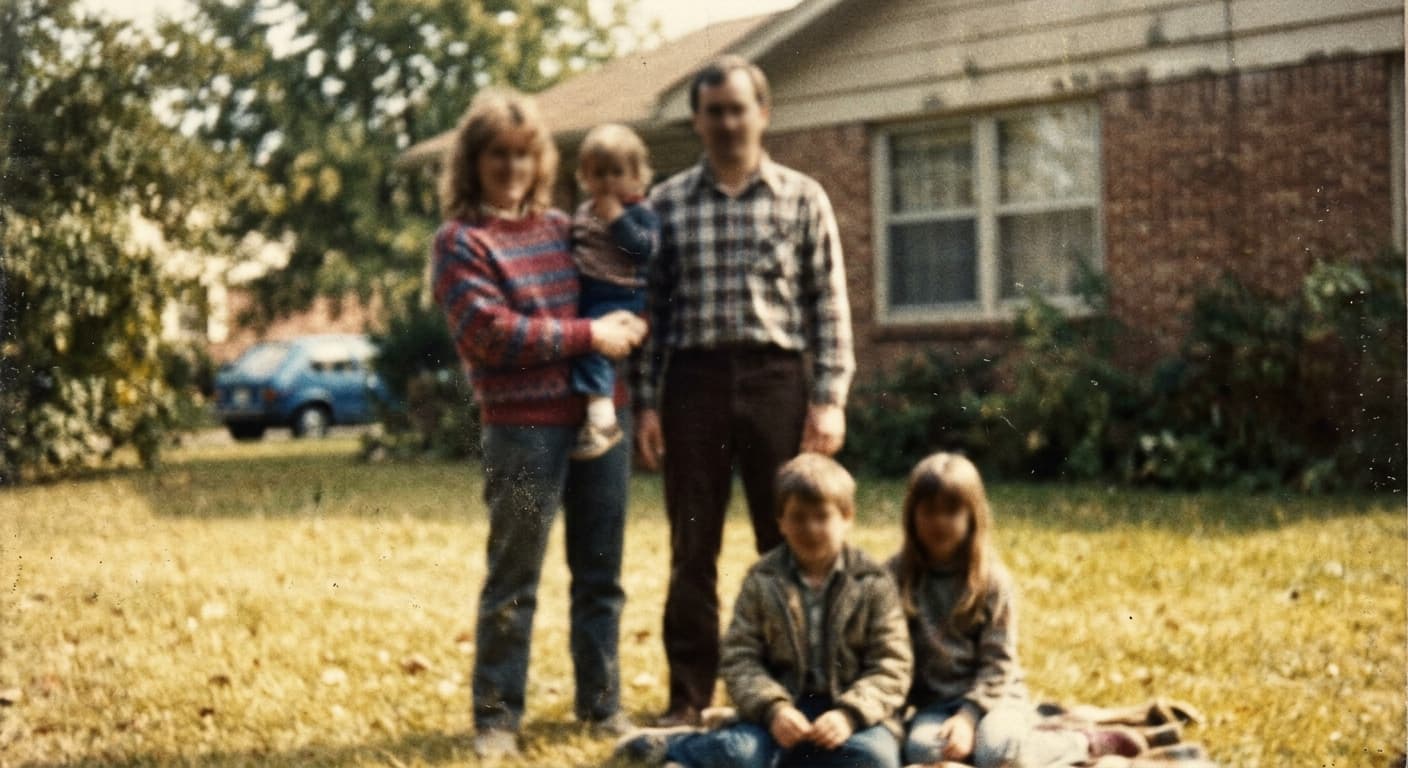
Fix old family photos for framing.
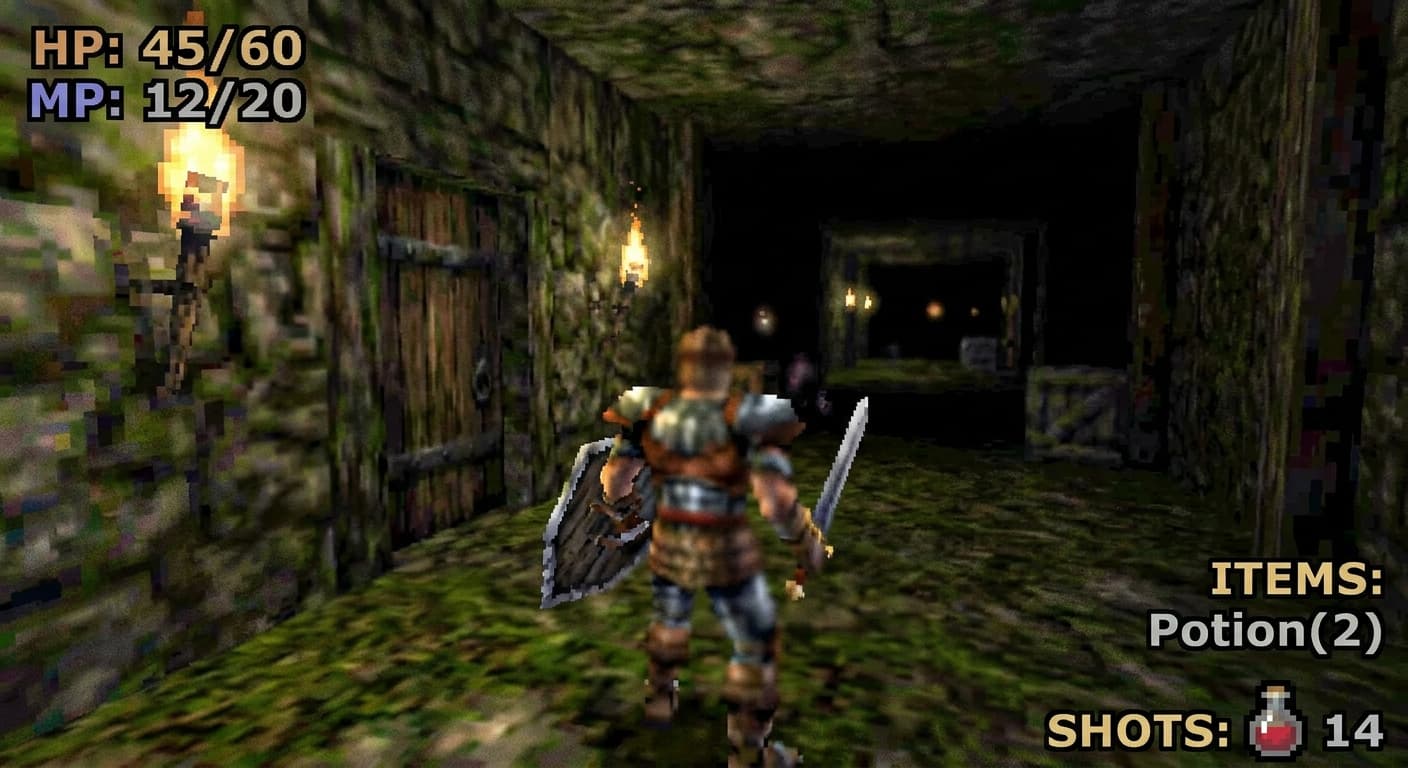
Gaming
Upscale screenshots and game assets to 4K.
E-commerce
Turn product thumbnails into hero-quality images.
Example Results
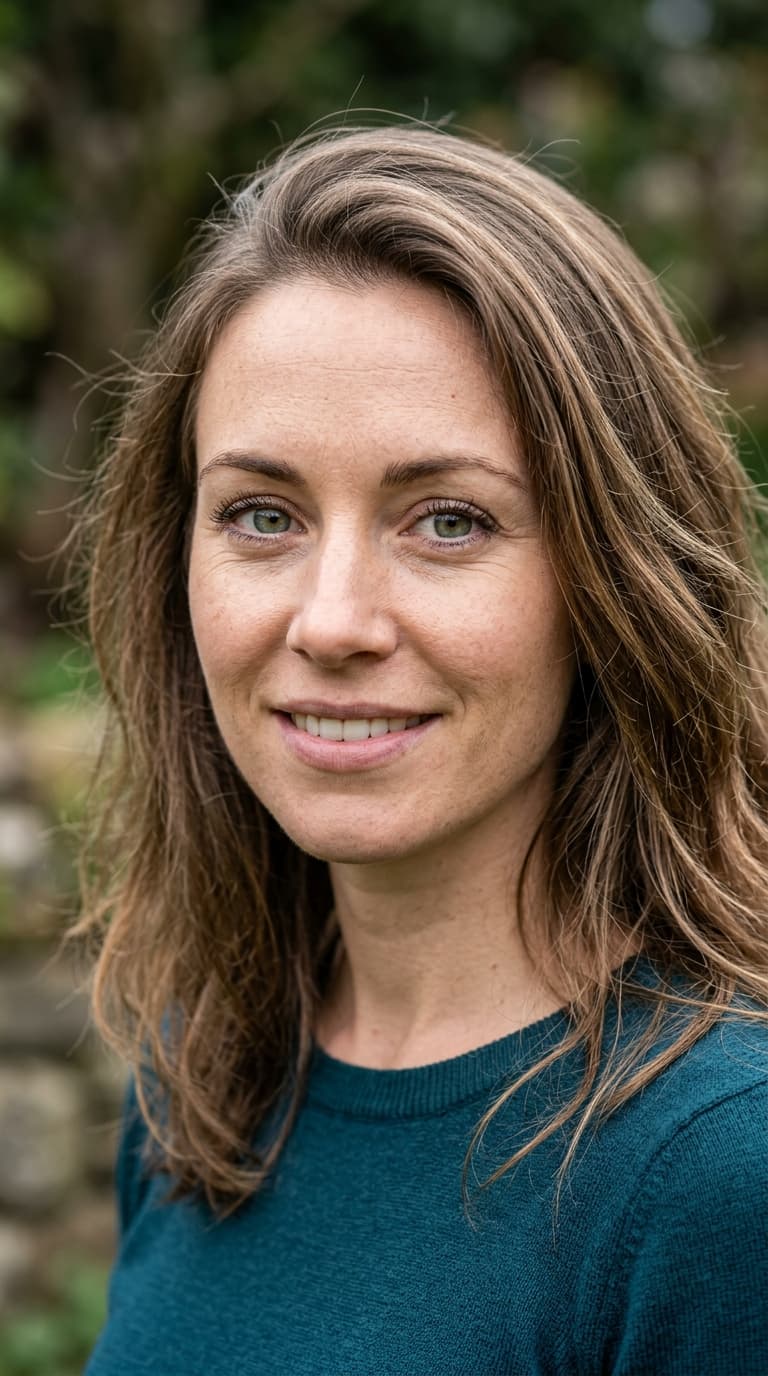
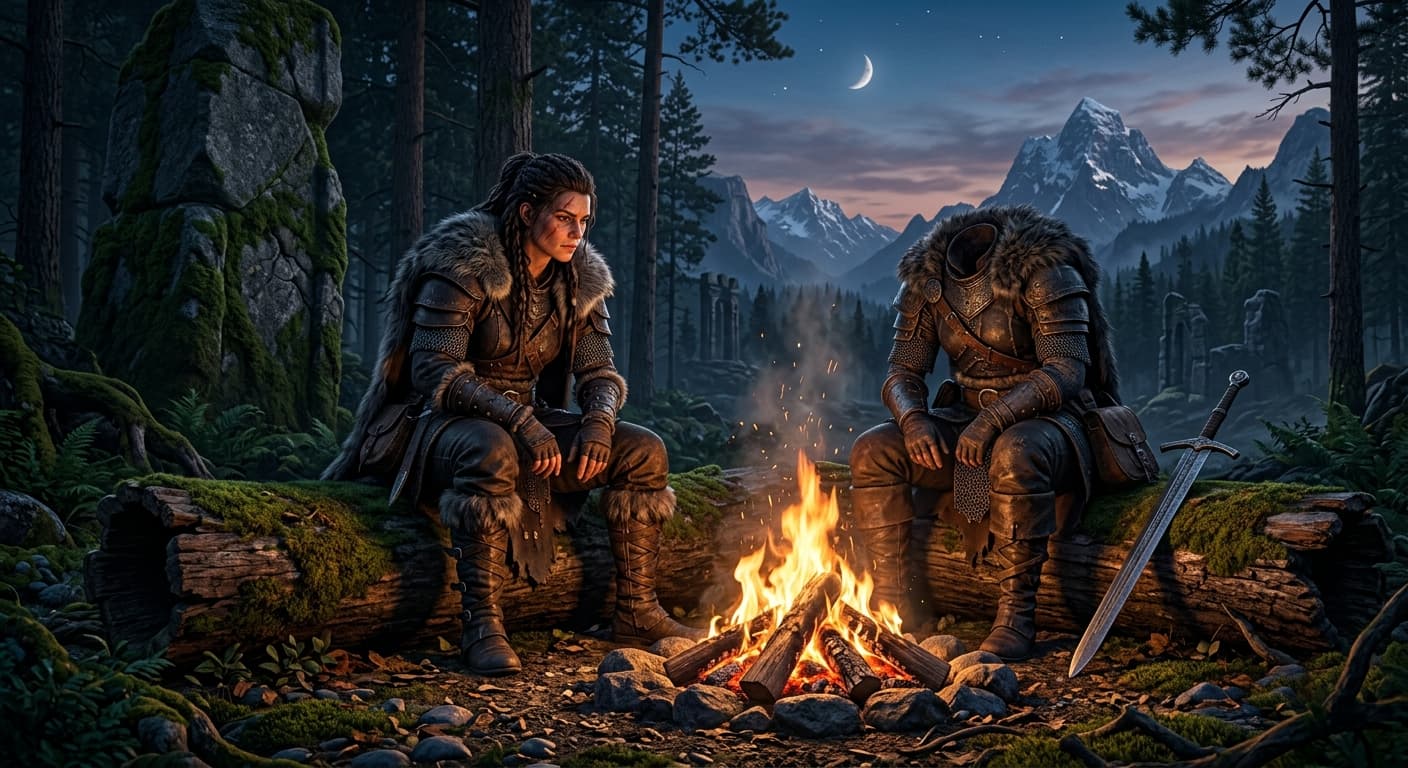
Drag the slider to compare before and after.


AI Image Upscaler vs Other Tools
| Compared to | GPT Image 2 advantage |
|---|---|
| Topaz Gigapixel | 10× faster, free for web users, no install. |
| Upscale.media | 4× the max output resolution (up to 16K). |
| ImgUpscaler | Better face reconstruction; fewer waxy artifacts. |
Related AI Tools
If you liked AI Image Upscaler, try these.
AI Colorize Old Photo
Bring family history to life. GPT Image 2 colorizes B&W photos with natural skin tones and era-accurate colors.
Try now →AI Photo Restoration
Repair scratches, tears, fading, and blur. Your family history, restored.
Try now →AI Photo Enhancer
Sharpen, denoise, color-correct, and upscale in one pass.
Try now →