AI Tool · transform
AI Face Swap — Realistic Results with GPT Image 2
Swap faces between photos with matched lighting, skin tone, and expression.
Upload two photos. GPT Image 2 transfers the face from image A onto image B — blending lighting, skin tone, and pose so it looks like one shot, not a collage.
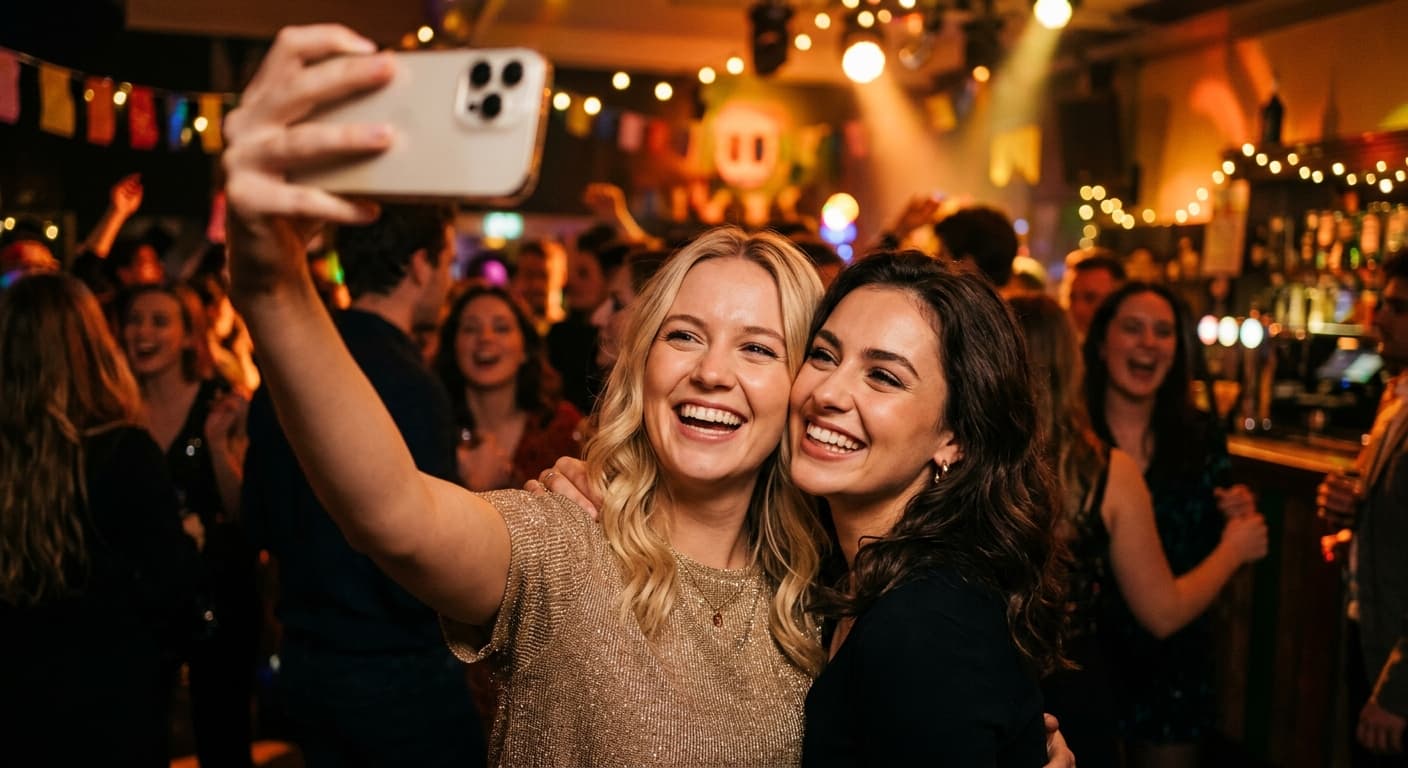
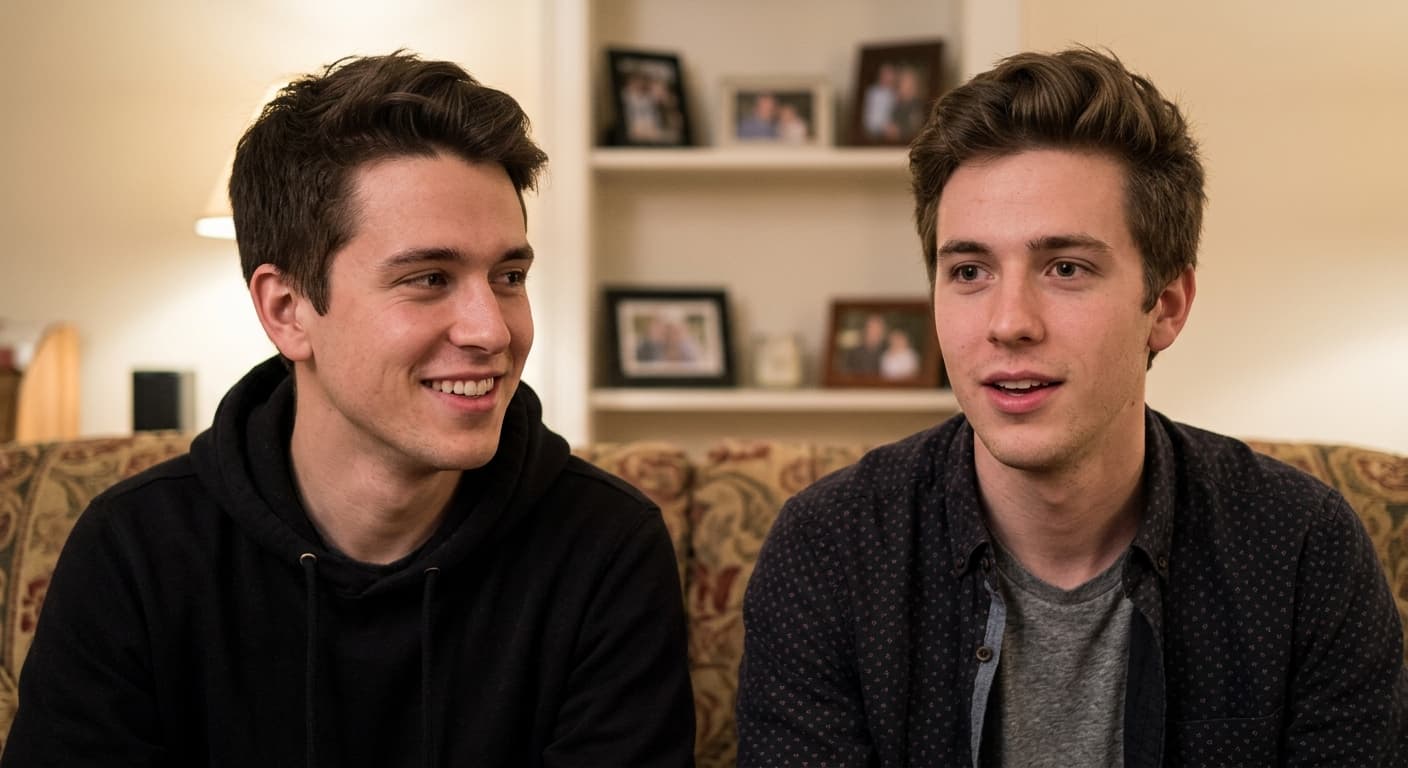
Free · No sign-up · Your image is never stored
Why GPT Image 2 for AI Face Swap
Lighting match
The transferred face adopts the target's ambient light direction and color.
Skin tone blending
Seamless neck/face blend — no discoloration line.
Expression preservation
Keeps the source face's personality while respecting target pose.
Side angles supported
Works on 3/4 and side views, not just frontal.
How to Use AI Face Swap
Upload the source face photo.
Upload the target photo.
Generate — realistic face swap in seconds.
Who Uses AI Face Swap
Fun & Memes
Swap faces with friends, celebrities, or historical figures.
Marketing
Personalize stock photos with real customer faces (with consent).
Film Pre-Viz
Test actor looks in scene stills.
Historical Imagery
Insert yourself into famous photos for creative projects.
Example Results
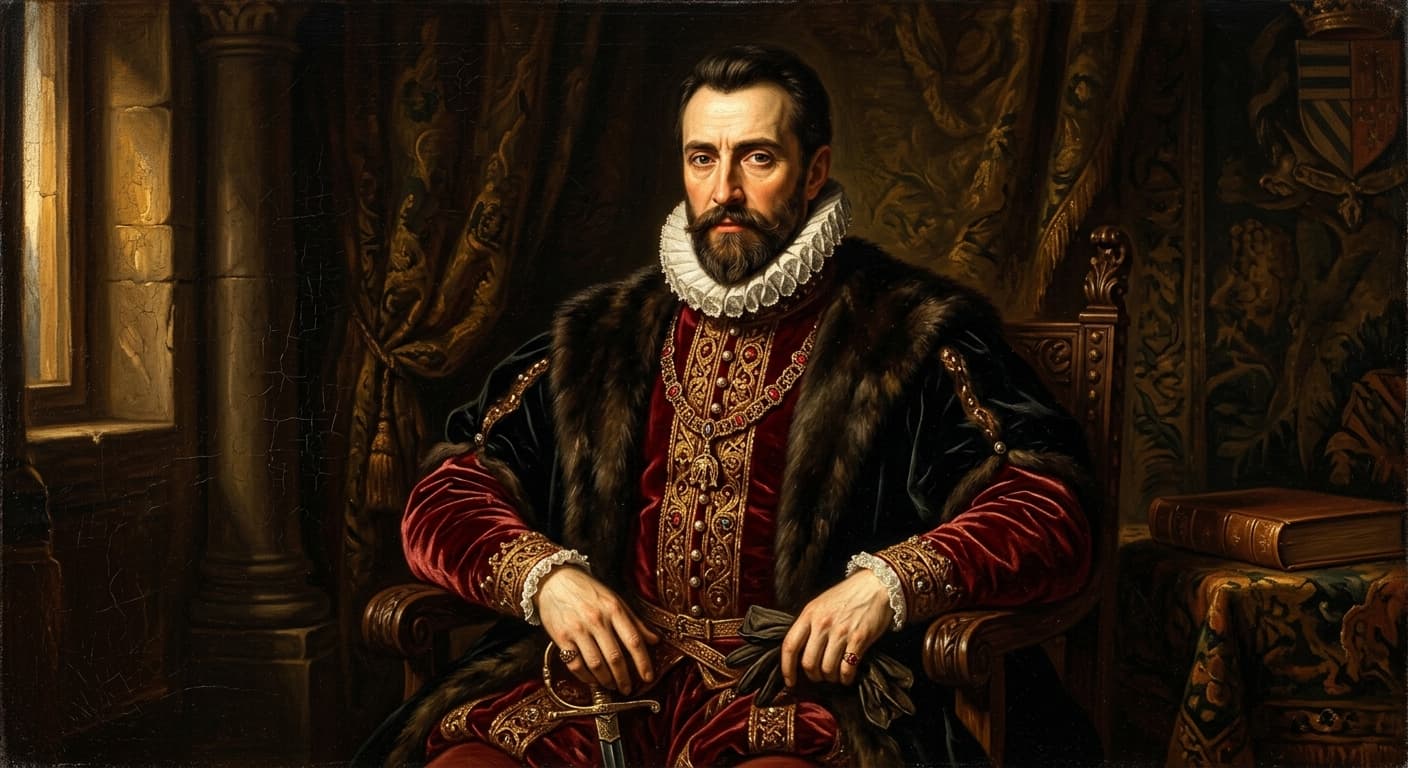
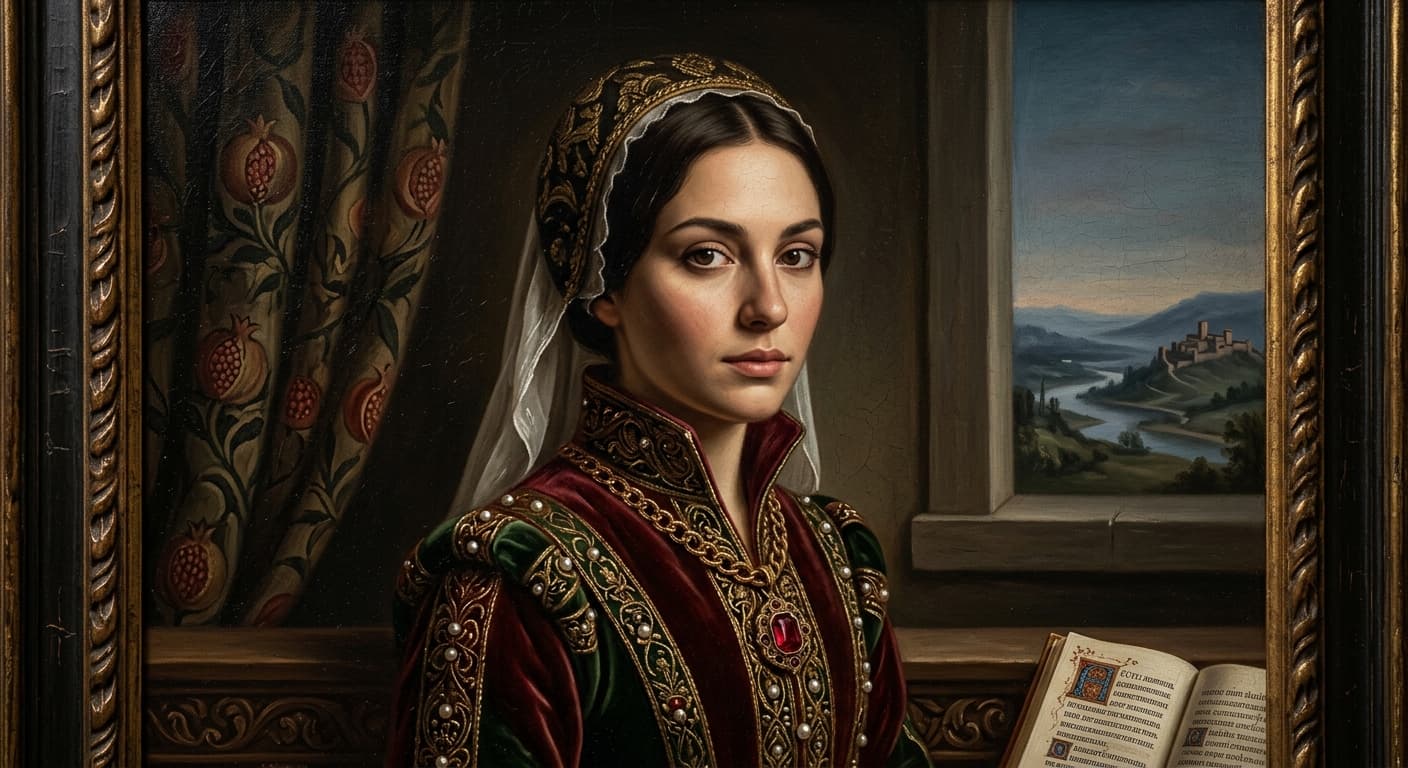
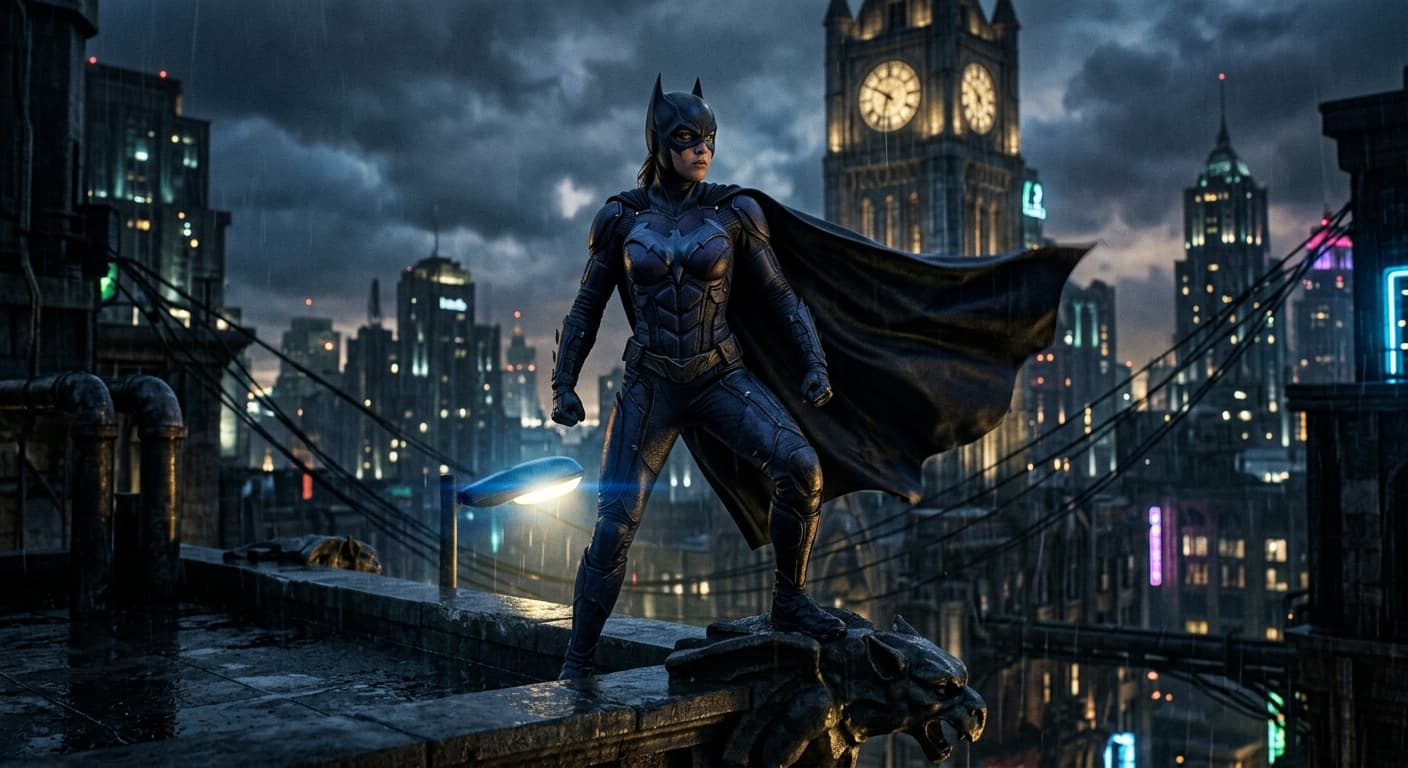
Drag the slider to compare before and after.



AI Face Swap vs Other Tools
| Compared to | GPT Image 2 advantage |
|---|---|
| Reface | Higher-resolution output; less cartoony blending. |
| Pixlr Face Swap | Better side-angle handling. |
| Remaker AI | No daily watermark or ads. |
Related AI Tools
If you liked AI Face Swap, try these.
AI Virtual Try-On
Upload your photo + any outfit. GPT Image 2 generates a realistic try-on.
Try now →AI Clothes Changer
Type what you want to wear. GPT Image 2 swaps your outfit — face and pose intact.
Try now →AI Hair Color Changer
Blonde, red, blue, silver — preview any hair color before the salon.
Try now →