AI Tool · background
AI Background Changer — Swap Any Scene with a Prompt
Describe the new background. GPT Image 2 places your subject perfectly.
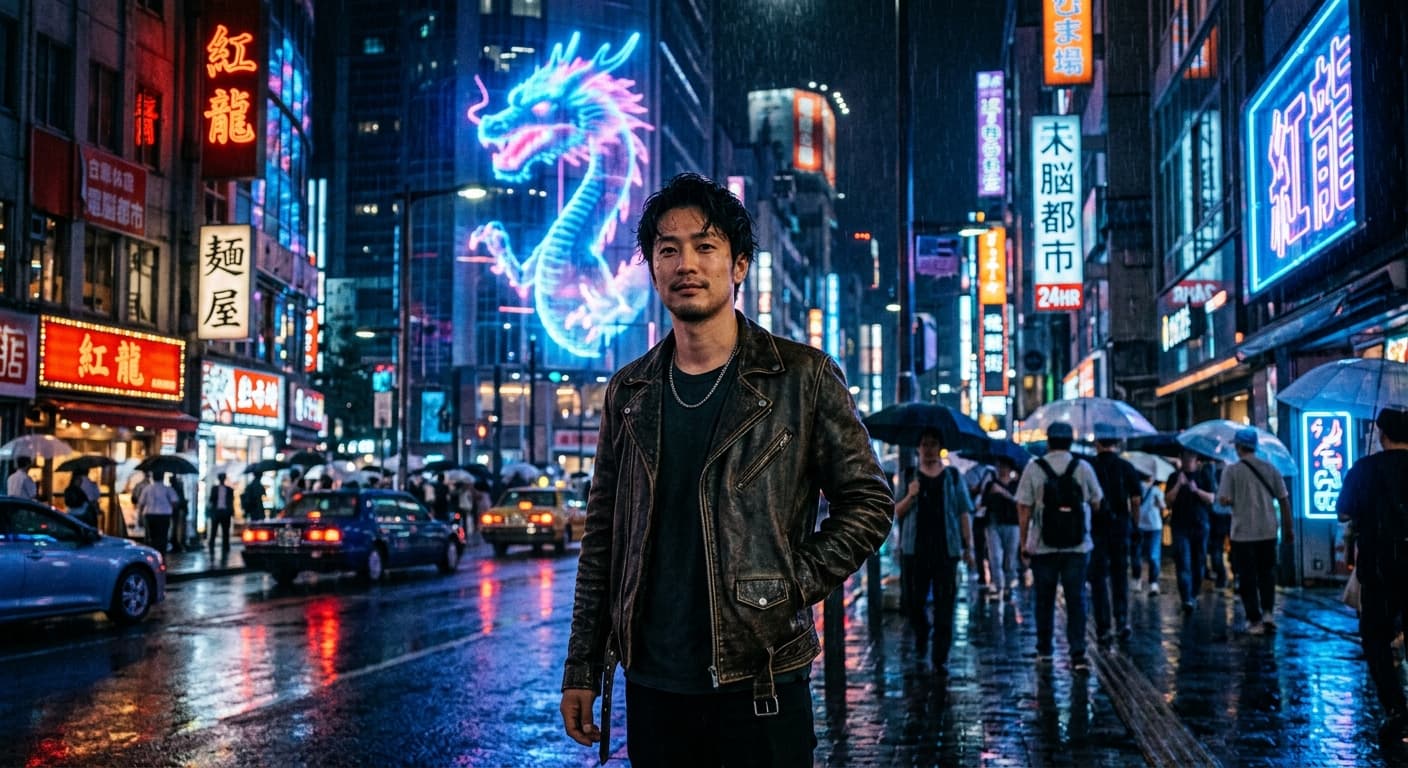
Instead of removing the background, replace it. Describe any scene — "tropical beach at sunset", "minimalist studio", "cyberpunk alley" — and GPT Image 2 composites your subject with matching lighting.


Free · No sign-up · Your image is never stored
Why GPT Image 2 for AI Background Changer
Prompt-driven scenes
Any background you can describe — no stock photo library needed.
Relit compositing
Subject picks up ambient color from the new scene.
Preserves subject edges
Hair, fur, glass — all retained from zero-drift editing.
Quick for e-commerce
Studio-quality product backgrounds in 5 seconds.
How to Use AI Background Changer
Upload your photo.
Describe the new background.
Generate.
Who Uses AI Background Changer
E-commerce
Replace cluttered backgrounds with clean studio scenes.
Travel Content
Teleport your selfie to any destination.
Profile Photos
Professional backdrops for LinkedIn.
Marketing
Ad creatives with branded environments.
Example Results
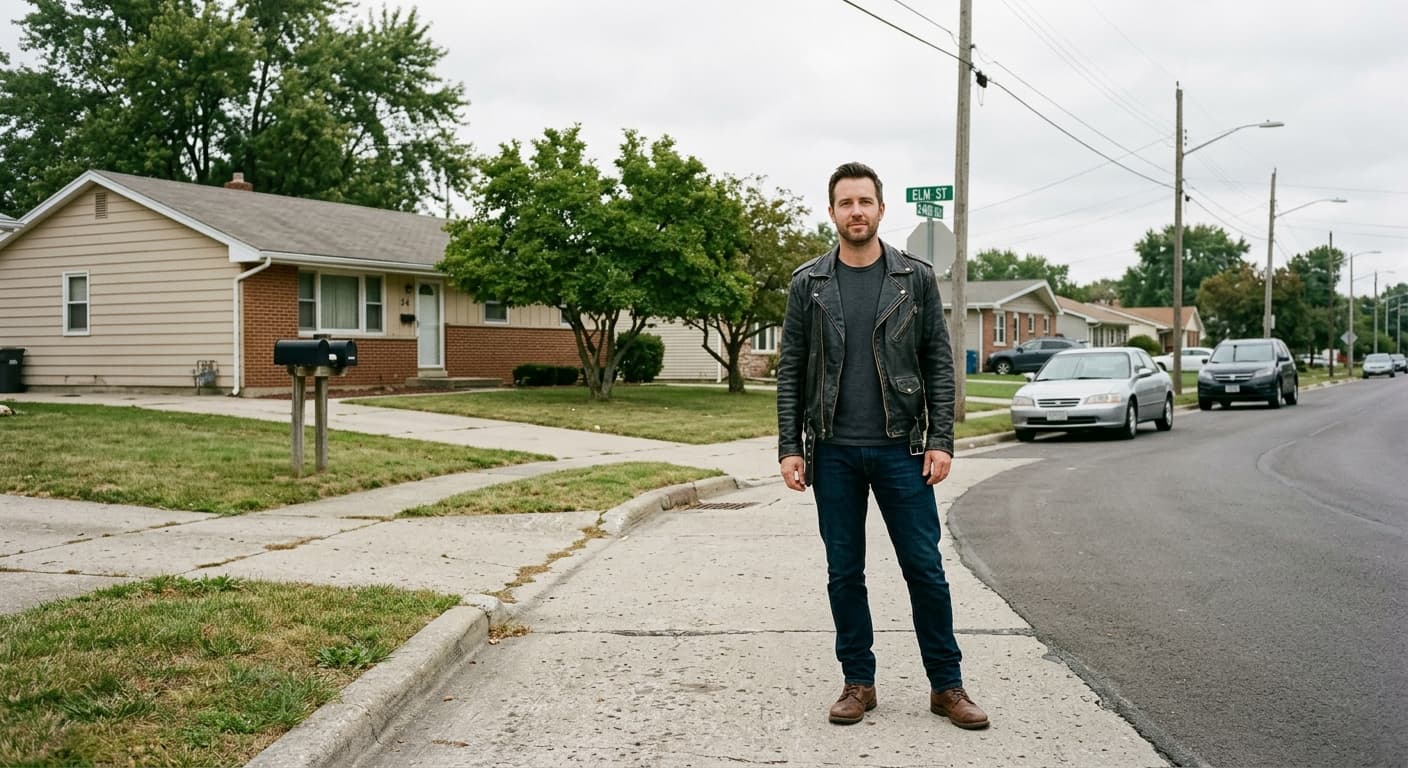
Drag the slider to compare before and after.




AI Background Changer vs Other Tools
| Compared to | GPT Image 2 advantage |
|---|---|
| Photoroom | Free prompt-based scenes, not just preset templates. |
| Canva Magic Edit | Higher fidelity compositing, no subscription. |
| Remove.bg + Replace | One-step tool — no copy-paste workflow. |
Related AI Tools
If you liked AI Background Changer, try these.
AI Background Remover
Remove any image background in 3 seconds. Transparent PNG, 4K, no watermark.
Try now →AI Virtual Try-On
Upload your photo + any outfit. GPT Image 2 generates a realistic try-on.
Try now →AI Image Expander
Extend your image beyond its borders. GPT Image 2 generates new pixels that blend seamlessly.
Try now →