GPT Image 2

AI Tool · enhancement

AI Photo Restoration — Fix Old, Damaged Photos

Repair scratches, tears, fading, and blur. Your family history, restored.

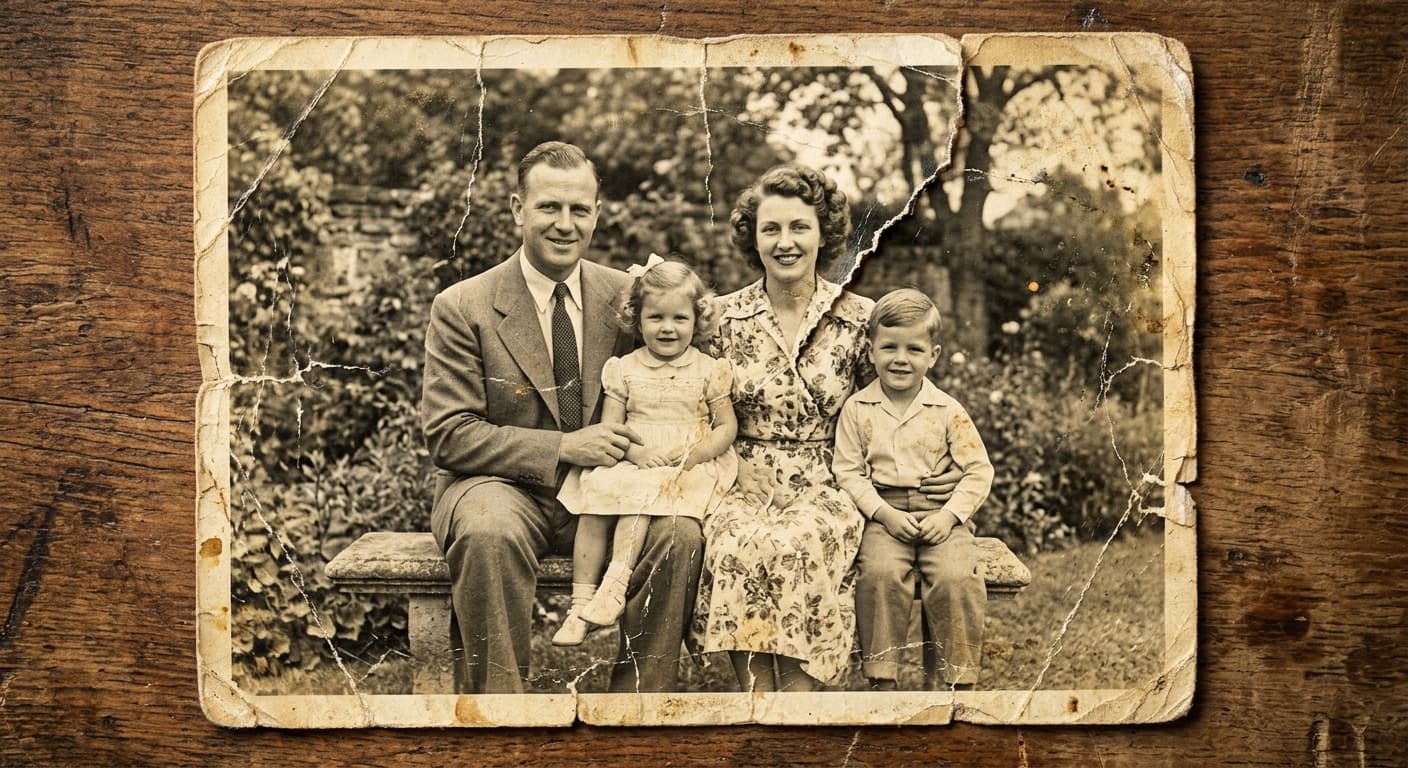
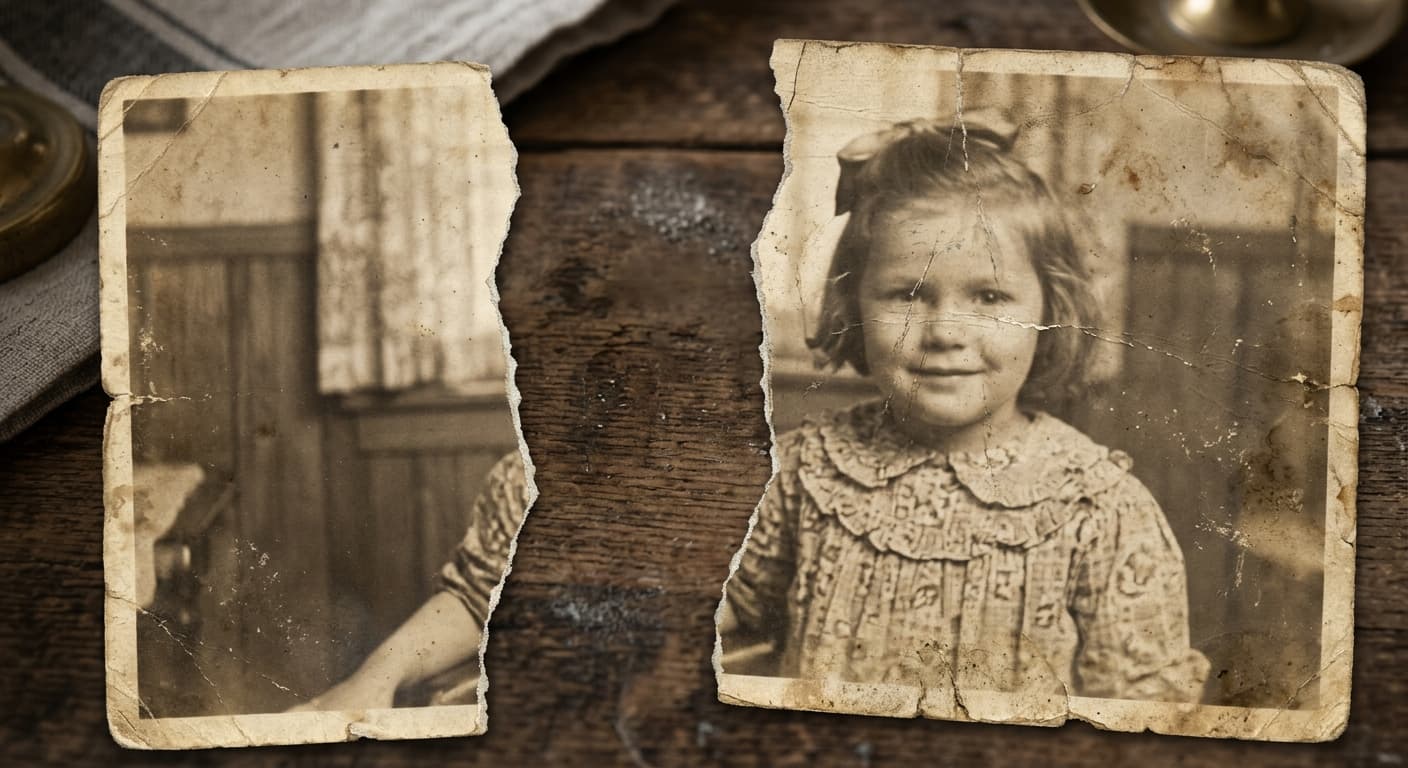
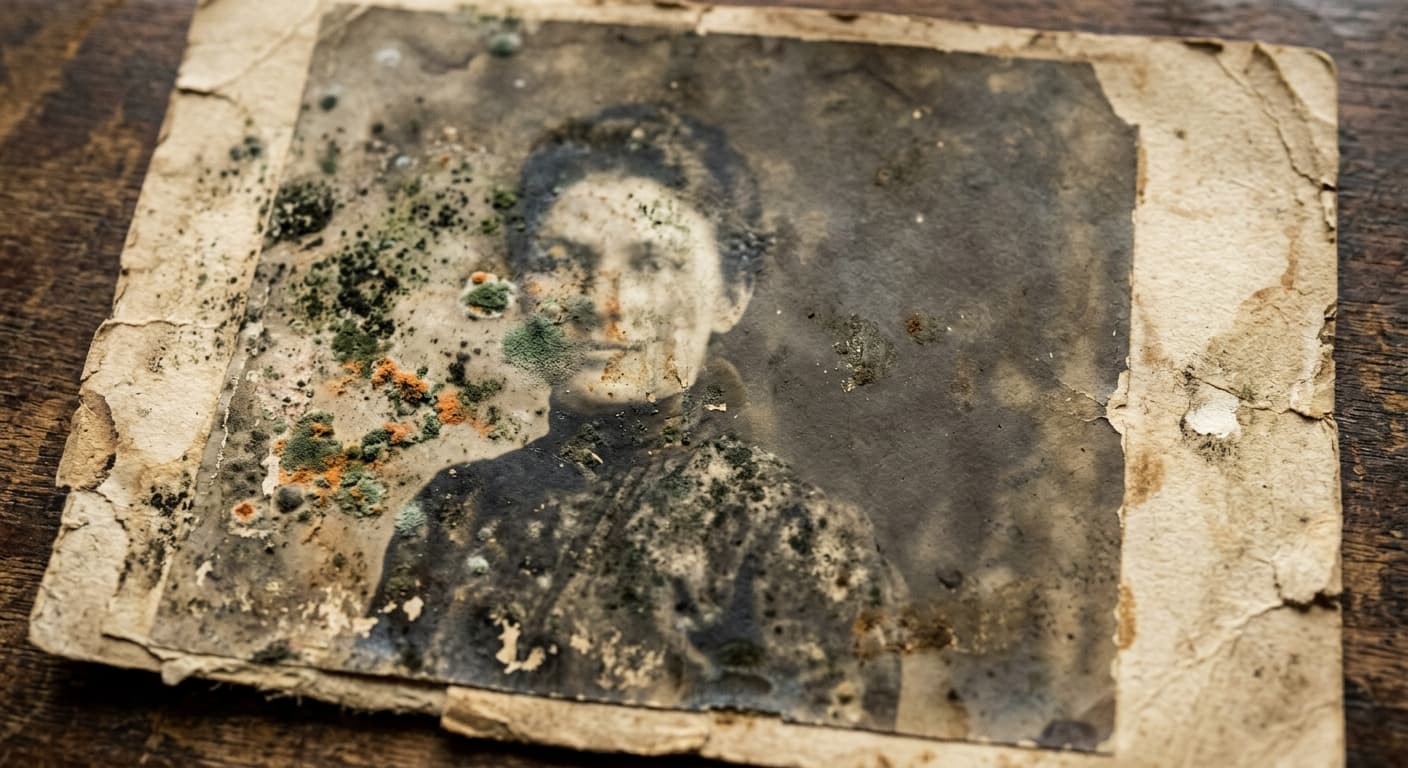
Grandma's photos survived decades but didn't come out unscathed. GPT Image 2 repairs scratches, fills tears, removes water stains, and sharpens faded photos while keeping every face intact.

✓ Free✓ No sign-up✓ 4K output✓ Powered by GPT Image 2
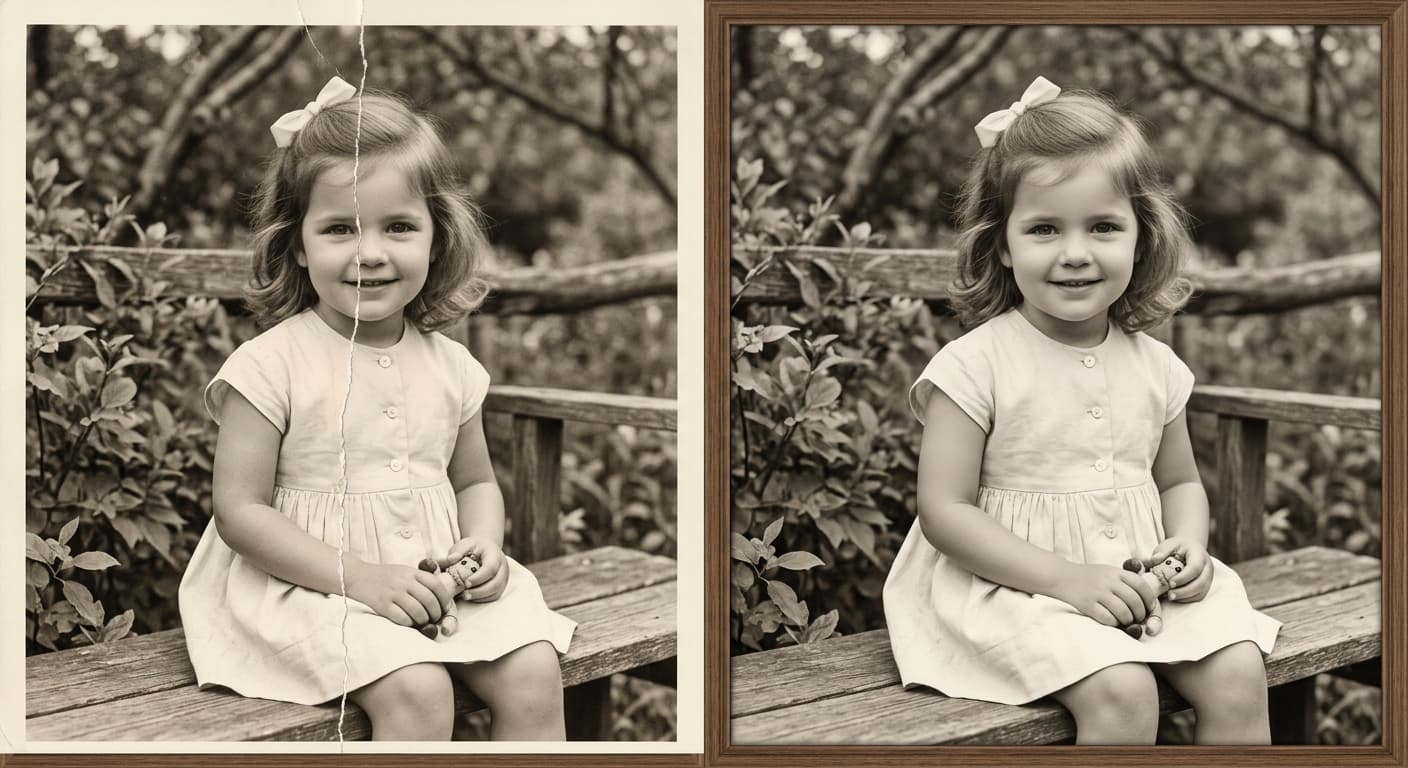
Cracked 1950s portrait (before)
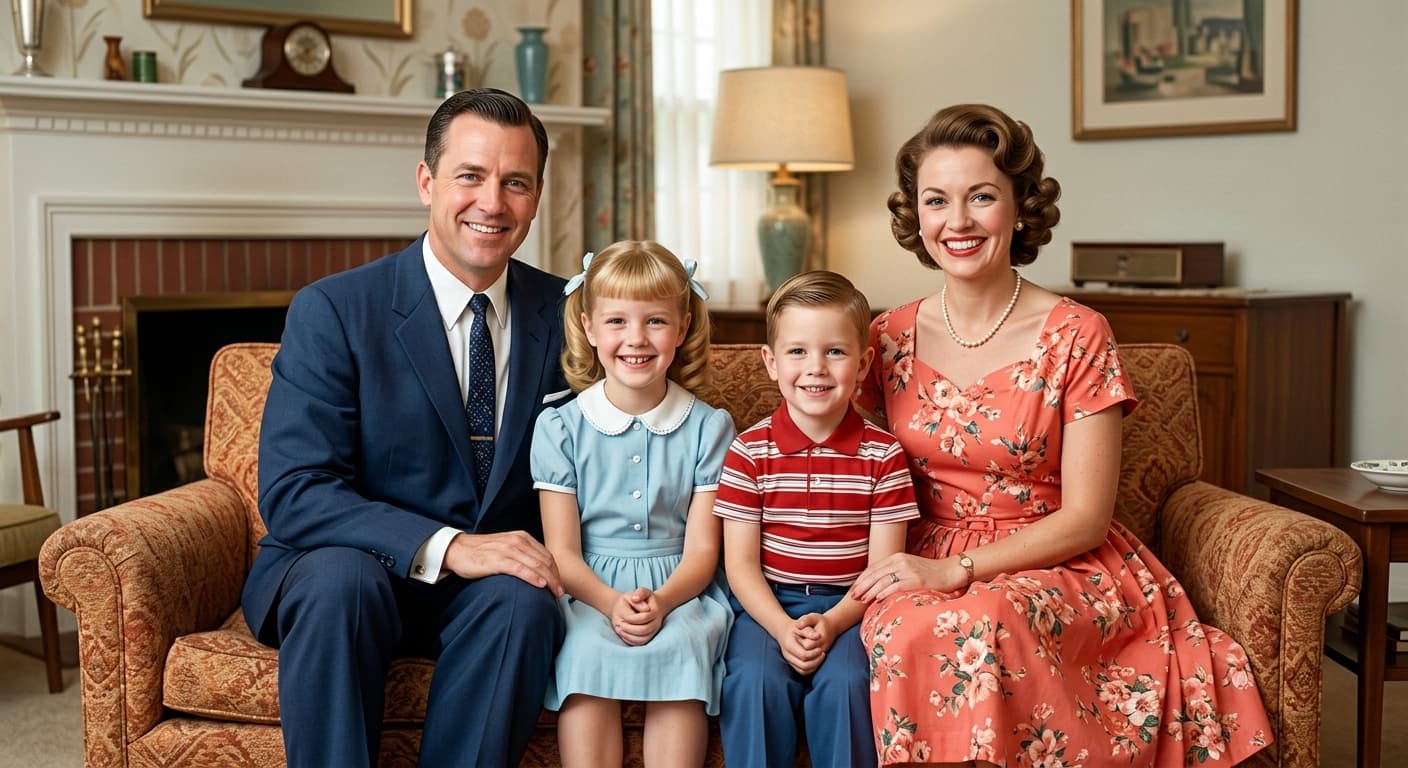
Cracked 1950s portrait (after)
Before
After
Cracked 1950s portrait

Free · No sign-up · Your image is never stored

Why GPT Image 2 for AI Photo Restoration

Scratch + tear repair

Fills damage with content-aware reconstruction — not blur.

Face recovery

Rebuilds blurred or damaged faces with preserved identity.

Color & contrast

Fixes fading, yellowing, and low contrast from old paper prints.

One-click pipeline

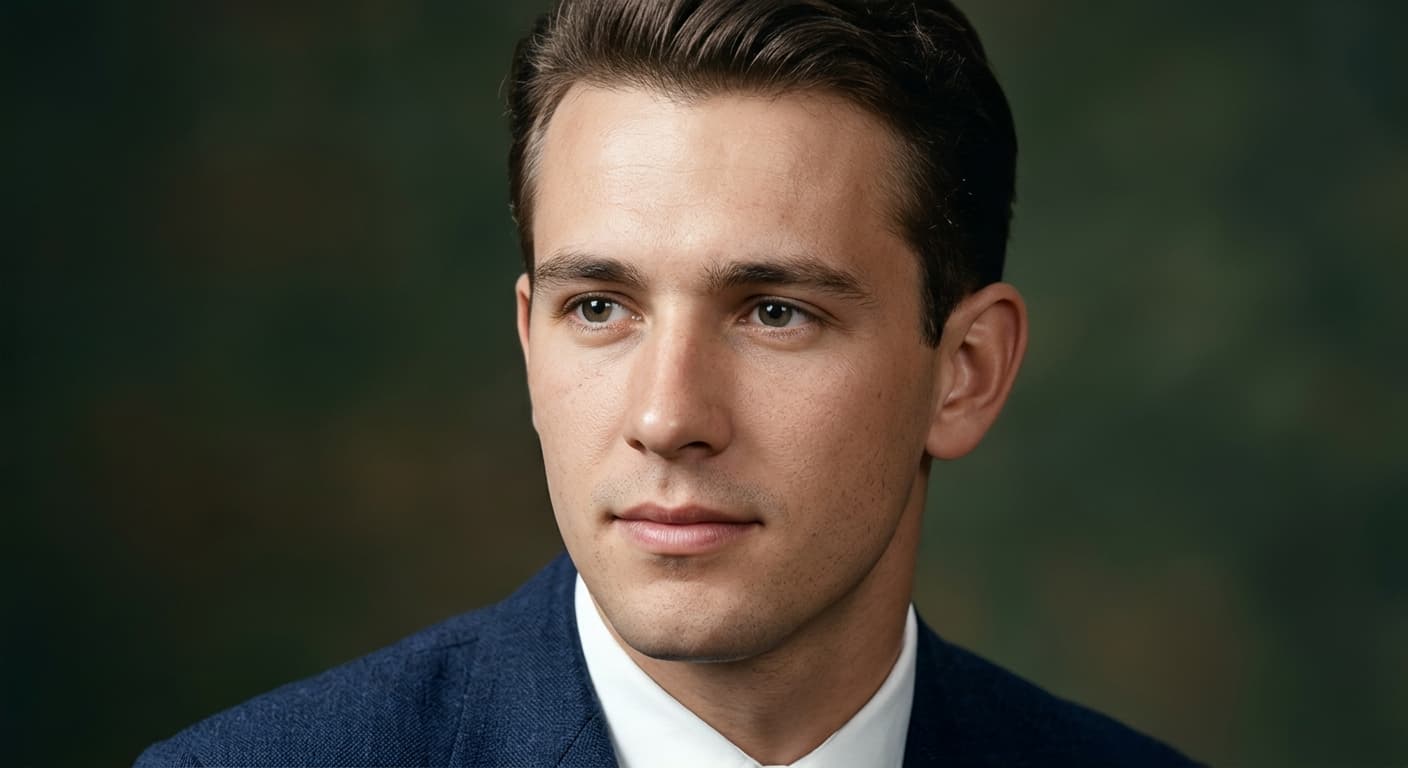
Restoration + upscaling + colorization in a single pass.

How to Use AI Photo Restoration

1

Scan or photograph the damaged original.

2

Upload.

3

AI restoration runs — download within 30 seconds.

Who Uses AI Photo Restoration

Family Memorials

Restore portraits for obituaries and tributes.

Genealogy

Rescue heritage photos for family trees.

Museums

Bring archive photos to display quality.

Collectors

Preserve vintage postcards and prints.

Example Results

Drag the slider to compare before and after.

Cracked 1950s portrait (before)
Cracked 1950s portrait (after)
Before
After
Cracked 1950s portrait
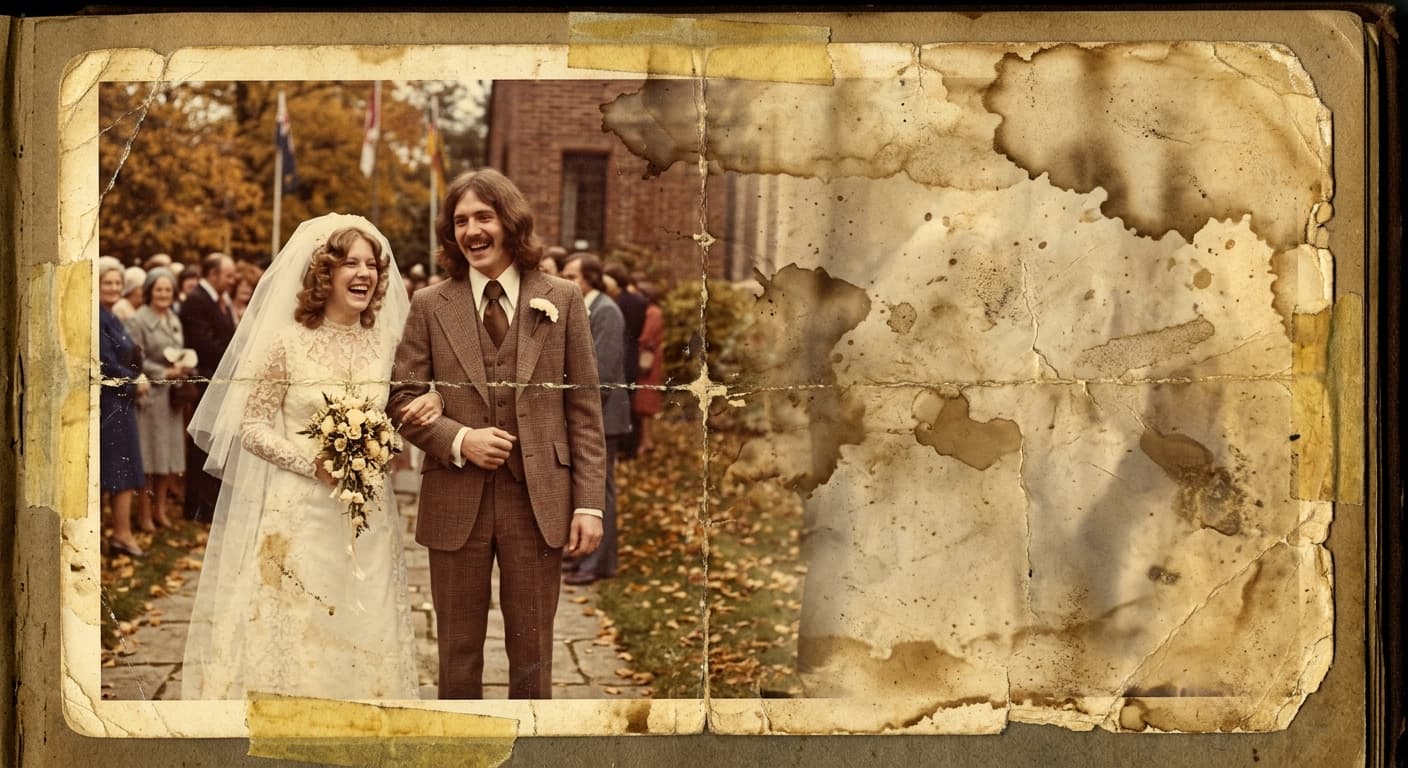
Yellowed wedding photo (before)
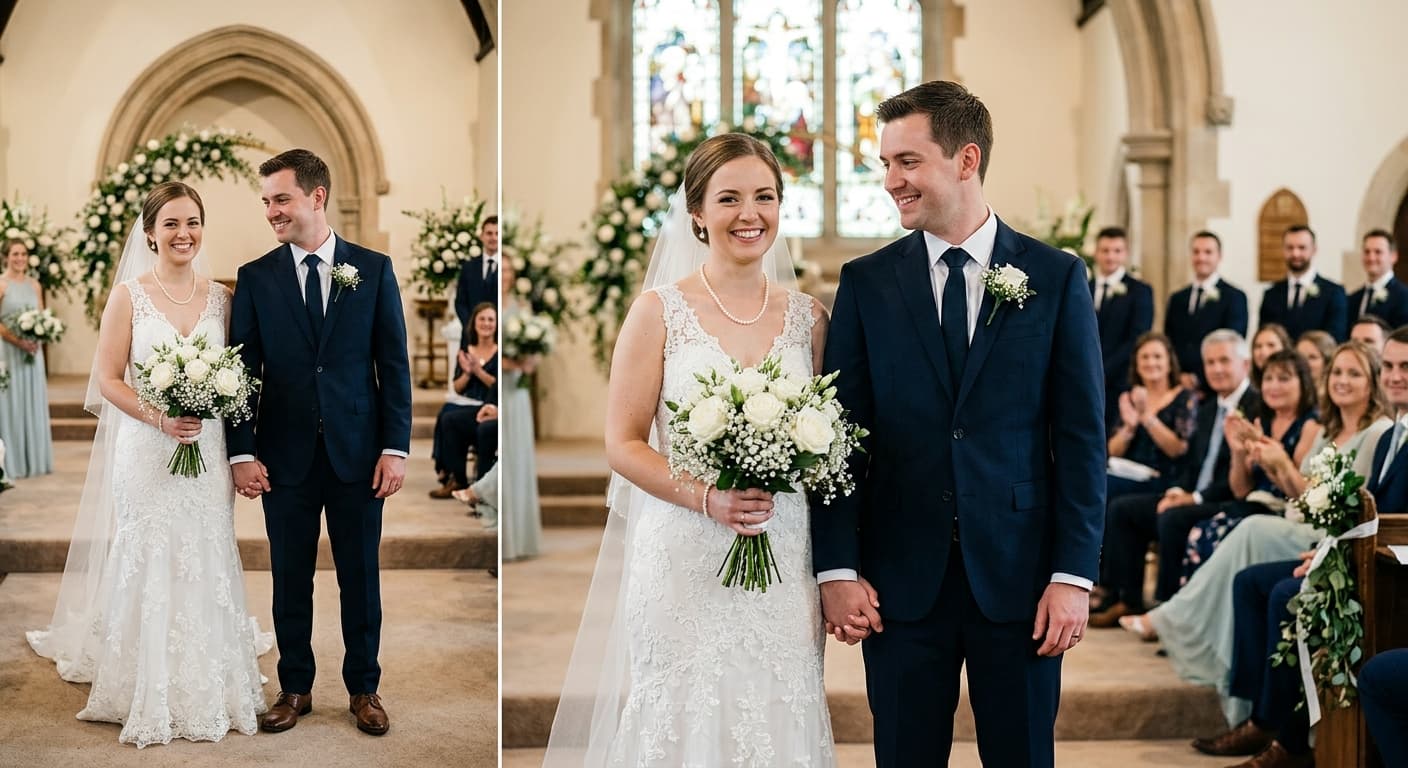
Yellowed wedding photo (after)
Before
After
Yellowed wedding photo
Torn family reunion photo (before)
Torn family reunion photo (after)
Before
After
Torn family reunion photo
Water-stained child portrait (before)
Water-stained child portrait (after)
Before
After
Water-stained child portrait

AI Photo Restoration vs Other Tools

Compared toGPT Image 2 advantage
ReminiNo daily ad wall; no watermark.
VanceAI RestoreFree for full-resolution export.
Photoshop Neural FiltersNo Adobe subscription required.

Frequently Asked Questions