Outil IA · transformation
Échange de Visage IA — Résultats Réalistes avec GPT Image 2
Échangez les visages entre des photos en respectant l'éclairage, la couleur de peau et l'expression.
Téléchargez deux photos. GPT Image 2 transfère le visage de l'image A sur l'image B — en fusionnant l'éclairage, le teint de la peau et la pose pour que cela ressemble à un seul cliché, et non à un collage.
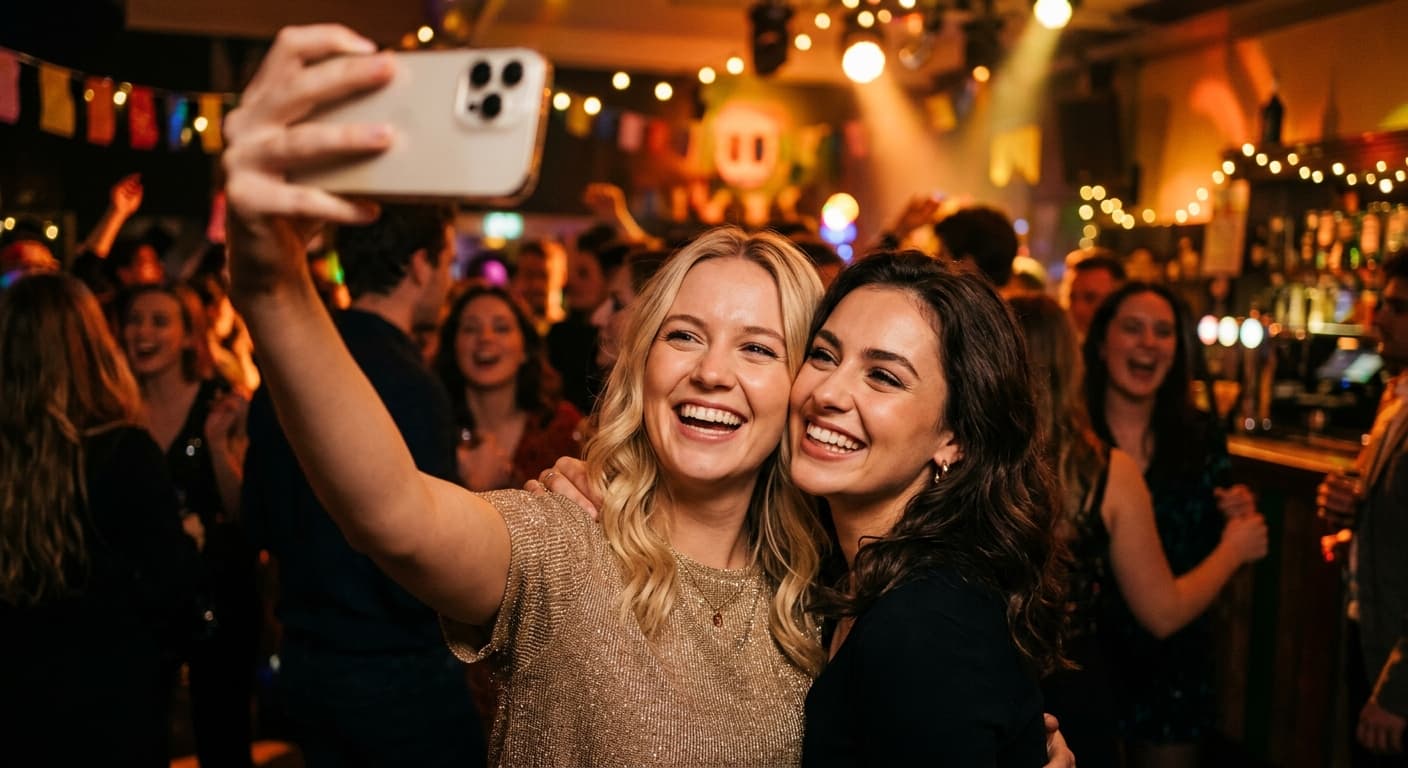
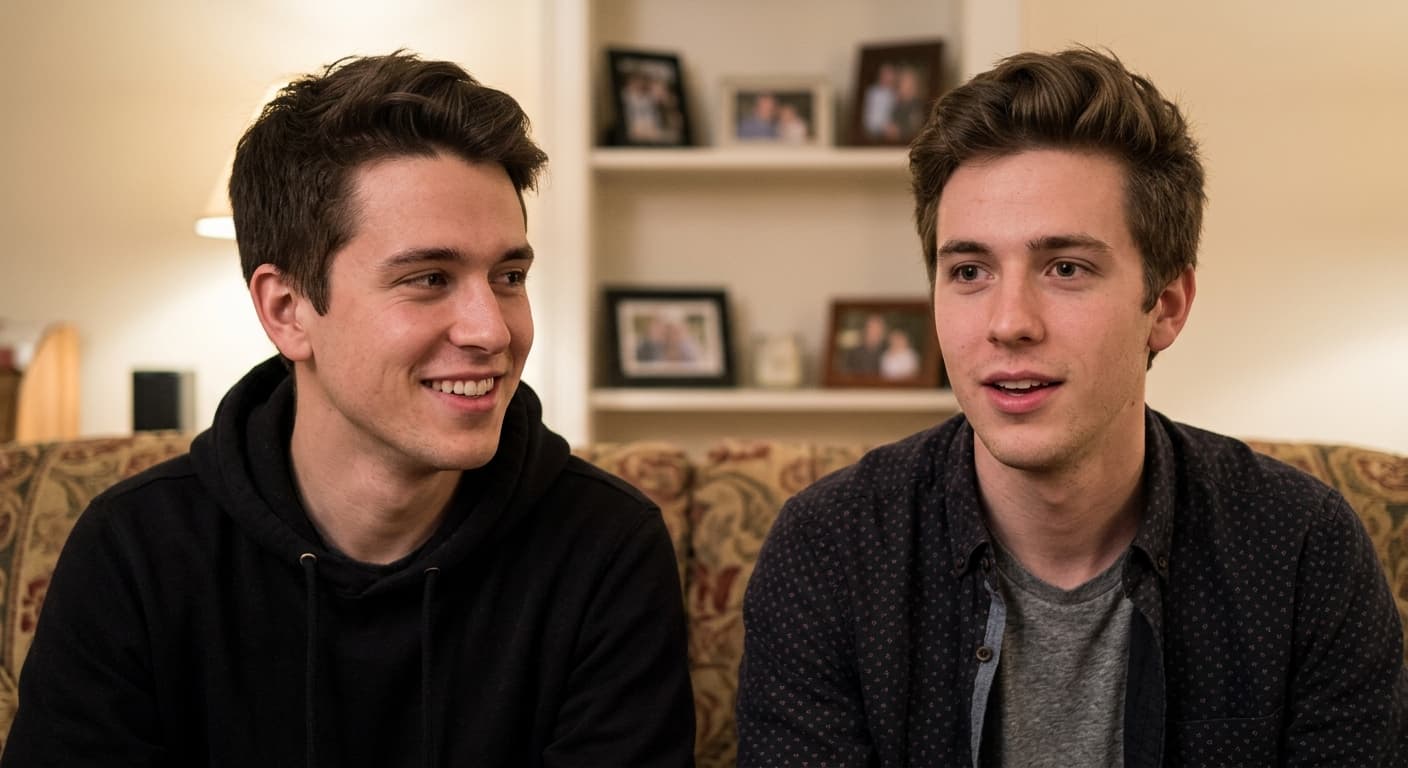
Gratuit · Sans inscription · Votre image n'est jamais stockée
Pourquoi GPT Image 2 pour Échange de Visage IA
Adaptation de l'éclairage
Le visage transféré adopte la direction et la couleur de la lumière ambiante de la cible.
Fusion du teint de la peau
Fusion parfaite entre le cou et le visage — aucune ligne de démarcation.
Préservation de l'expression
Conserve la personnalité du visage source tout en respectant la pose cible.
Prise en charge des profils
Fonctionne sur les vues de 3/4 et de profil, pas seulement de face.
Comment utiliser Échange de Visage IA
Téléchargez la photo du visage source.
Téléchargez la photo cible.
Générez — un échange de visage réaliste en quelques secondes.
Qui utilise Échange de Visage IA
Divertissement & Mèmes
Échangez vos visages avec vos amis, des célébrités ou des figures historiques.
Marketing
Personnalisez des photos libres de droits avec de vrais visages de clients (avec leur consentement).
Prévisualisation de Film
Testez l'apparence des acteurs dans des images fixes de scènes.
Images Historiques
Insérez-vous dans des photos célèbres pour des projets créatifs.
Exemples de résultats
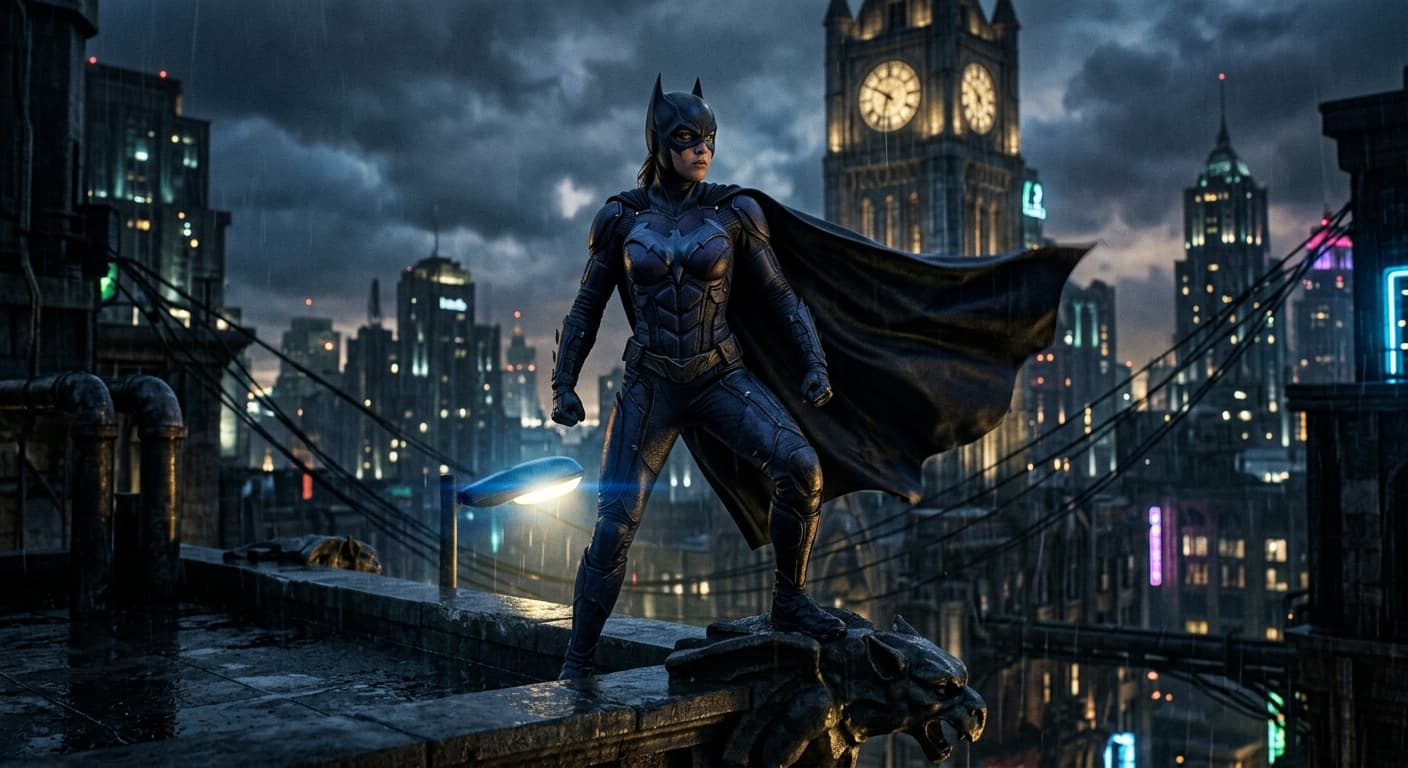
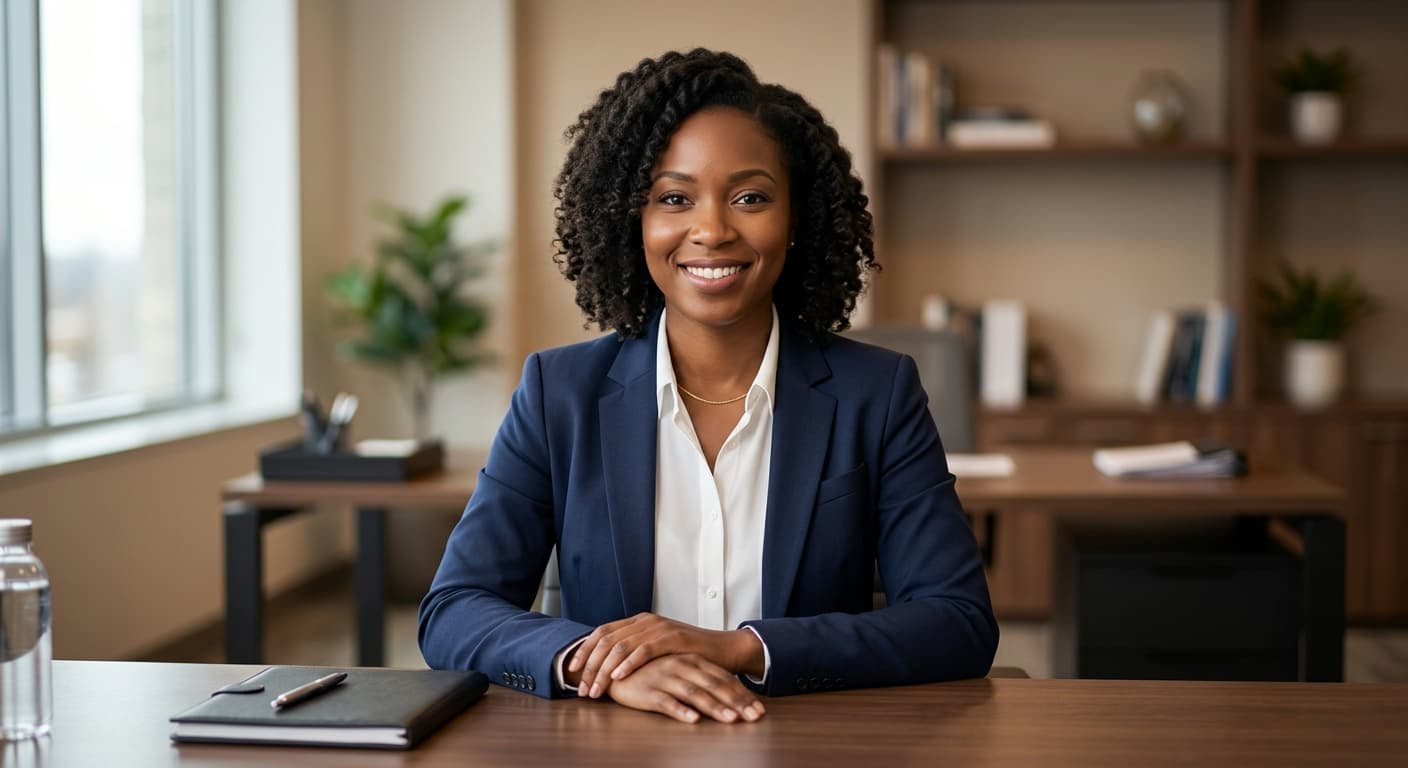
Glissez le curseur pour comparer avant et après.
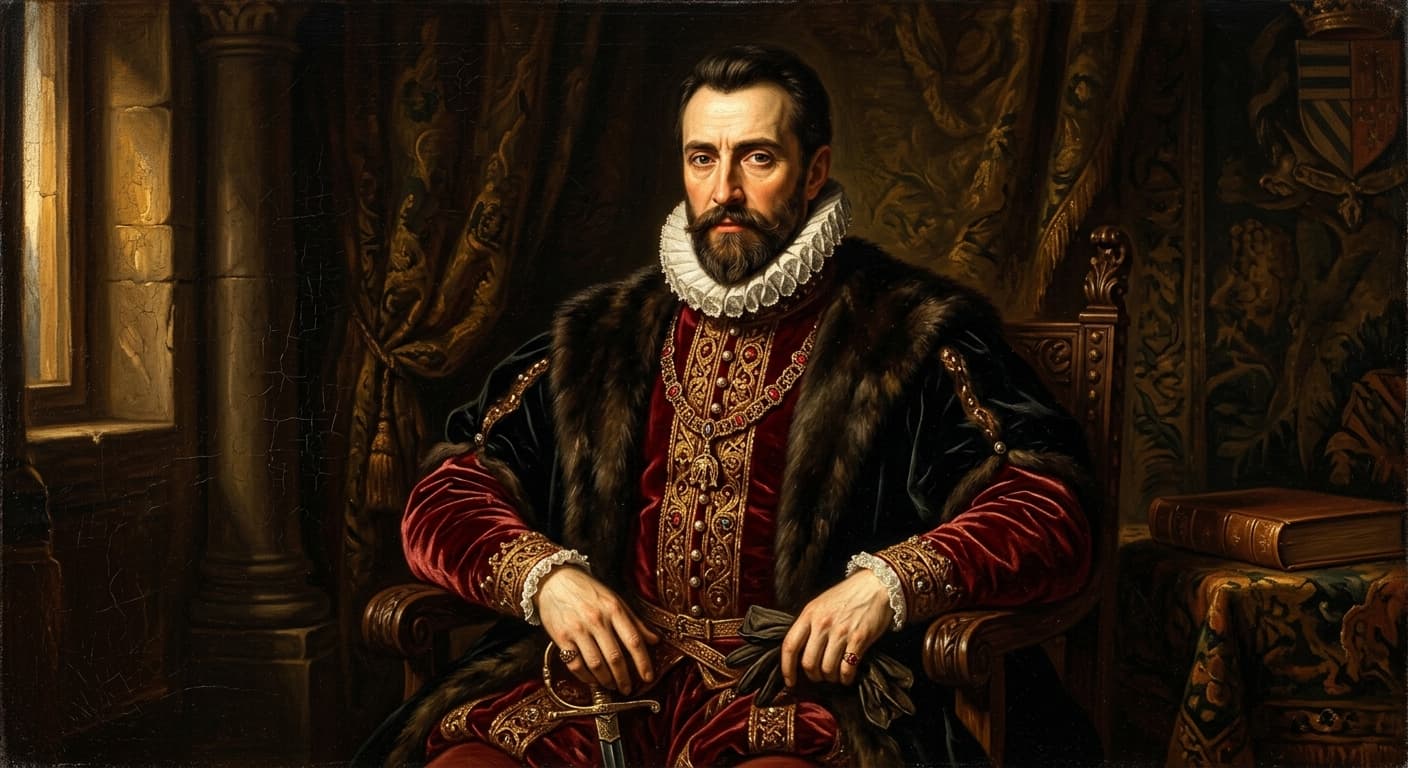
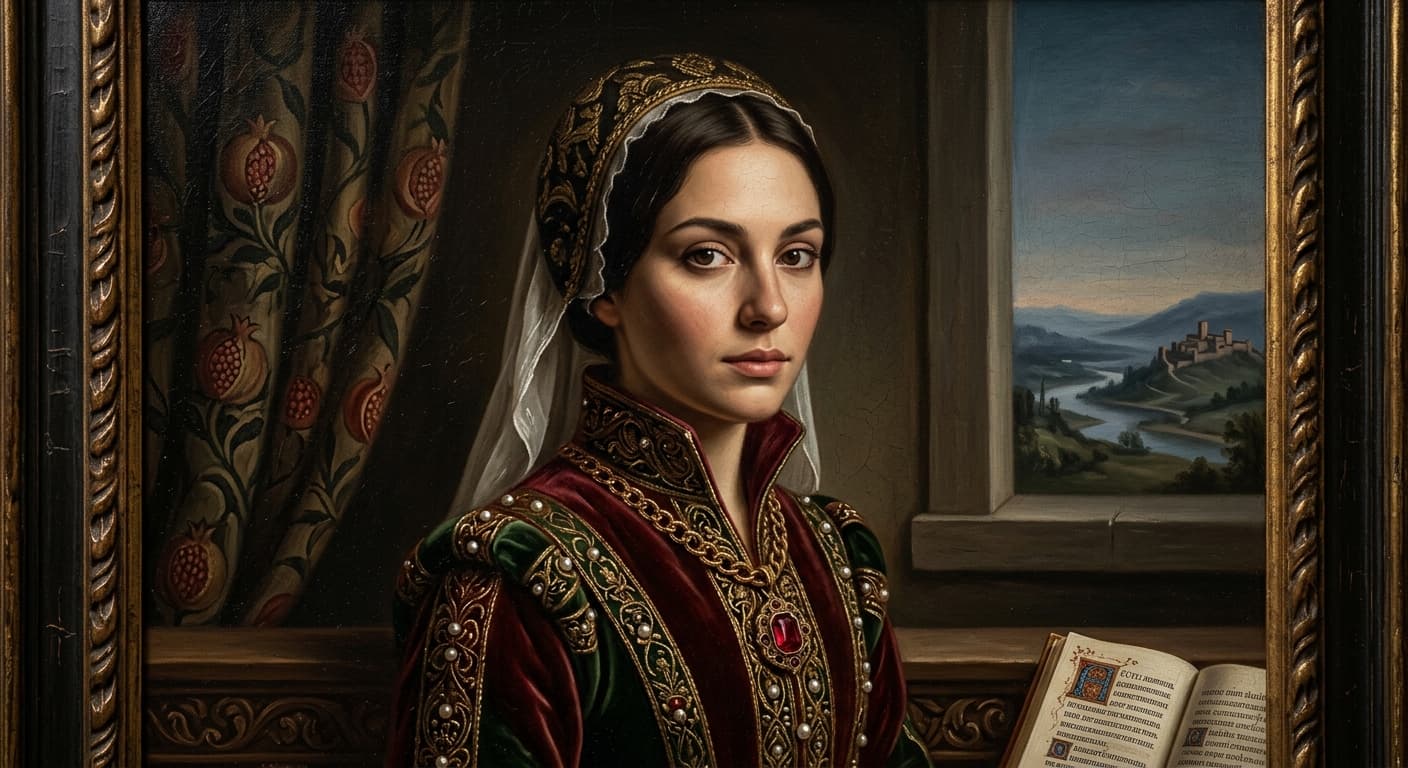


Échange de Visage IA vs autres outils
| Comparé à | Avantage de GPT Image 2 |
|---|---|
| Reface | Sortie en plus haute résolution ; fusion moins cartoonesque. |
| Pixlr Face Swap | Meilleure gestion des angles de profil. |
| Remaker AI | Pas de filigrane quotidien ni de publicités. |
Outils IA associés
Si vous avez aimé Échange de Visage IA, essayez ceux-ci.
Essayage virtuel IA
Téléchargez votre photo + une tenue. GPT Image 2 génère un essayage réaliste.
Essayer →Changeur de vêtements IA
Tapez ce que vous voulez porter. GPT Image 2 change votre tenue — visage et pose intacts.
Essayer →Changeur de couleur de cheveux AI
Blond, roux, bleu, argenté — prévisualisez n'importe quelle couleur avant le salon.
Essayer →