Herramienta IA · edición
Inpainting con IA — Edita cualquier área con un prompt
Pinta una máscara, escribe qué cambiar. GPT Image 2 edita solo esa región.
Edición de precisión total mediante prompts. Enmascara el área, describe el cambio y GPT Image 2 modificará solo esa región, dejando el resto de la imagen intacto a nivel de píxeles.
Gratis · Sin registro · Tu imagen no se almacena
Por qué usar GPT Image 2 para Herramienta de Inpainting con IA
Ediciones quirúrgicas
Cambia exactamente lo que enmascaras; nada fuera de la región se mueve.
Basado en prompts
Describe cualquier adición o cambio en lenguaje natural.
Múltiples pasadas
Itera sobre la misma región hasta que quede perfecta.
Control de nivel profesional
Alternativa al relleno generativo de Photoshop: gratis y directo en el navegador.
Cómo usar Herramienta de Inpainting con IA
Sube una imagen.
Pinta una máscara sobre el área de edición.
Describe lo que debería aparecer.
Genera.
Quién usa Herramienta de Inpainting con IA
Diseño
Reemplaza elementos específicos en mockups.
E-commerce
Cambia el color de un producto en una foto existente.
Bienes raíces
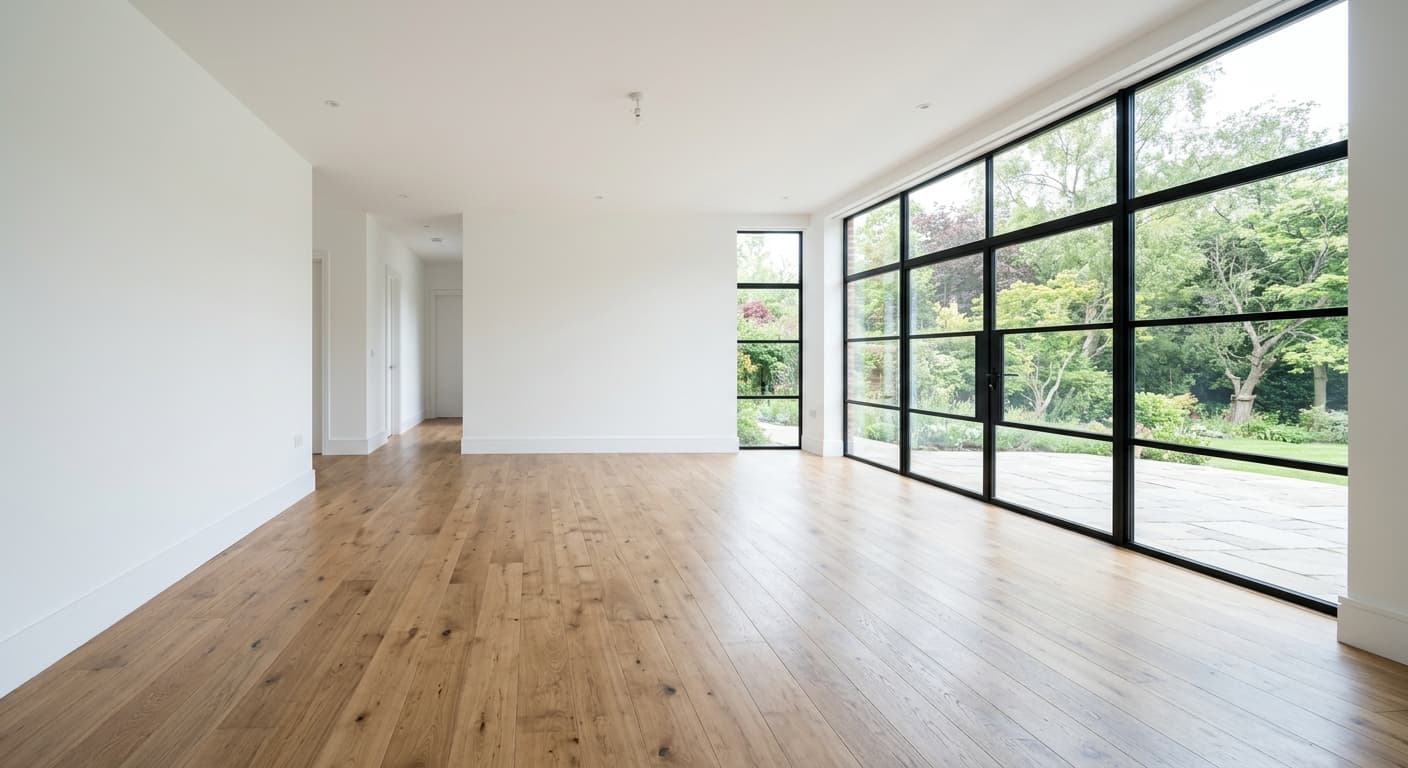
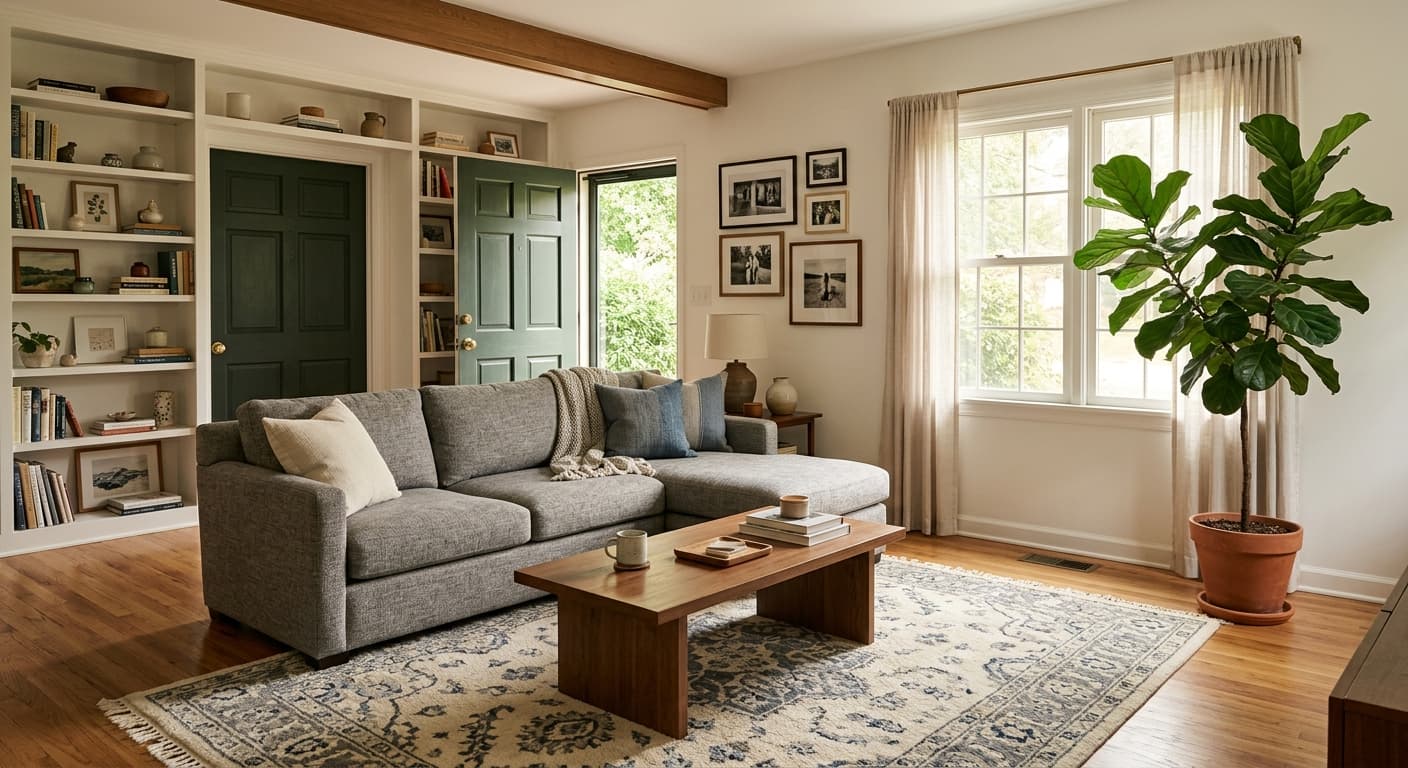
Amuebla habitaciones vacías: añade muebles mediante un prompt.
Creatividad
Añade o intercambia objetos en tus composiciones.
Resultados de ejemplo
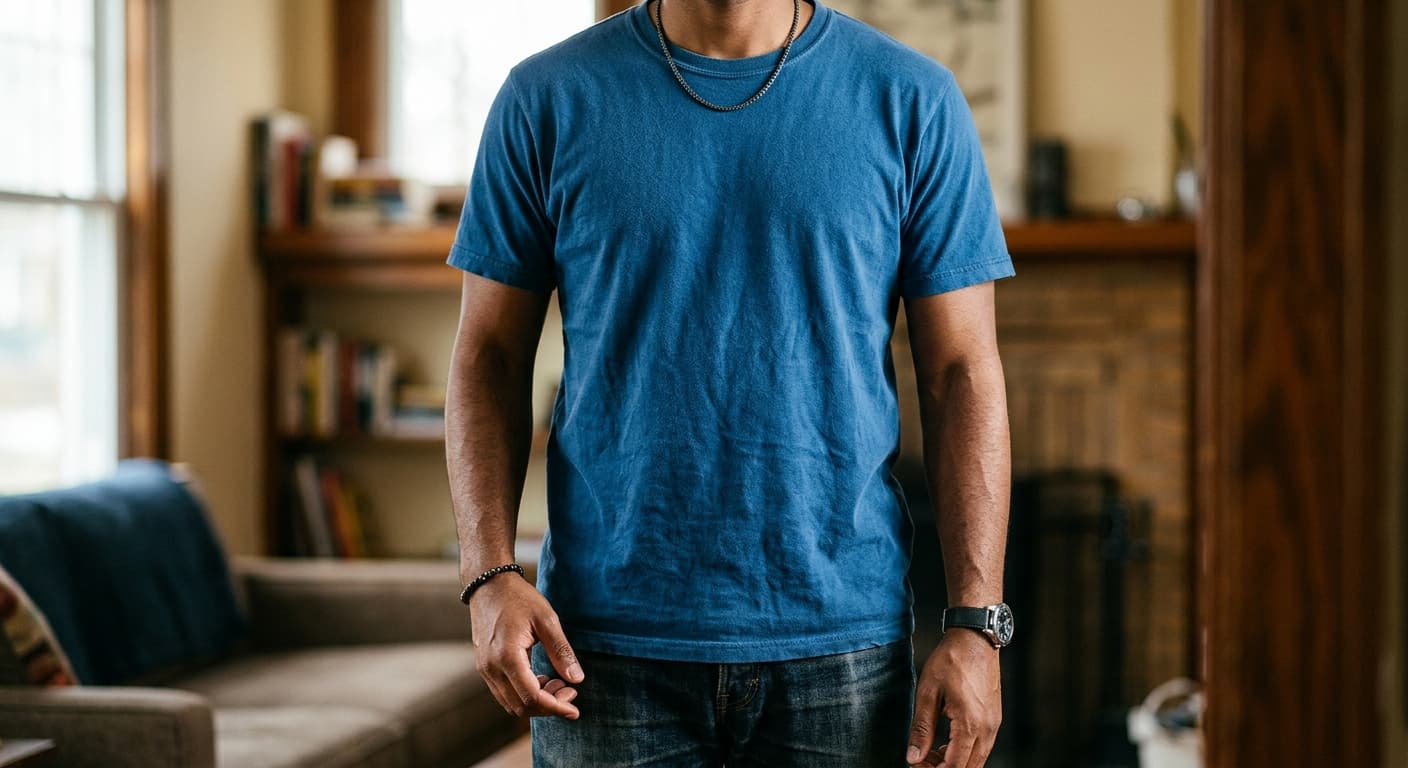
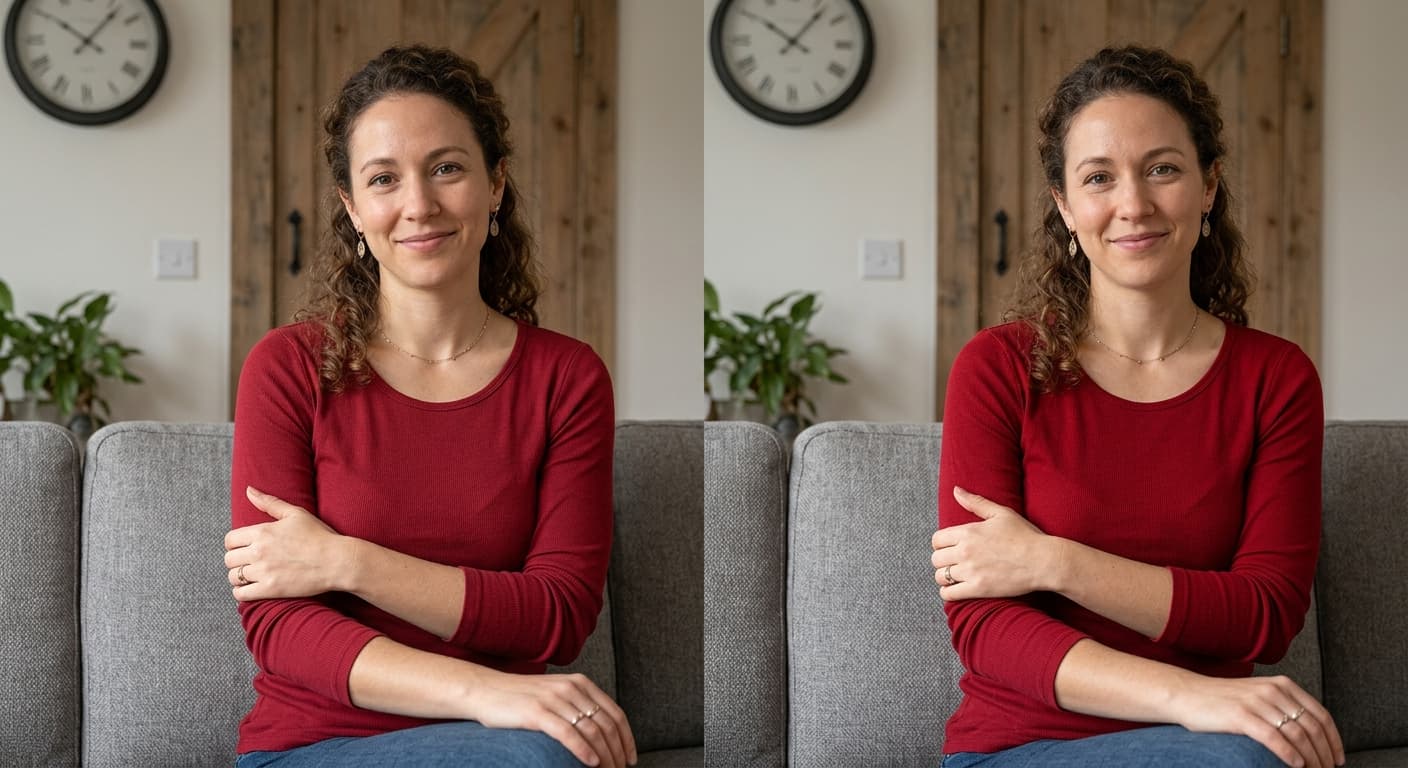
Arrastra el control para comparar antes y después.
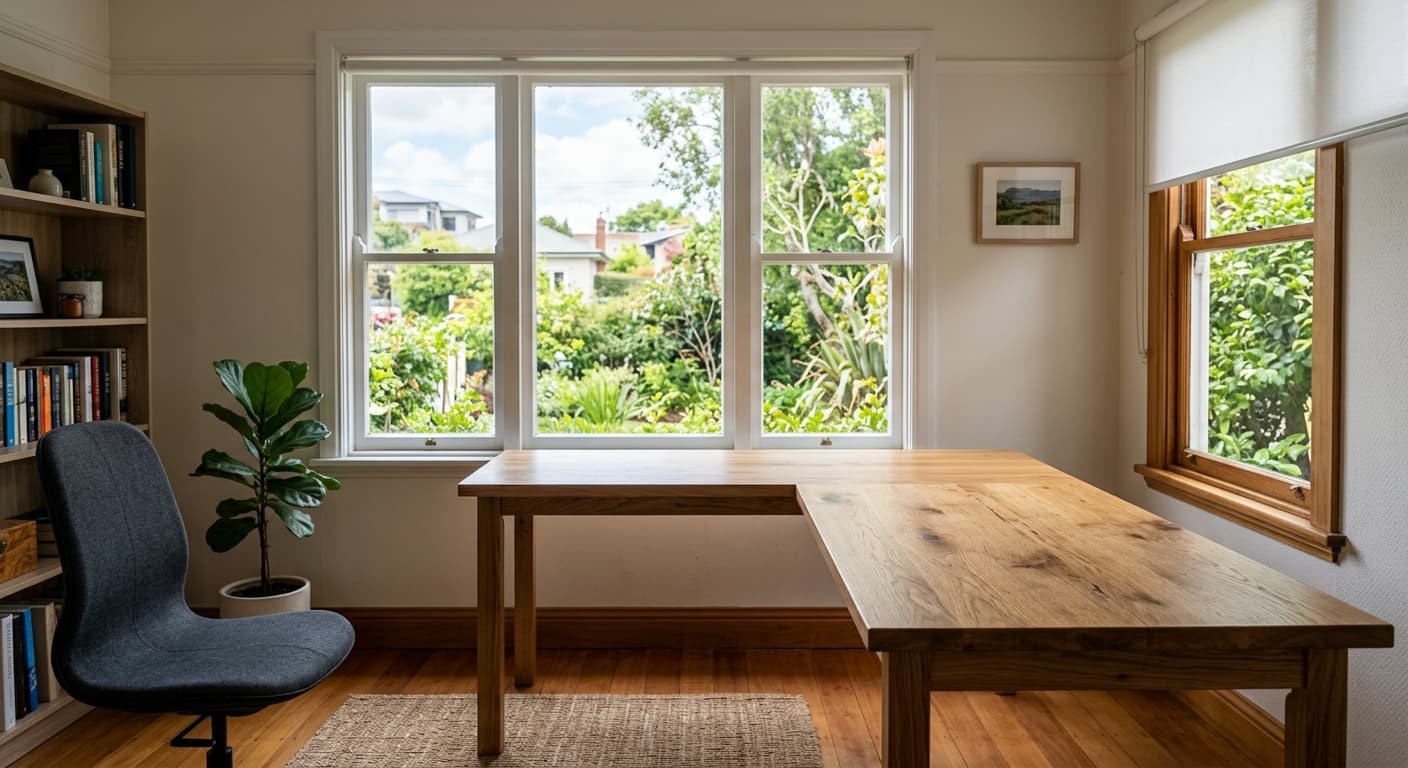
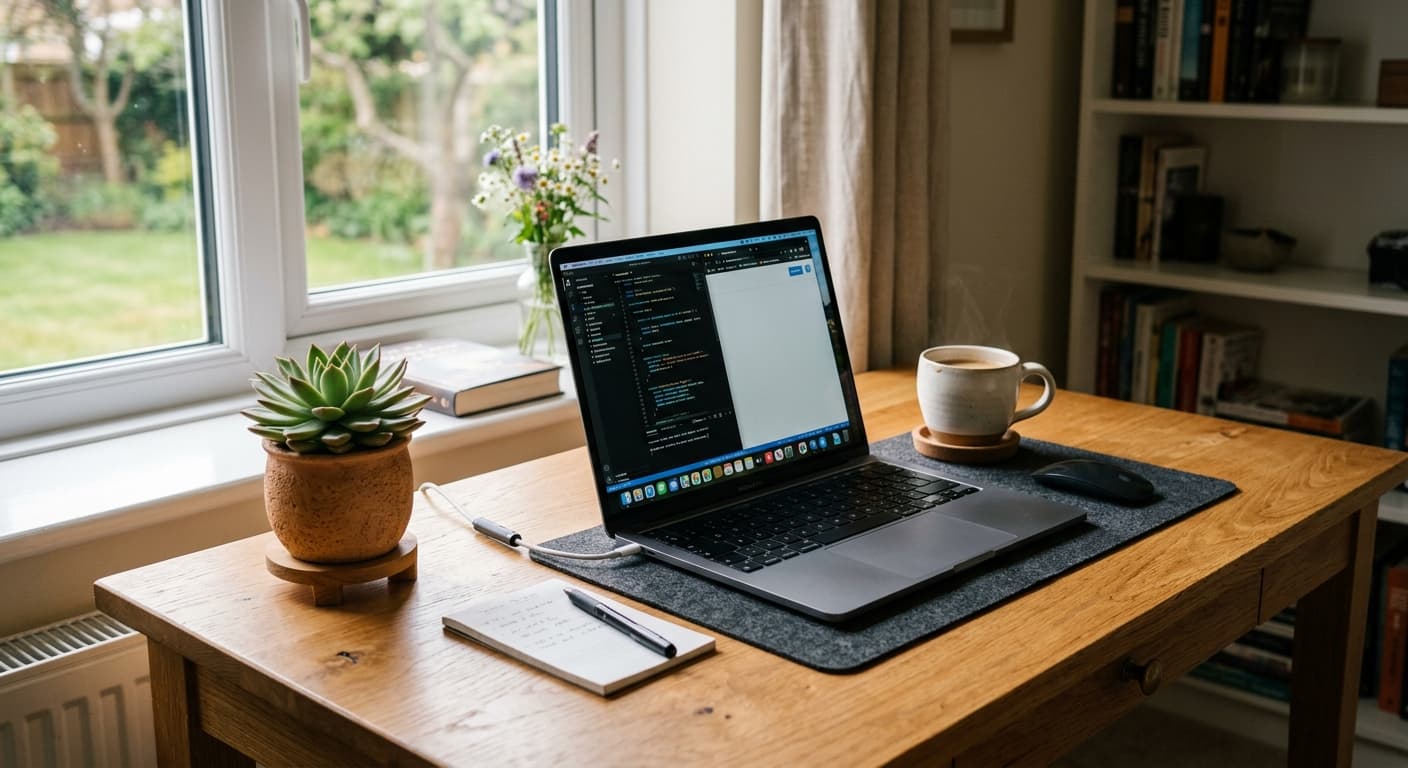
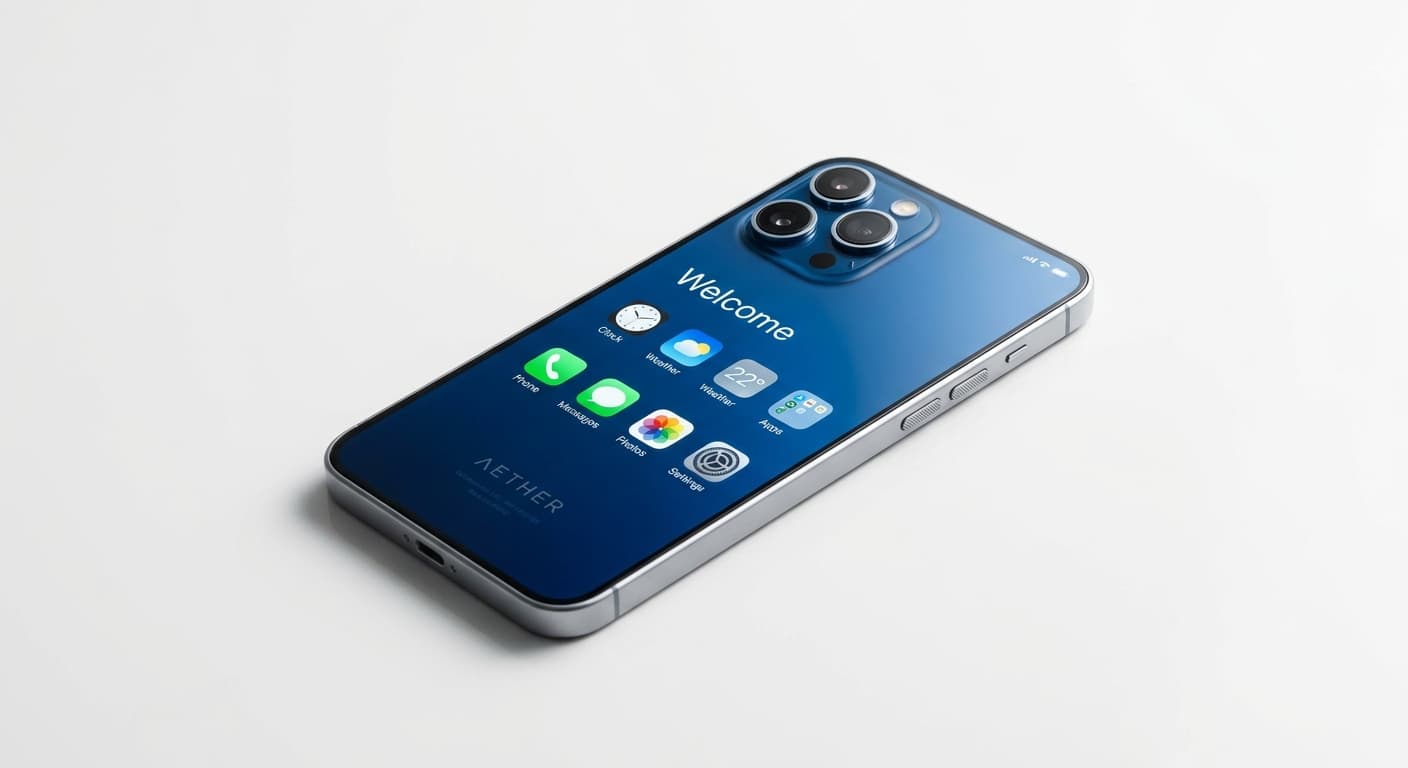
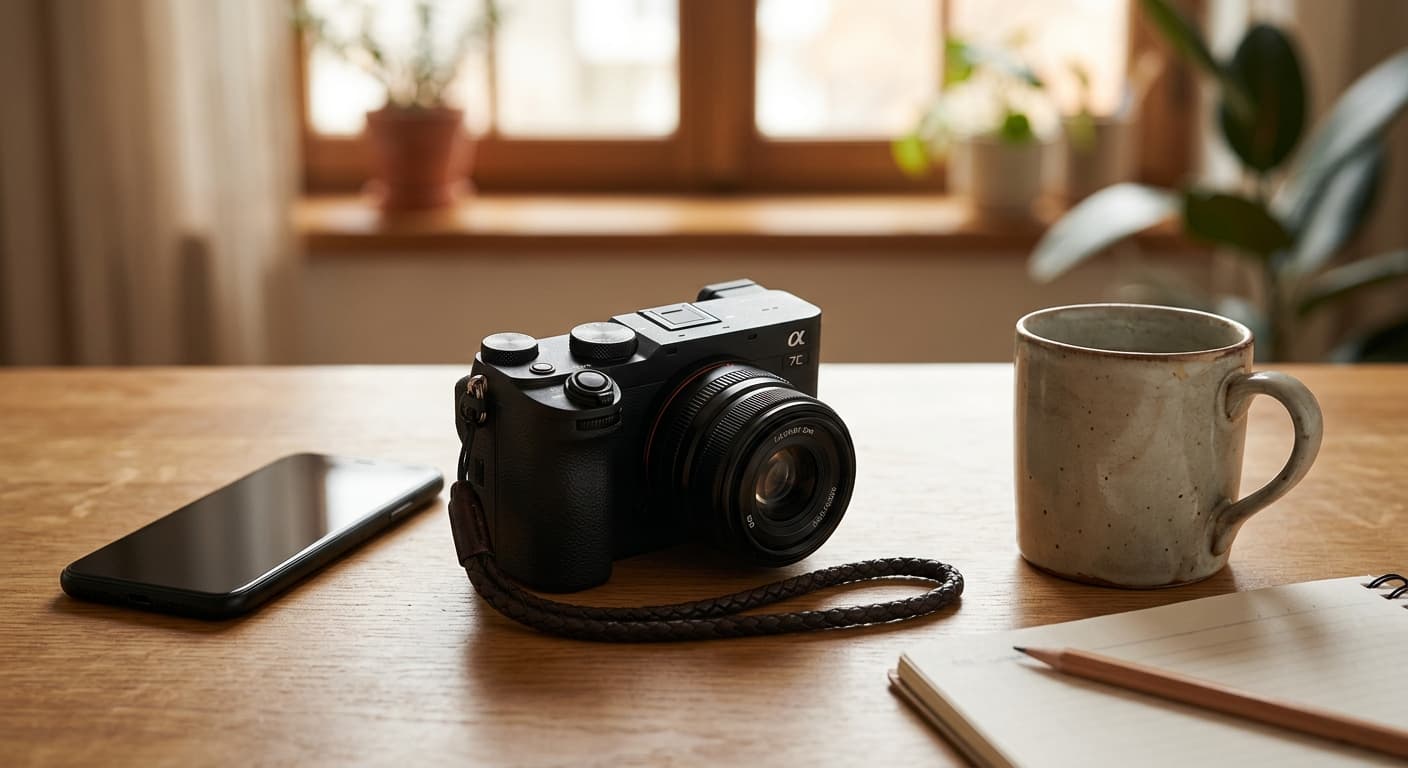
Herramienta de Inpainting con IA vs otras herramientas
| Comparado con | Ventaja de GPT Image 2 |
|---|---|
| Photoshop Generative Fill | Sin suscripción a Adobe; directo en el navegador. |
| Clipdrop Inpaint | Resultados en 4K, sin marca de agua. |
| Krea Inpaint | Mayor fidelidad al prompt en adiciones complejas. |
Herramientas IA relacionadas
Si te gustó Herramienta de Inpainting con IA, prueba estas.
Eliminador de objetos con IA
Elimina personas, objetos, texto o marcas de agua. La IA reconstruye el fondo automáticamente.
Probar ahora →AI Image Expander
Extiende tu imagen más allá de sus bordes. GPT Image 2 genera nuevos píxeles que se combinan perfectamente.
Probar ahora →Cambiador de Fondo con IA
Describe el nuevo fondo. GPT Image 2 ubica a tu sujeto perfectamente.
Probar ahora →