Herramienta IA · mejora
Escalador de imágenes por IA 4K — Mejora la nitidez de tus fotos con GPT Image 2
Escala a 4K, 8K u 8K. Sin pérdida de calidad, sin marcas de agua, sin registro.
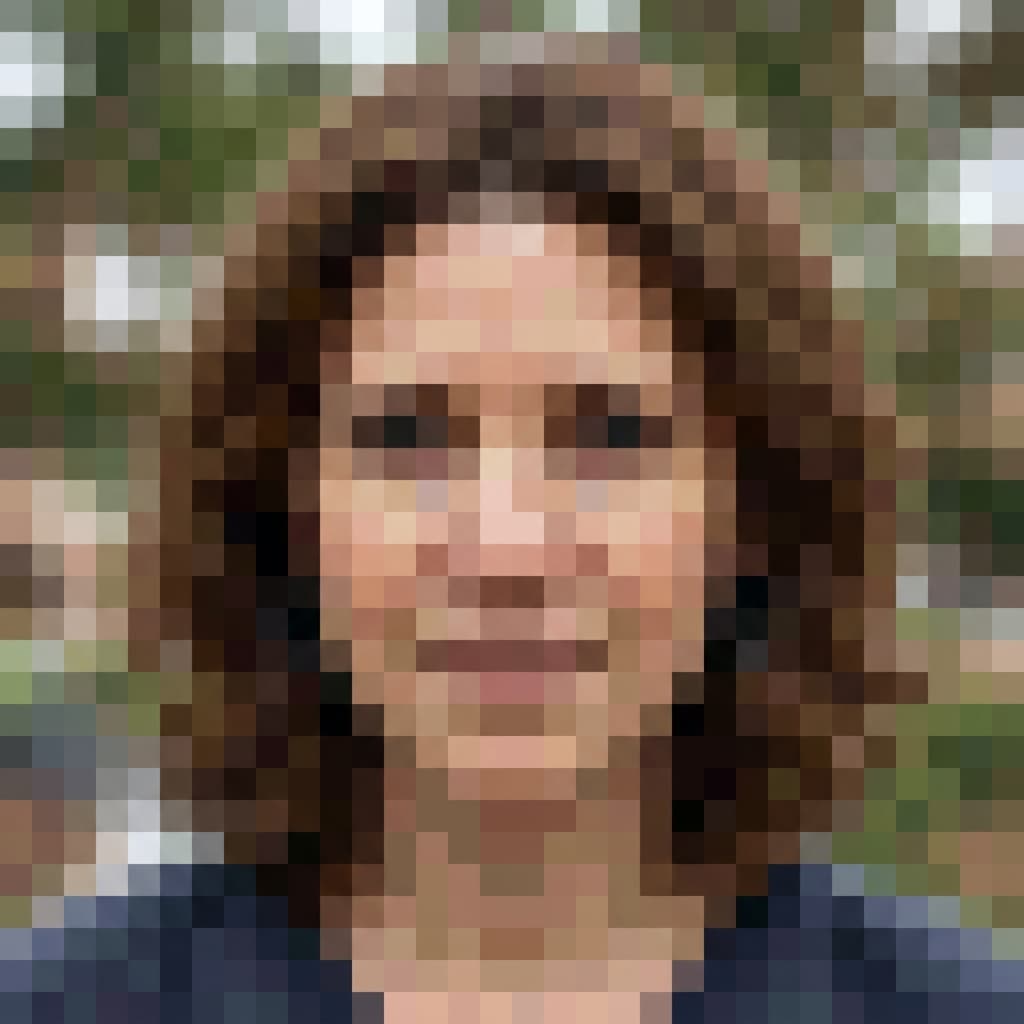
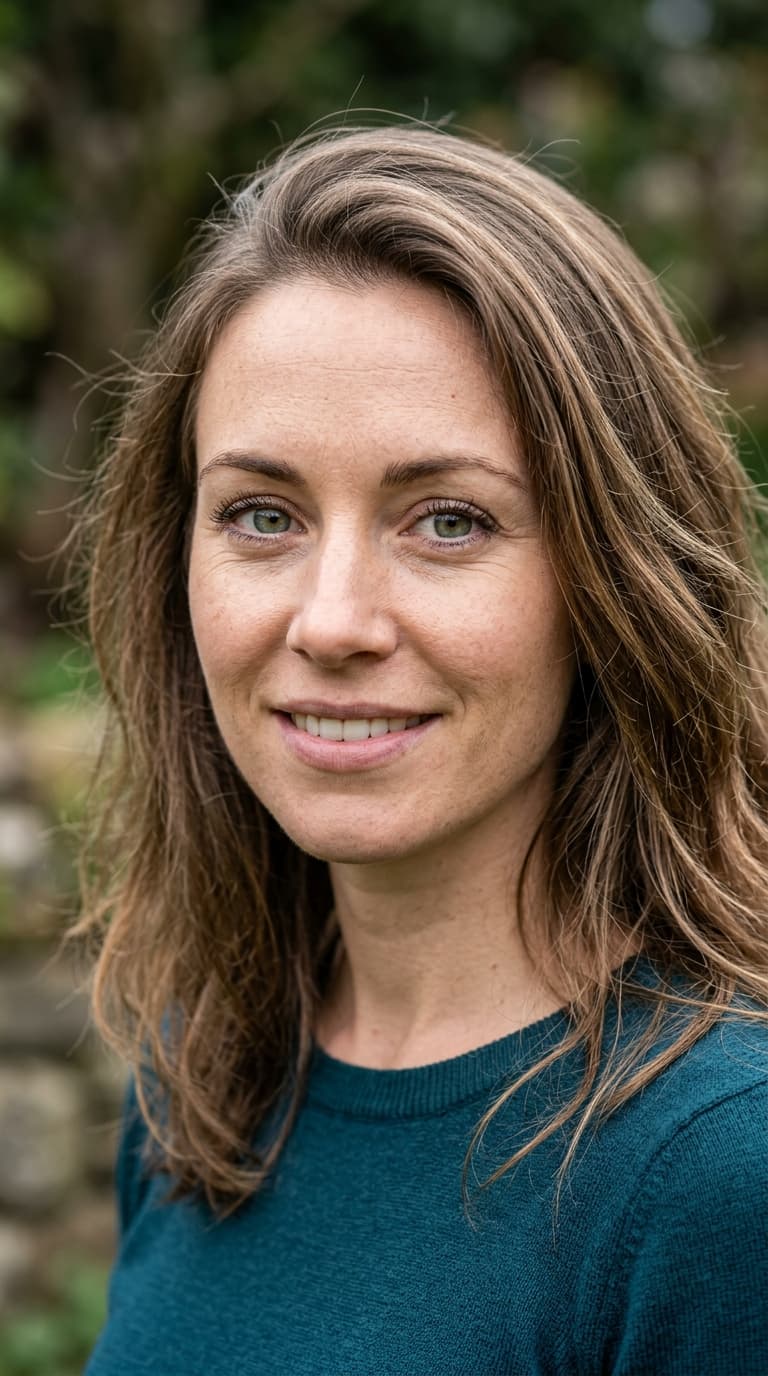
Devuélveles la vida a tus fotos borrosas, de baja resolución o pequeñas. GPT Image 2 no solo estira los píxeles; reconstruye detalles, texturas y bordes con una superresolución nativa del modelo.
Gratis · Sin registro · Tu imagen no se almacena
Por qué usar GPT Image 2 para Escalador de imágenes por IA
Reconstrucción nativa 4K
No es interpolación: el modelo vuelve a renderizar a la resolución objetivo.
Reconocimiento de rostros/texto
Reconstruye ojos, letras y texturas finas en lugar de difuminarlas.
Sin artefactos
Elimina el ruido JPEG y el banding durante el escalado.
Hasta 16K
Perfecto para impresión, señalización de gran formato y pantallas 8K.
Cómo usar Escalador de imágenes por IA
Sube una foto de baja resolución.
Elige el tamaño de salida (2×, 4×, 8×, 16×).
Descarga la imagen HD escalada.
Quién usa Escalador de imágenes por IA
Impresión
Amplía fotos para carteles, lienzos y pancartas sin pixelado.
Restauración
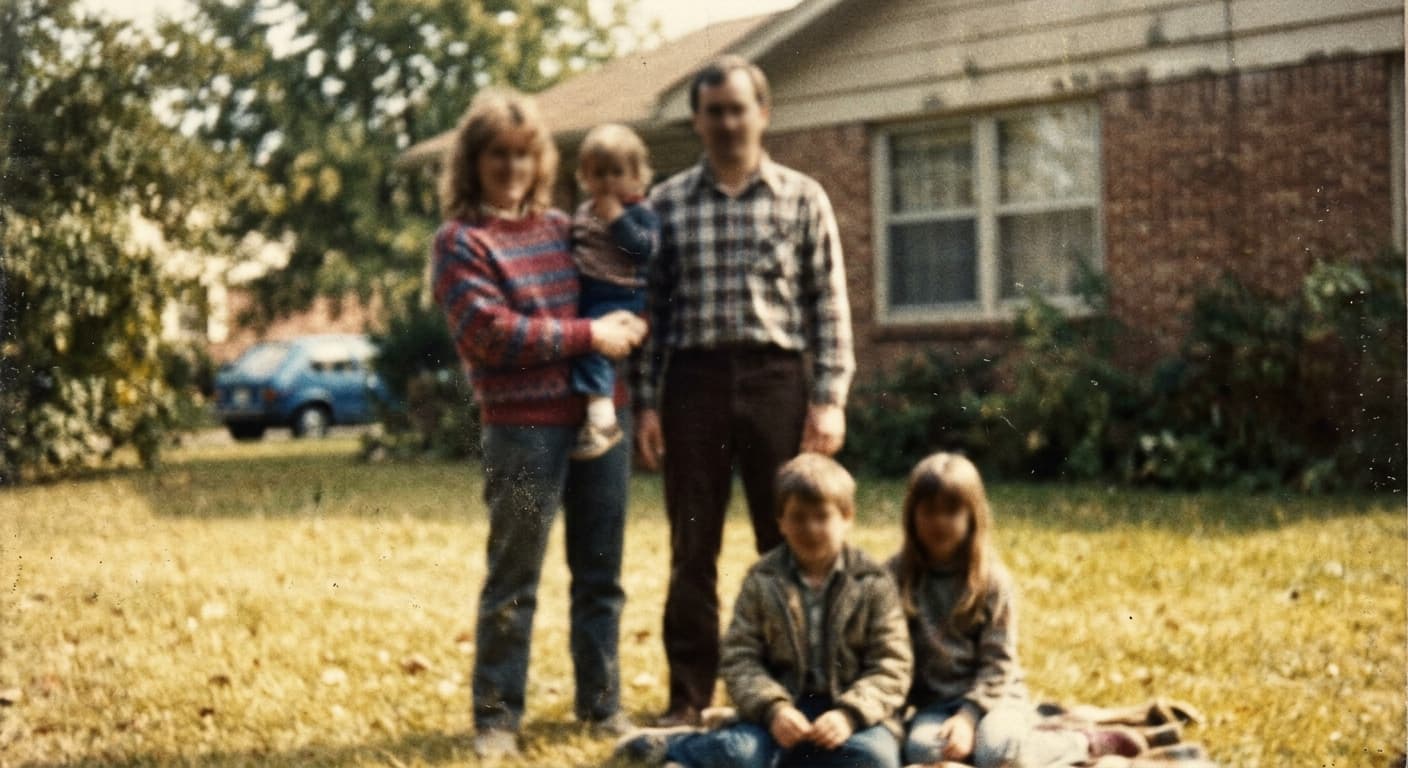
Arregla fotos familiares antiguas para enmarcar.
Gaming
Escala capturas de pantalla y activos de juegos a 4K.
E-commerce
Convierte miniaturas de productos en imágenes de calidad profesional.
Resultados de ejemplo
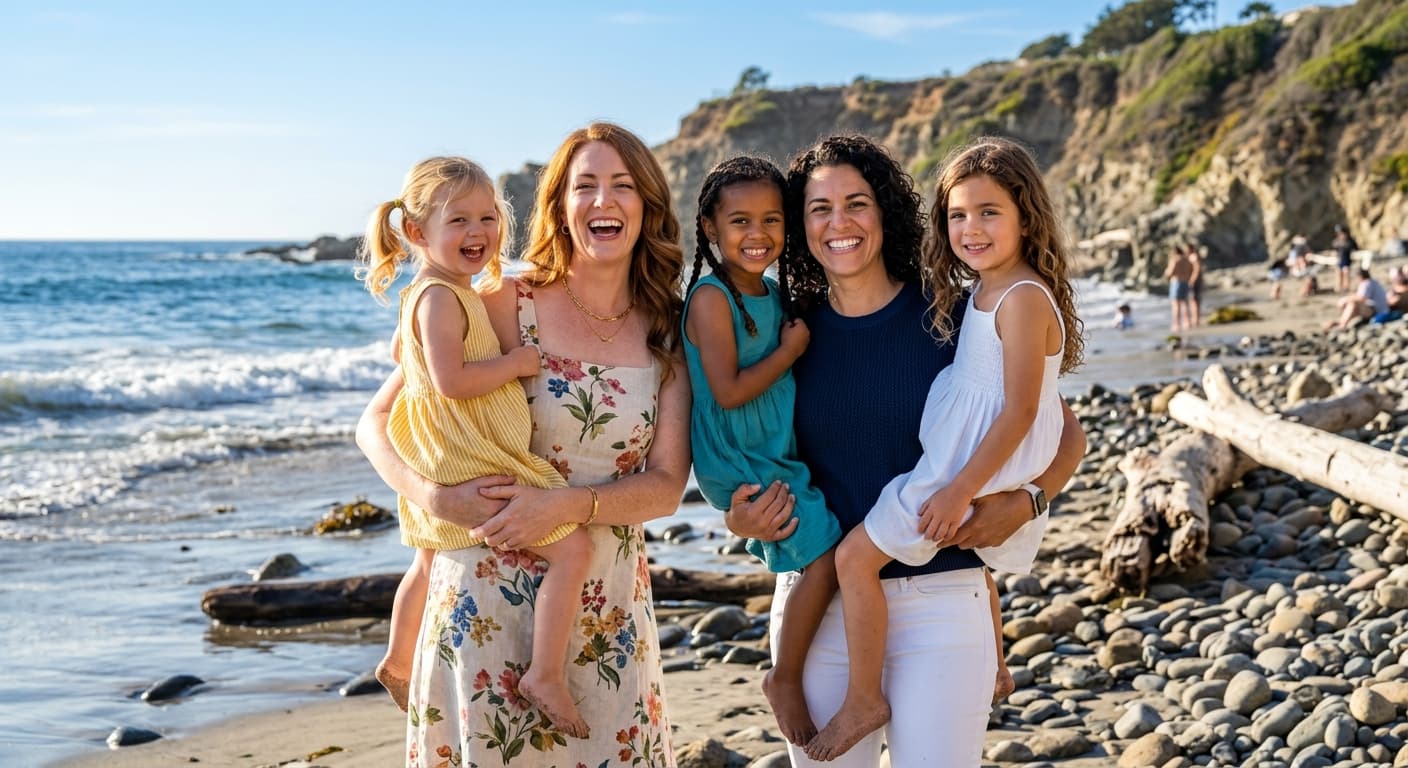
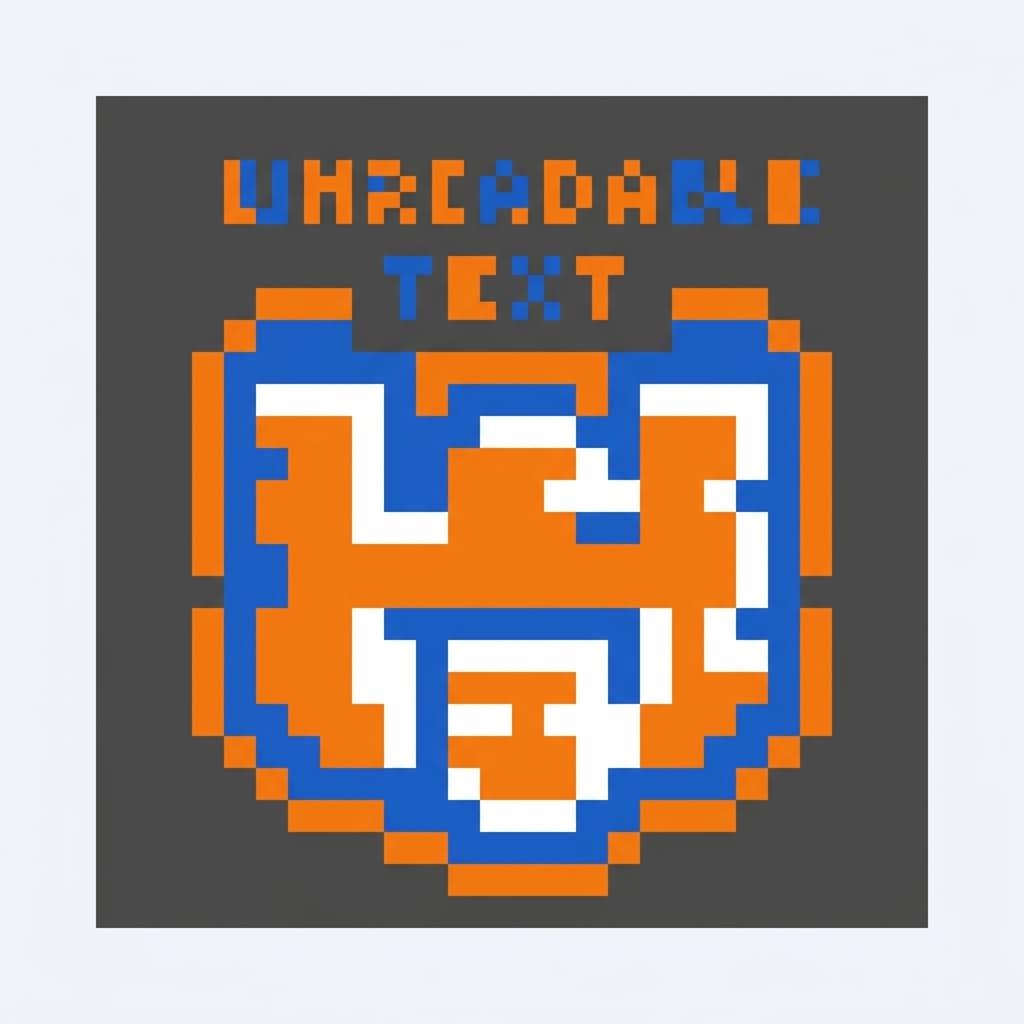
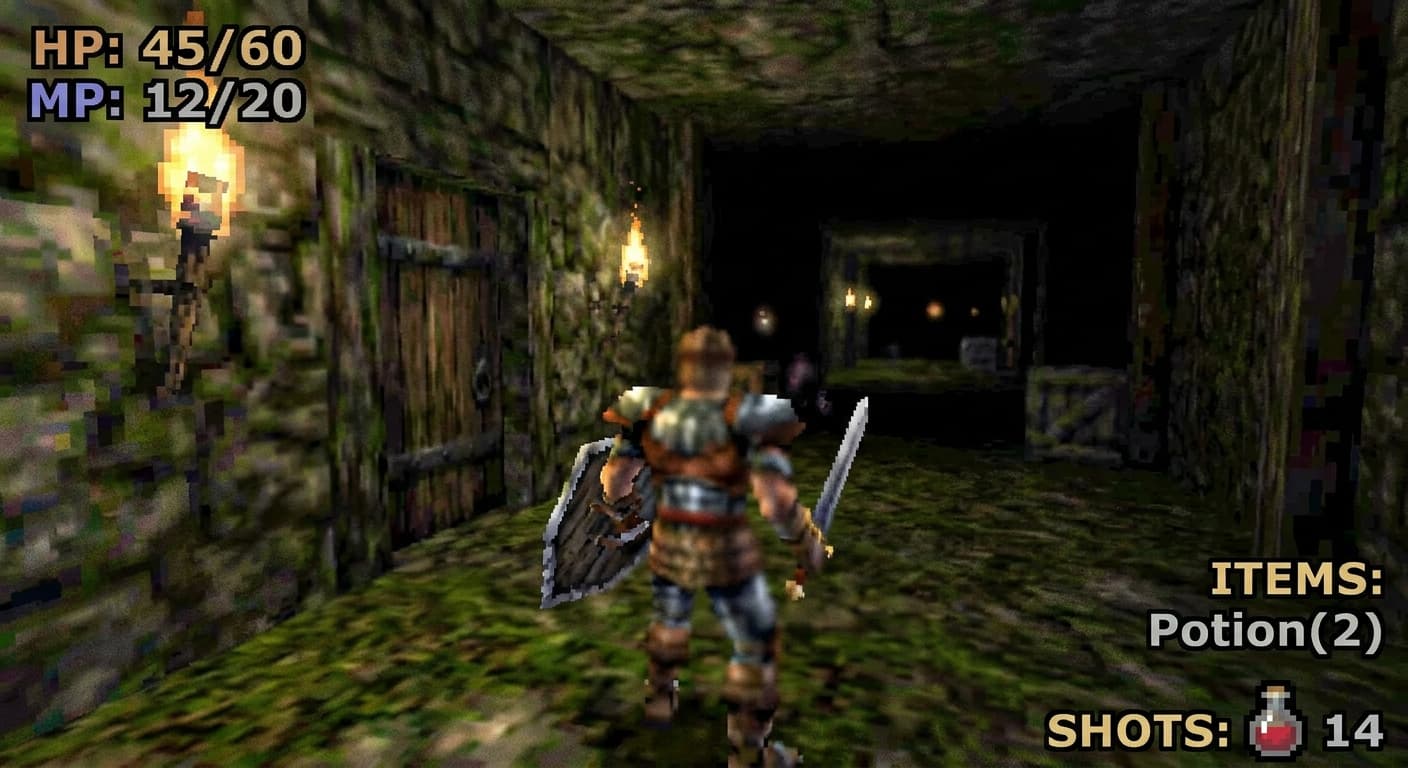
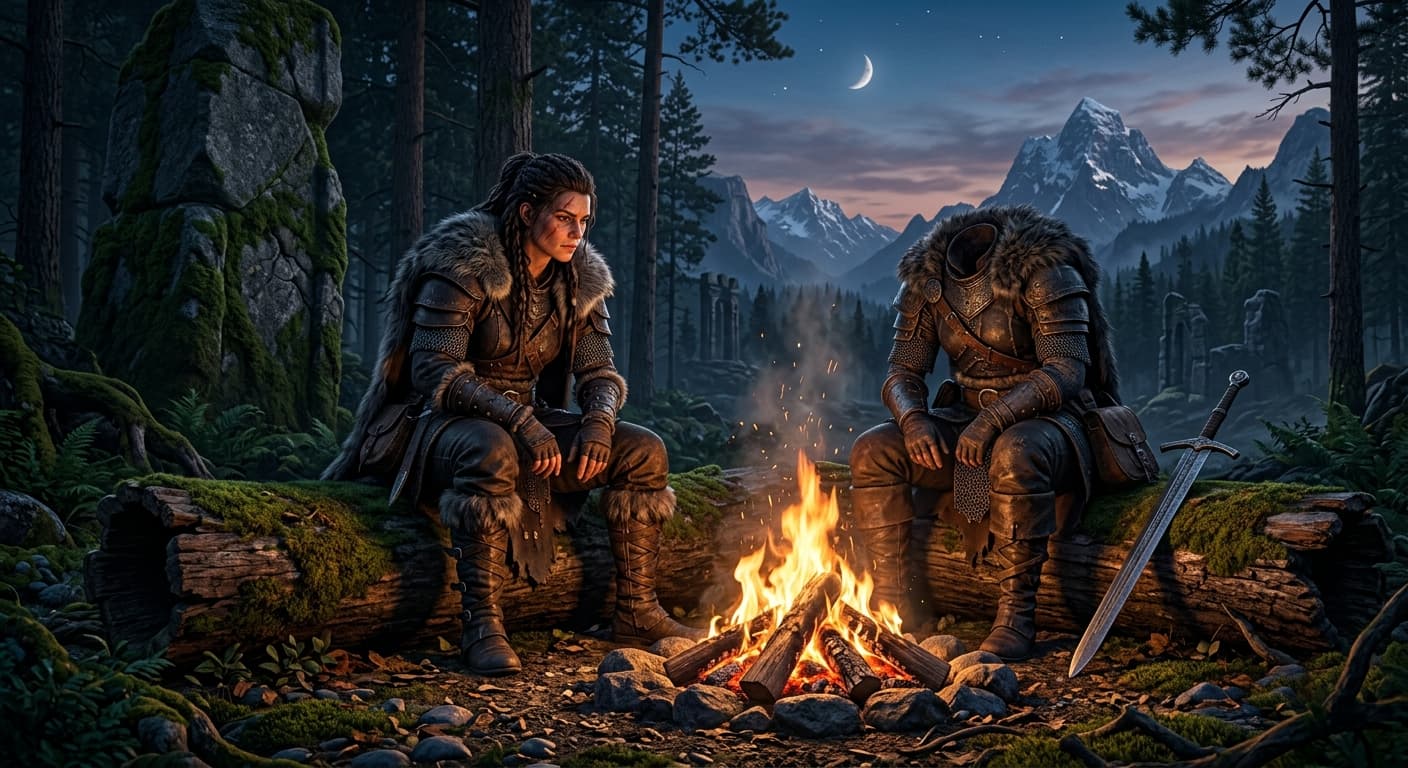
Arrastra el control para comparar antes y después.
Escalador de imágenes por IA vs otras herramientas
| Comparado con | Ventaja de GPT Image 2 |
|---|---|
| Topaz Gigapixel | 10 veces más rápido, gratuito para usuarios web, sin instalación. |
| Upscale.media | 4 veces la resolución de salida máxima (hasta 16K). |
| ImgUpscaler | Mejor reconstrucción de rostros; menos artefactos cerosos. |
Herramientas IA relacionadas
Si te gustó Escalador de imágenes por IA, prueba estas.
Colorear fotos antiguas con IA
Dale vida a la historia familiar. GPT Image 2 colorea fotos en blanco y negro con tonos de piel naturales y colores históricamente precisos.
Probar ahora →Restauración de fotos por IA
Repara arañazos, rasgaduras, decoloración y desenfoque. Tu historia familiar, restaurada.
Probar ahora →AI Photo Enhancer
Enfoca, elimina ruido, corrige color y escala en un solo paso.
Probar ahora →