KI-Tool · Bearbeitung
AI Objekt-Entferner — Löschen Sie alles mit GPT Image 2
Entfernen Sie Personen, Objekte, Texte oder Wasserzeichen. Die AI baut den Hintergrund automatisch wieder auf.
Übermalen Sie das Objekt, das entfernt werden soll. Das Inpainting von GPT Image 2 baut den Hintergrund mit passender Beleuchtung, Textur und Perspektive wieder auf — kein Photoshop erforderlich.
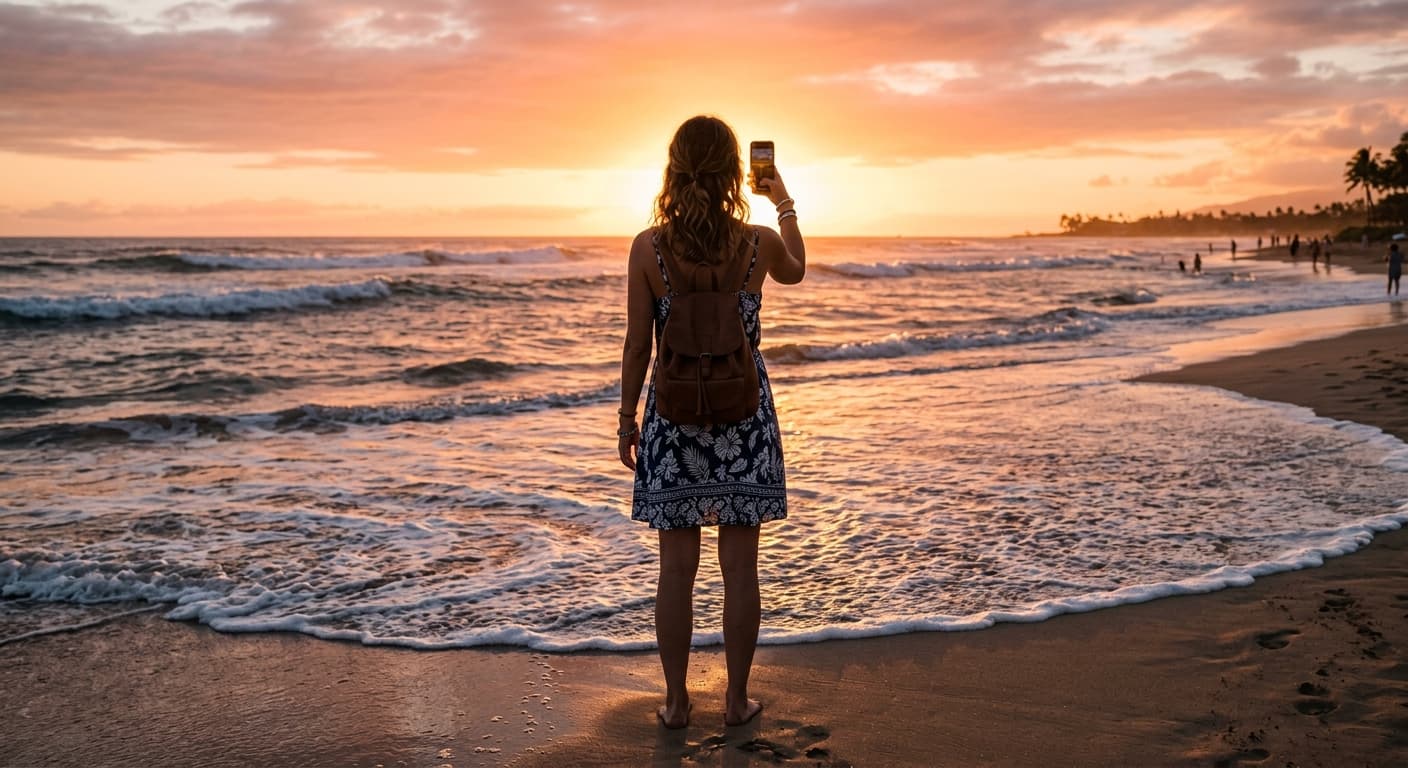
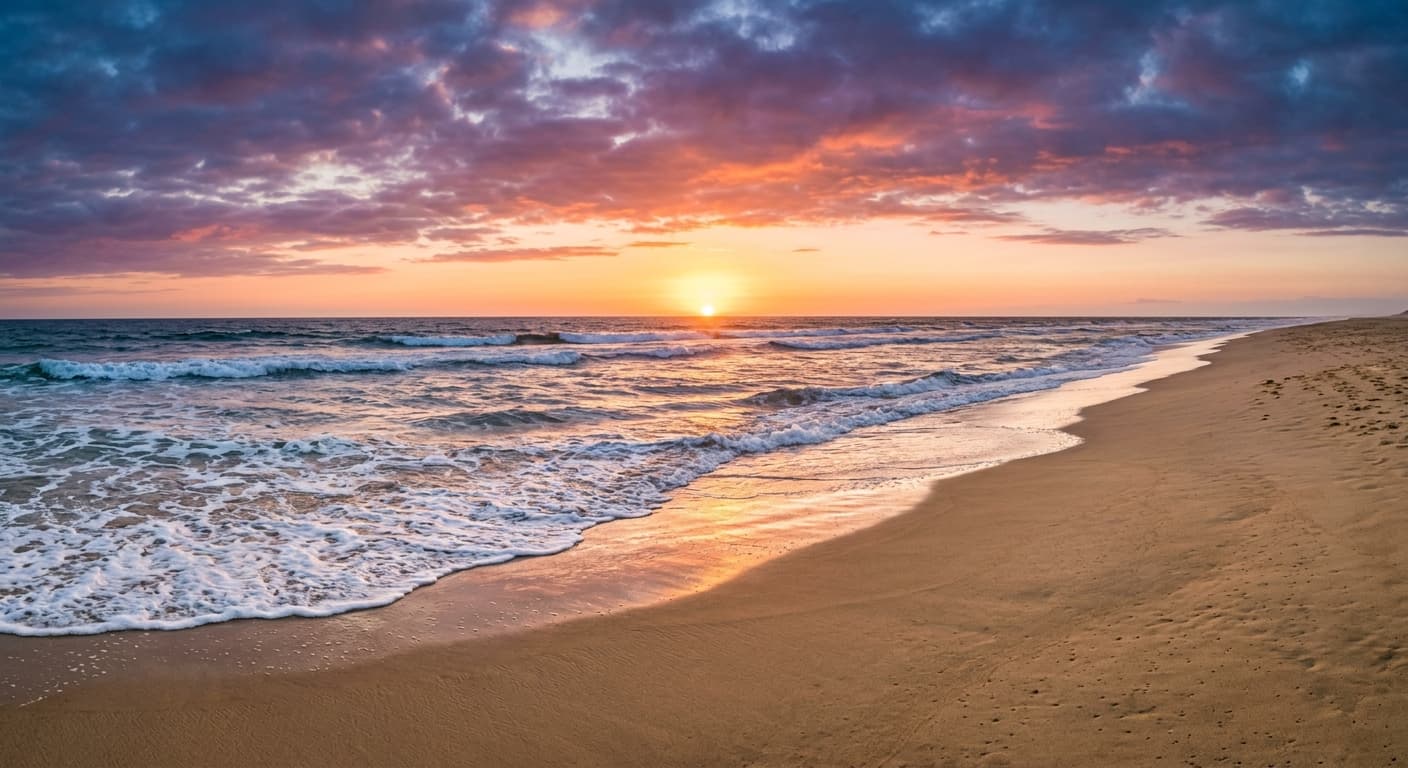
Kostenlos · Ohne Anmeldung · Ihr Bild wird nicht gespeichert
Warum GPT Image 2 für AI Objekt-Entferner
Inhaltsbasierte Füllung
Die AI rekonstruiert den Hintergrund mit passender Beleuchtung und Texturen, statt nur einen verschwommenen Fleck zu erzeugen.
Alles entfernen
Touristen, Stromleitungen, Wasserzeichen, Unreinheiten, Text, Logos — einfach malen und löschen.
Multi-Pass-Präzision
Maske verfeinern und erneut ausführen. Zero-Drift lässt den Rest des Fotos unangetastet.
Keine Anmeldung
Kein Konto, kein Wasserzeichen, keine Kreditkarte.
So verwenden Sie AI Objekt-Entferner
Laden Sie Ihr Foto hoch.
Übermalen Sie das Objekt, das entfernt werden soll.
Klicken Sie auf Löschen — die AI baut den Hintergrund in Sekunden wieder auf.
Wer AI Objekt-Entferner nutzt
Reisen
Entfernen Sie Touristen aus Urlaubslandschaftsaufnahmen.
Immobilien
Beseitigen Sie Unordnung in Objektfotos — entfernen Sie störende Kabel und Schilder.
Content Creator
Entfernen Sie Wasserzeichen und Logos von Stock-Bildern.
E-Commerce
Entfernen Sie Preisschilder, Aufkleber und Datumsstempel von Produktfotos.
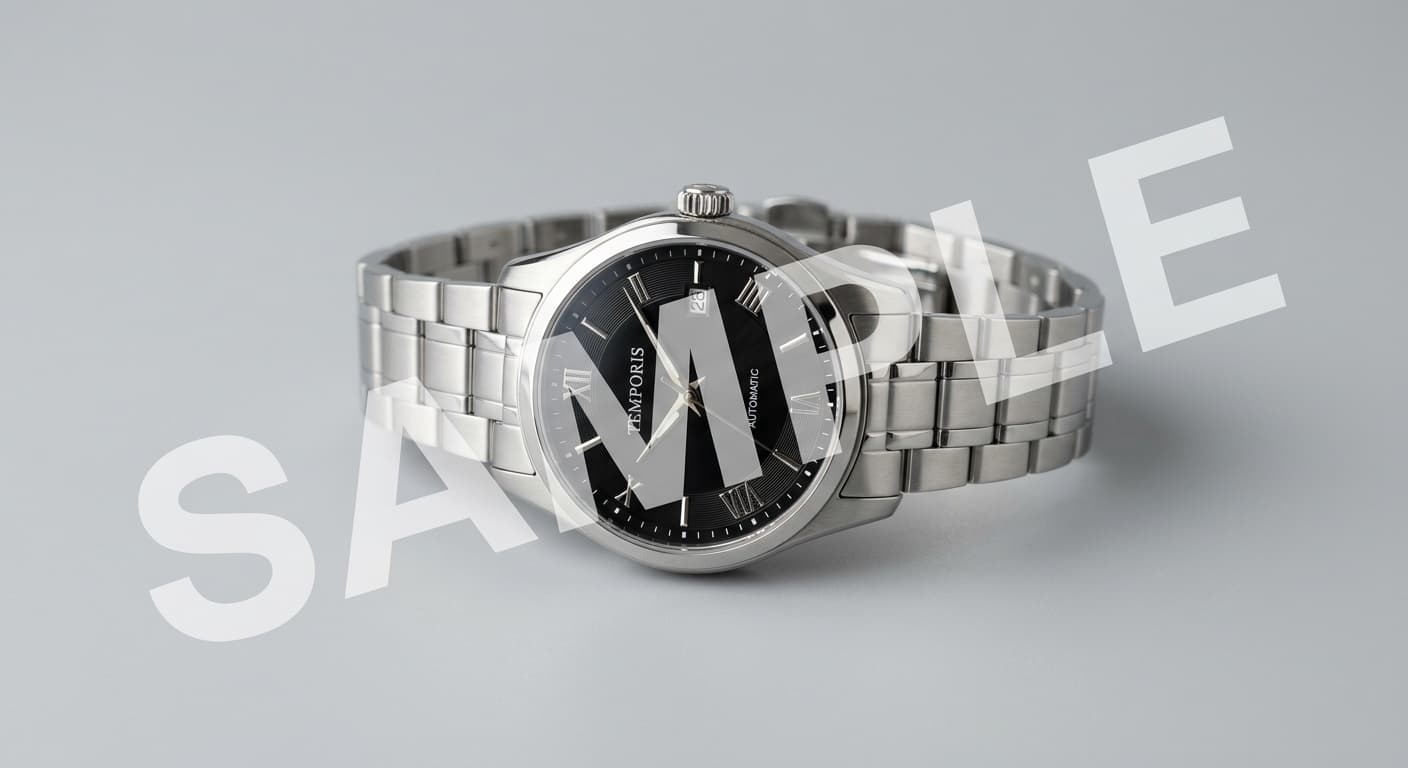
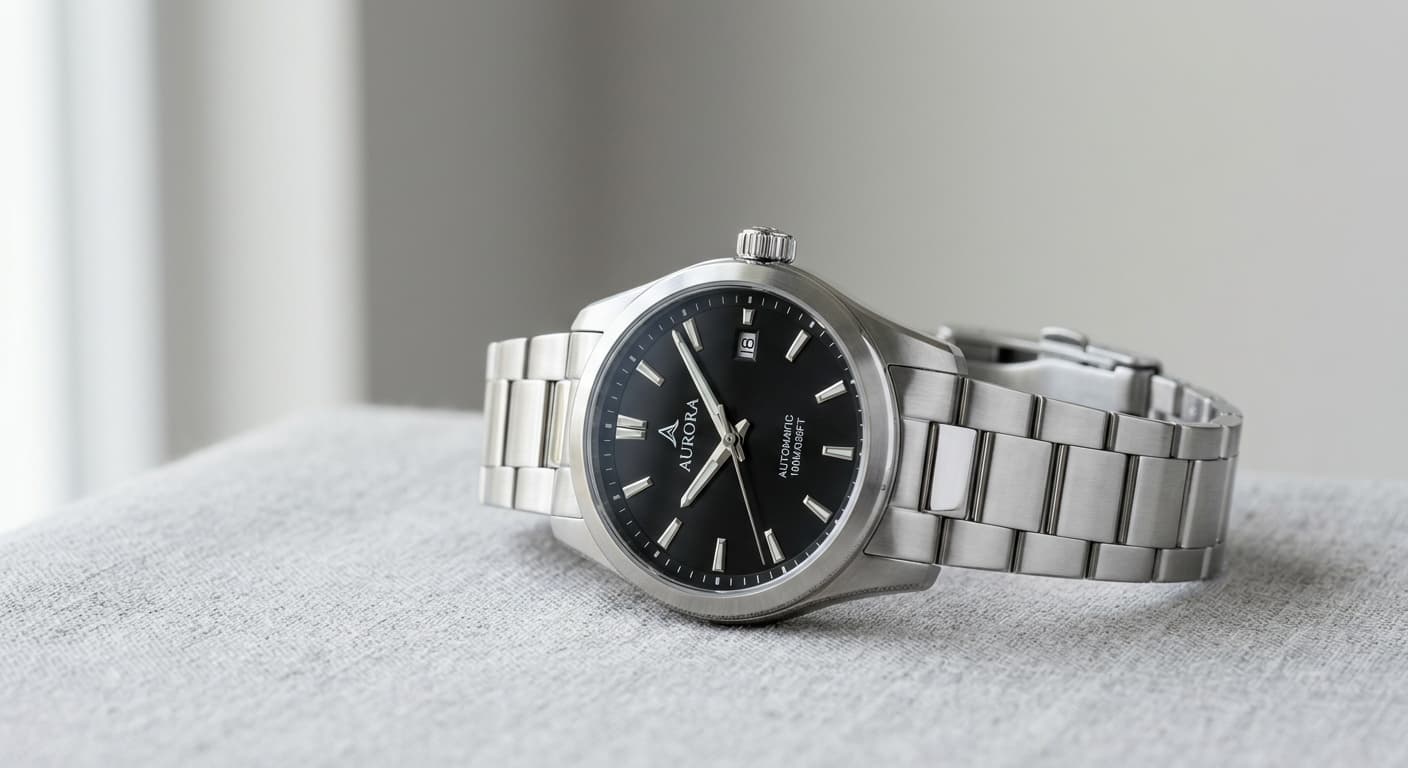
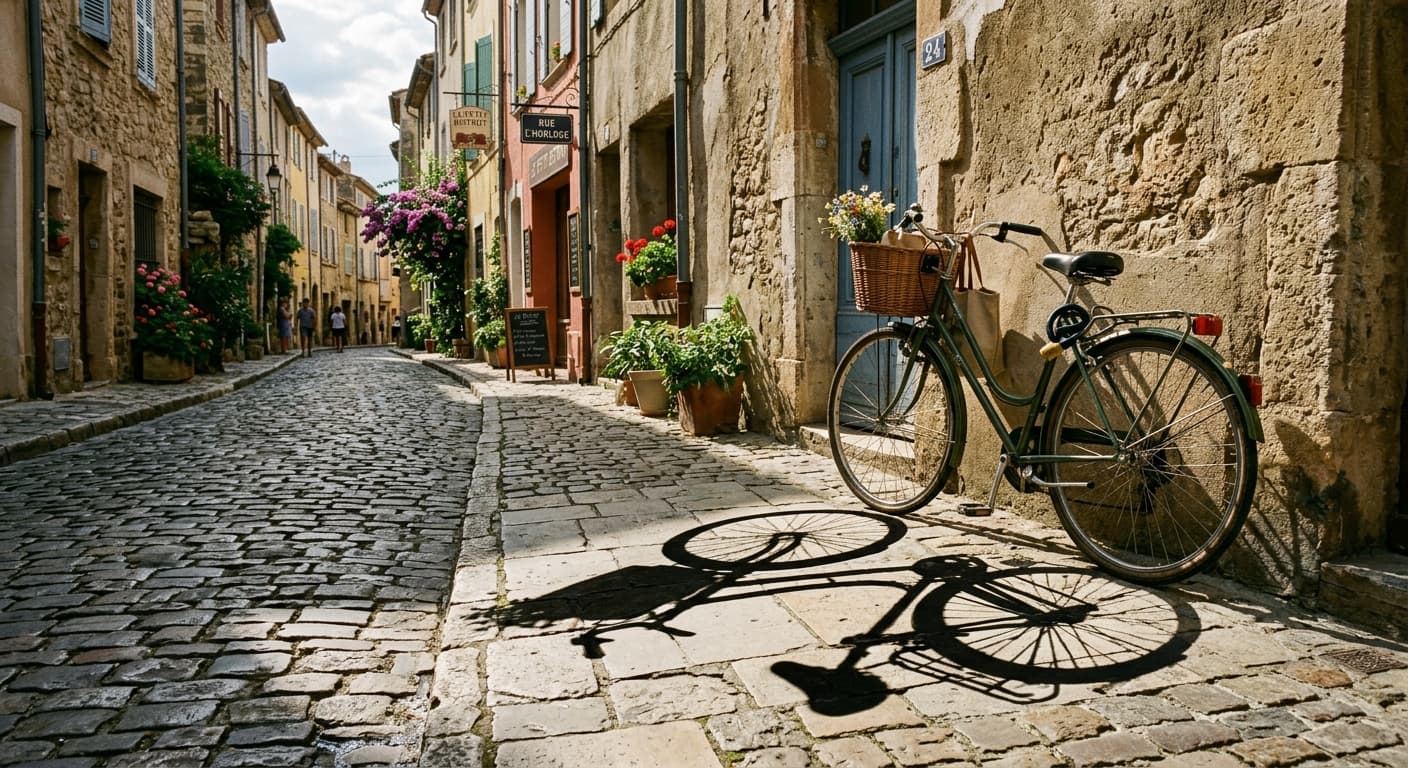
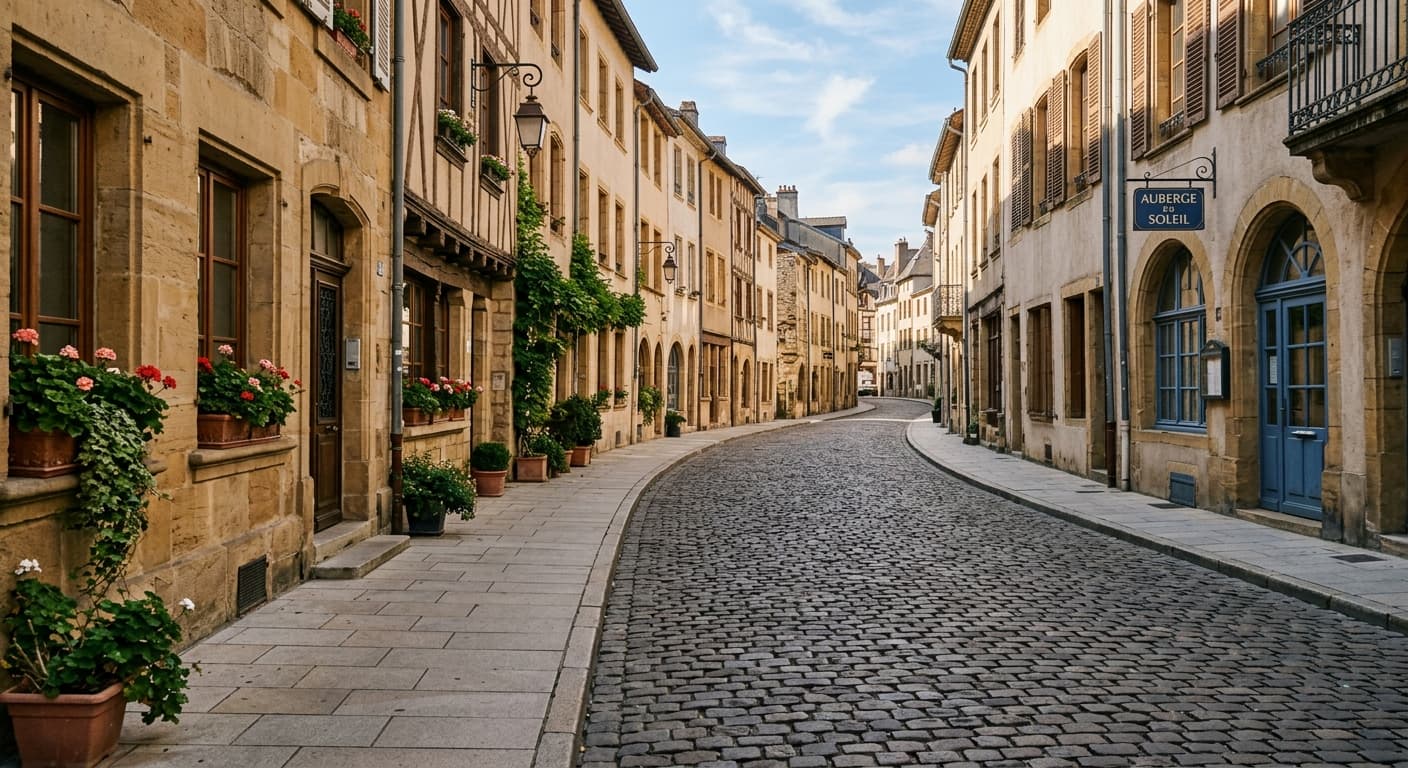
Beispielergebnisse
Ziehen Sie den Schieberegler, um vorher/nachher zu vergleichen.
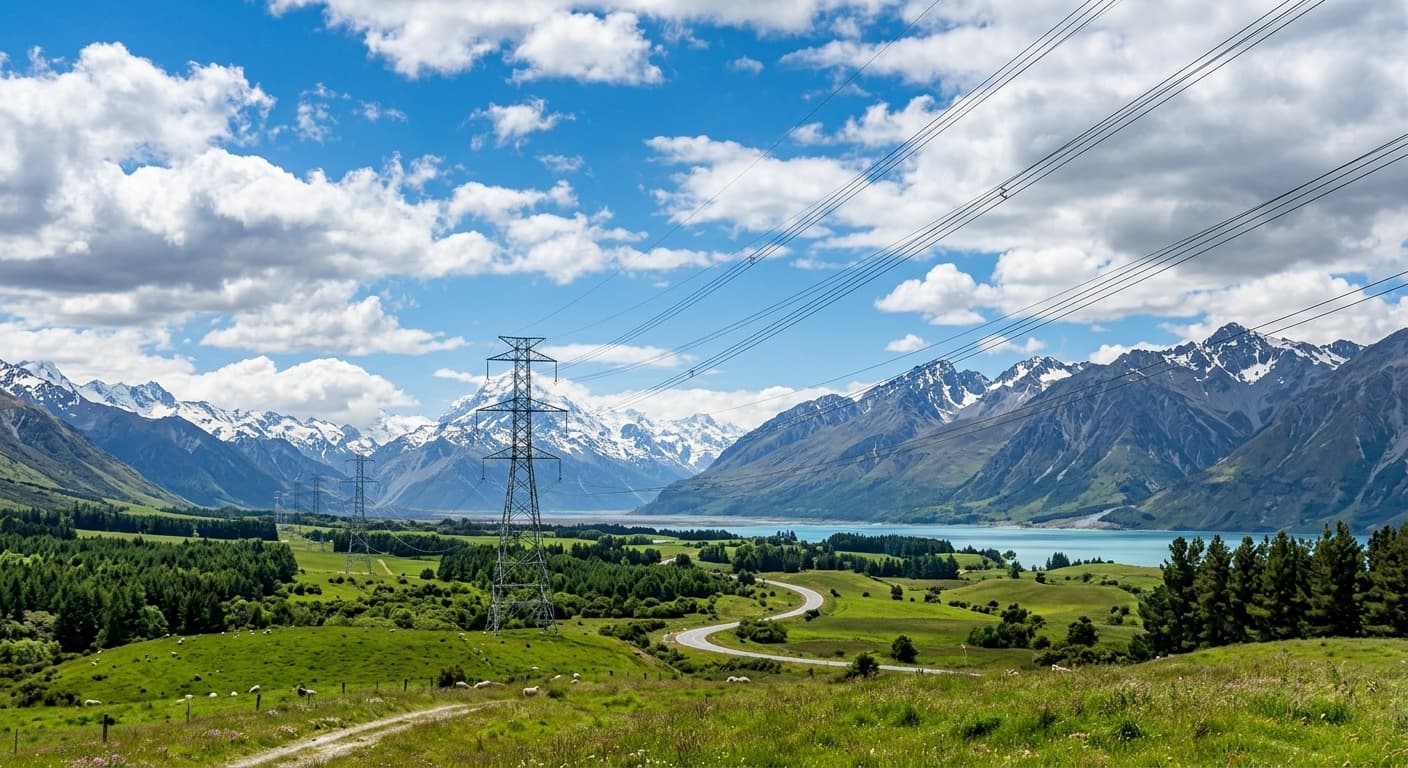
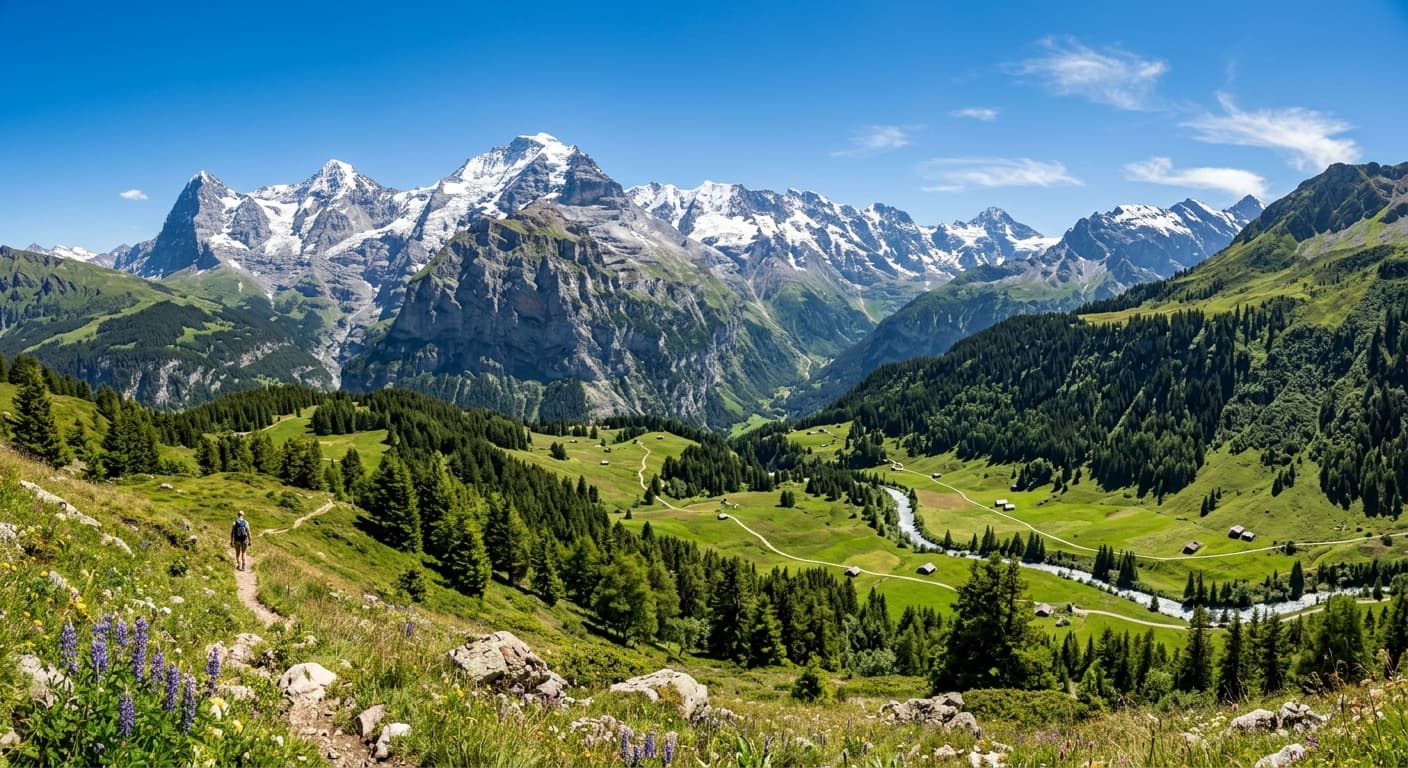
AI Objekt-Entferner vs andere Tools
| Verglichen mit | GPT Image 2 Vorteil |
|---|---|
| Magic Eraser | Höher auflösende Ausgabe und bessere Schattenrekonstruktion. |
| Photoshop Generative Fill | Kostenlos und nur im Browser — kein Adobe-Abonnement erforderlich. |
| SnapEdit | Keine Anmeldung und unbegrenzte tägliche Nutzung während der Beta-Phase. |
Verwandte KI-Tools
Wenn Ihnen AI Objekt-Entferner gefallen hat, probieren Sie diese.
AI Hintergrund-Entferner
Entfernen Sie jeden Bildhintergrund in 3 Sekunden. Transparentes PNG, 4K, kein Wasserzeichen.
Jetzt testen →AI Wasserzeichen-Entferner
Entfernen Sie eigene Wasserzeichen, Datumsstempel und Logos. Hintergründe werden nahtlos rekonstruiert.
Jetzt testen →KI-Inpainting-Tool
Bereich markieren, Änderung beschreiben. GPT Image 2 bearbeitet nur diesen Teil.
Jetzt testen →