KI-Tool · Verbesserung
AI Foto-Optimierer — Qualitäts-Boost mit einem Klick
Schärfen, Entrauschen, Farbkorrektur und Hochskalieren in einem Schritt.
Laden Sie jedes minderwertige Foto hoch. GPT Image 2 führt Entrauschen, Schärfen, Farbkorrektur und Hochskalieren in einer einzigen Pipeline aus — der Unterschied zwischen Schnappschuss und Profifoto.
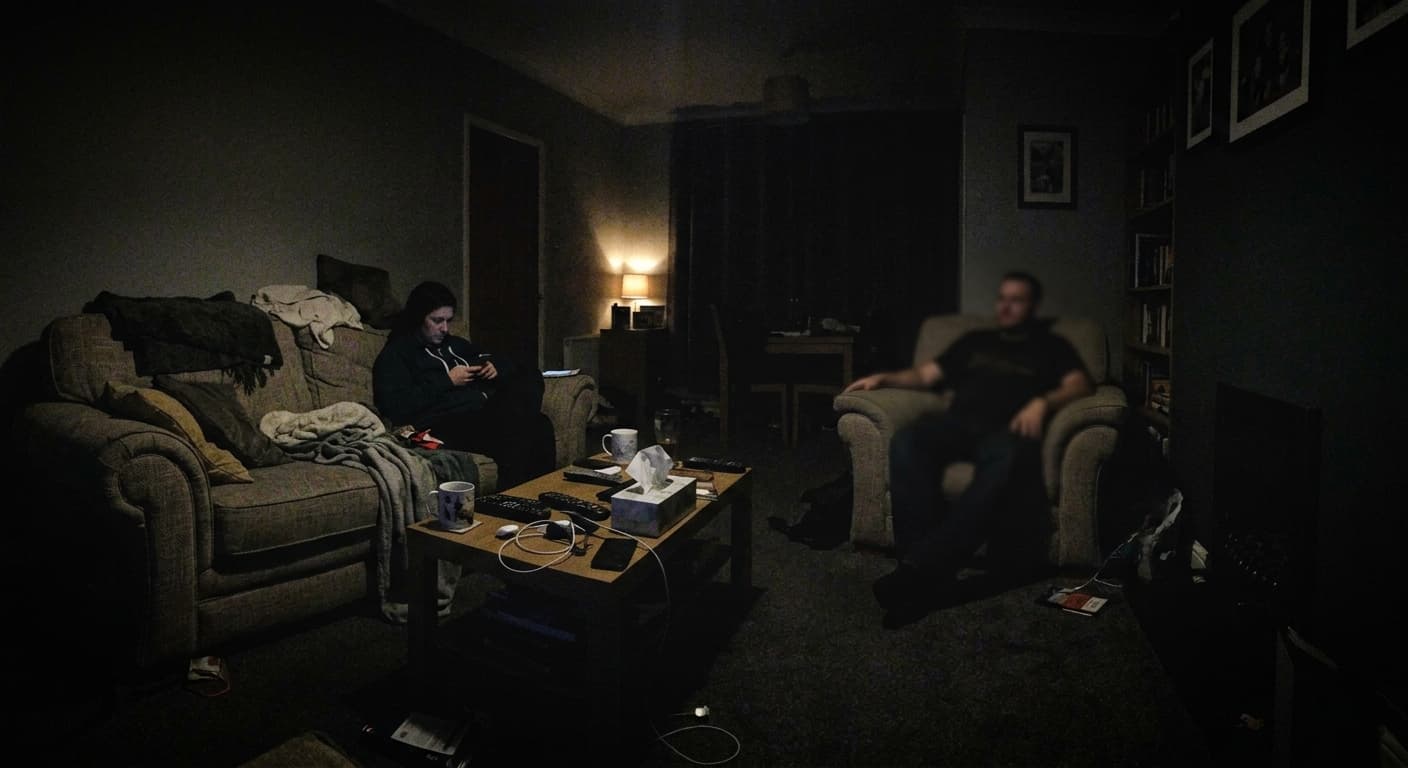
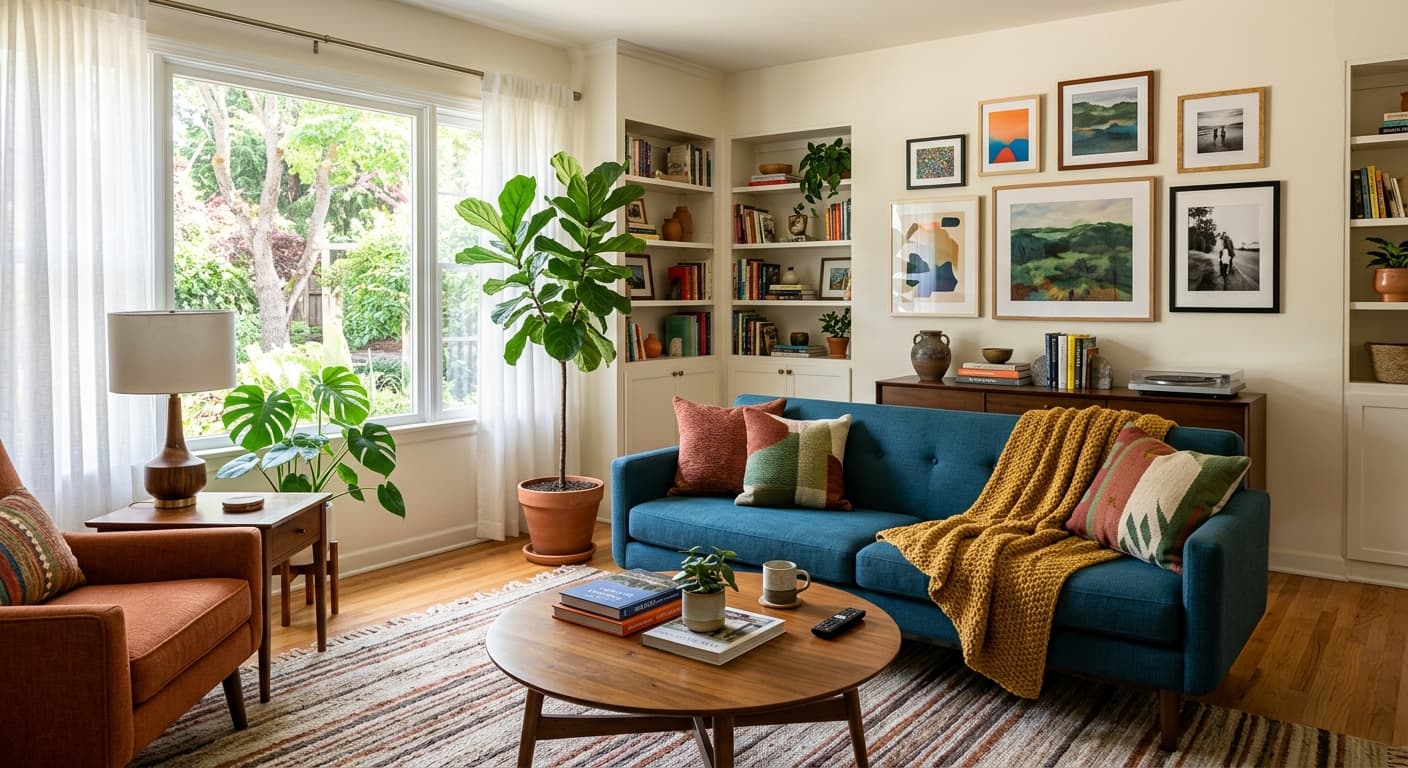
Kostenlos · Ohne Anmeldung · Ihr Bild wird nicht gespeichert
Warum GPT Image 2 für AI Foto-Optimierer
Optimierung mit einem Klick
Keine Einstellungen nötig. Das Modell entscheidet automatisch, was das Foto benötigt.
Kombination aus Entrauschen & Schärfen
Entfernt ISO-Rauschen und verbessert gleichzeitig die Kantendefinition.
Automatische Farbkorrektur
Korrigiert Weißabgleich, Belichtung und Sättigung.
Kostenloser 4K-Export
Volle Auflösung, kein Wasserzeichen, keine Registrierung.
So verwenden Sie AI Foto-Optimierer
Laden Sie ein Foto hoch.
Klicken Sie auf Optimieren.
Laden Sie die Version in Profiqualität herunter.
Wer AI Foto-Optimierer nutzt
Soziales
Verwandeln Sie Handy-Schnappschüsse in postwürdige Bilder.
Inserate
Professionell wirkende Airbnb- und eBay-Fotos.
Portfolio
Optimieren Sie Portfolio-Aufnahmen ohne Lightroom.
Alte Fotos
Beleben Sie verblasste Abzüge für die Einrahmung wieder.
Beispielergebnisse
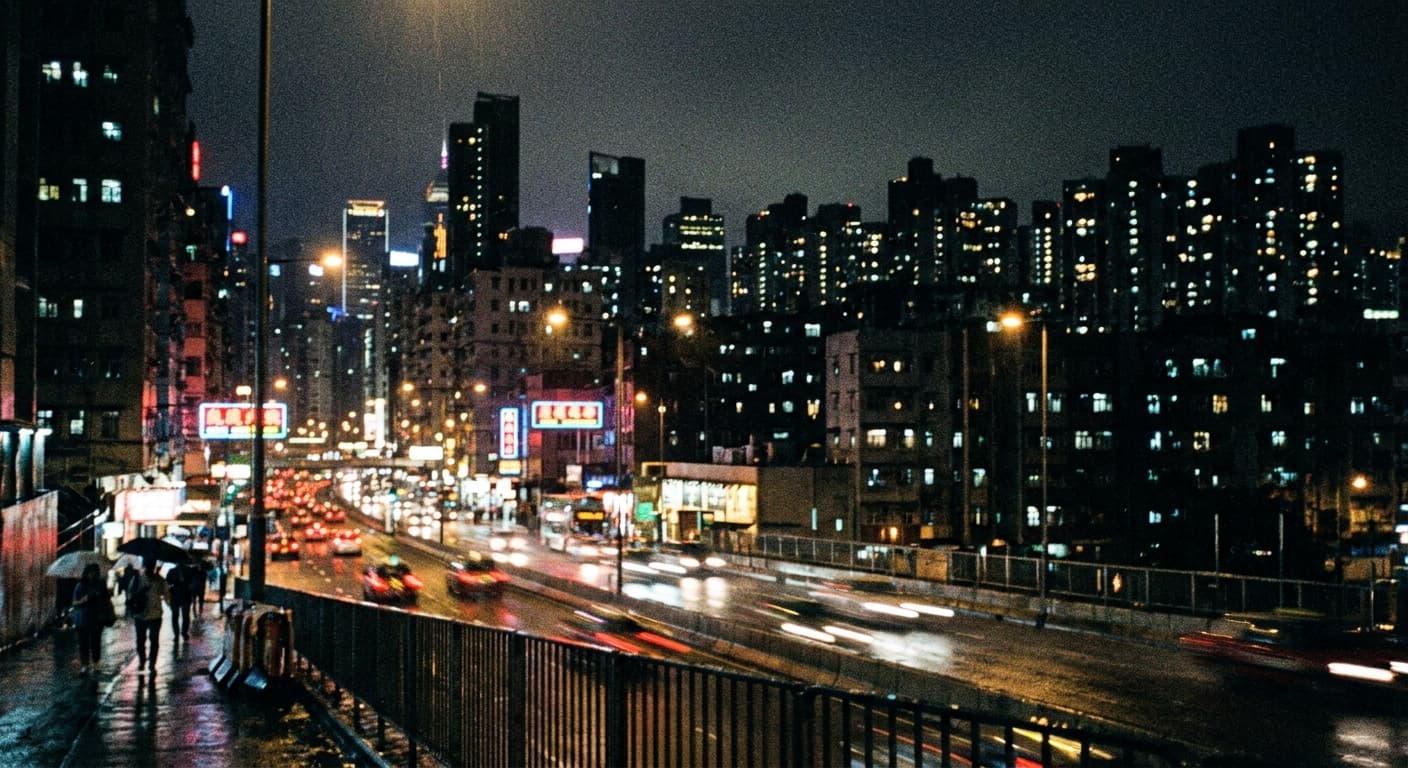
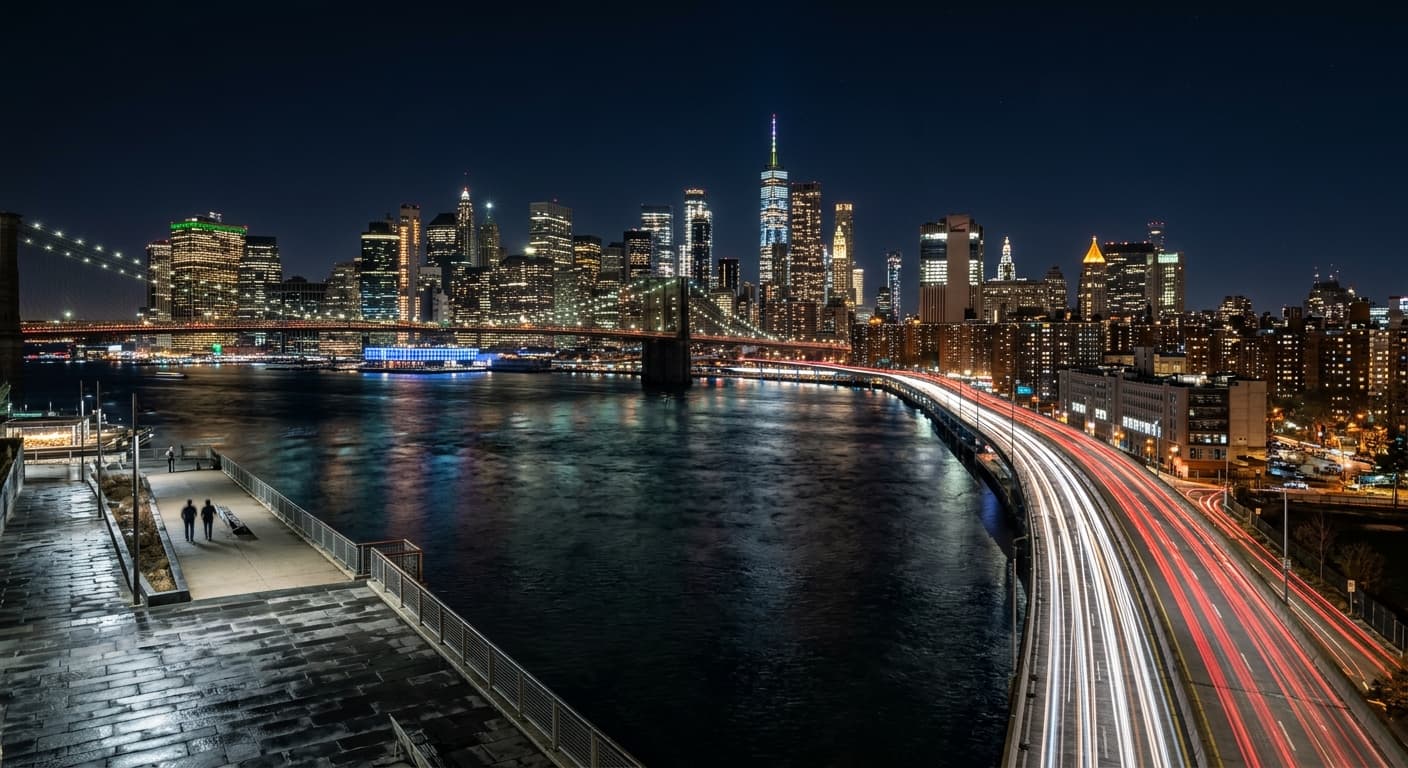
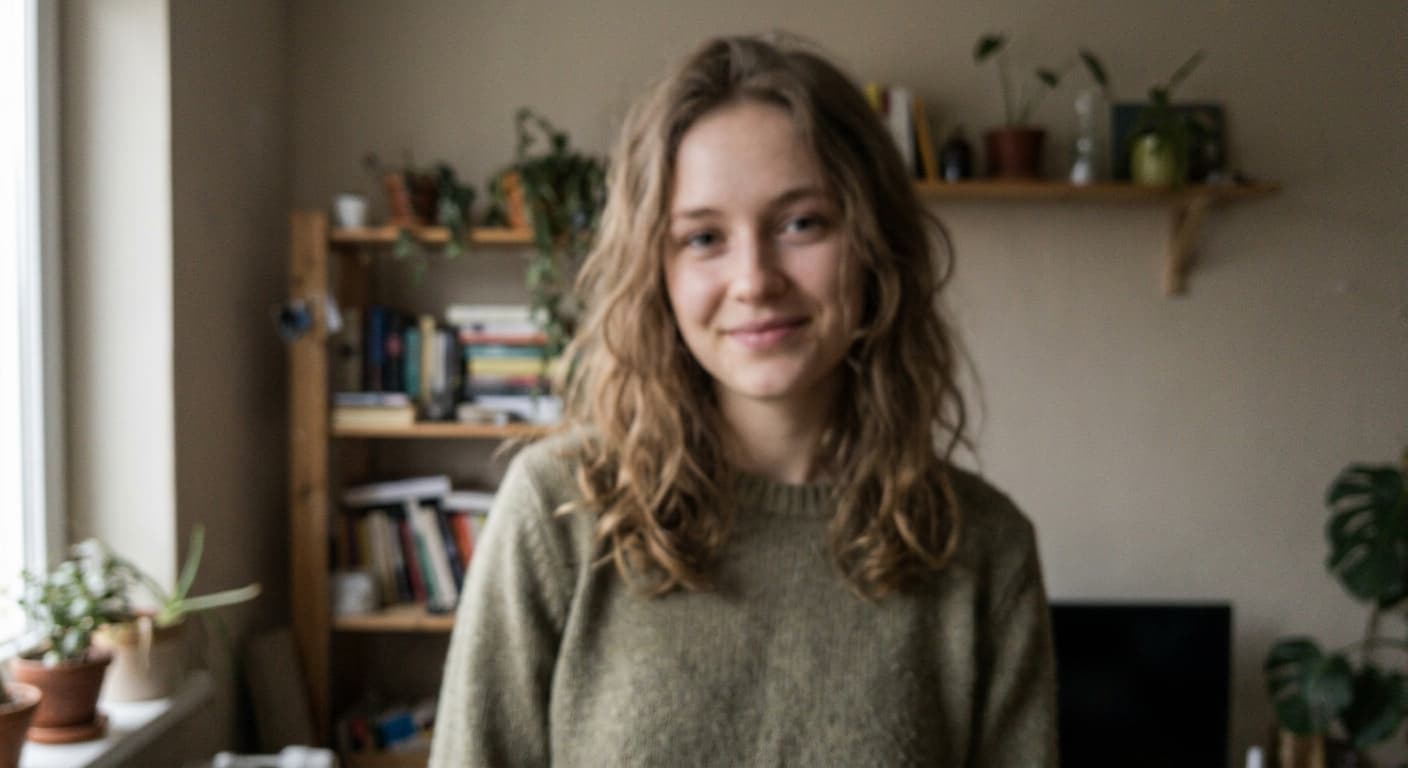
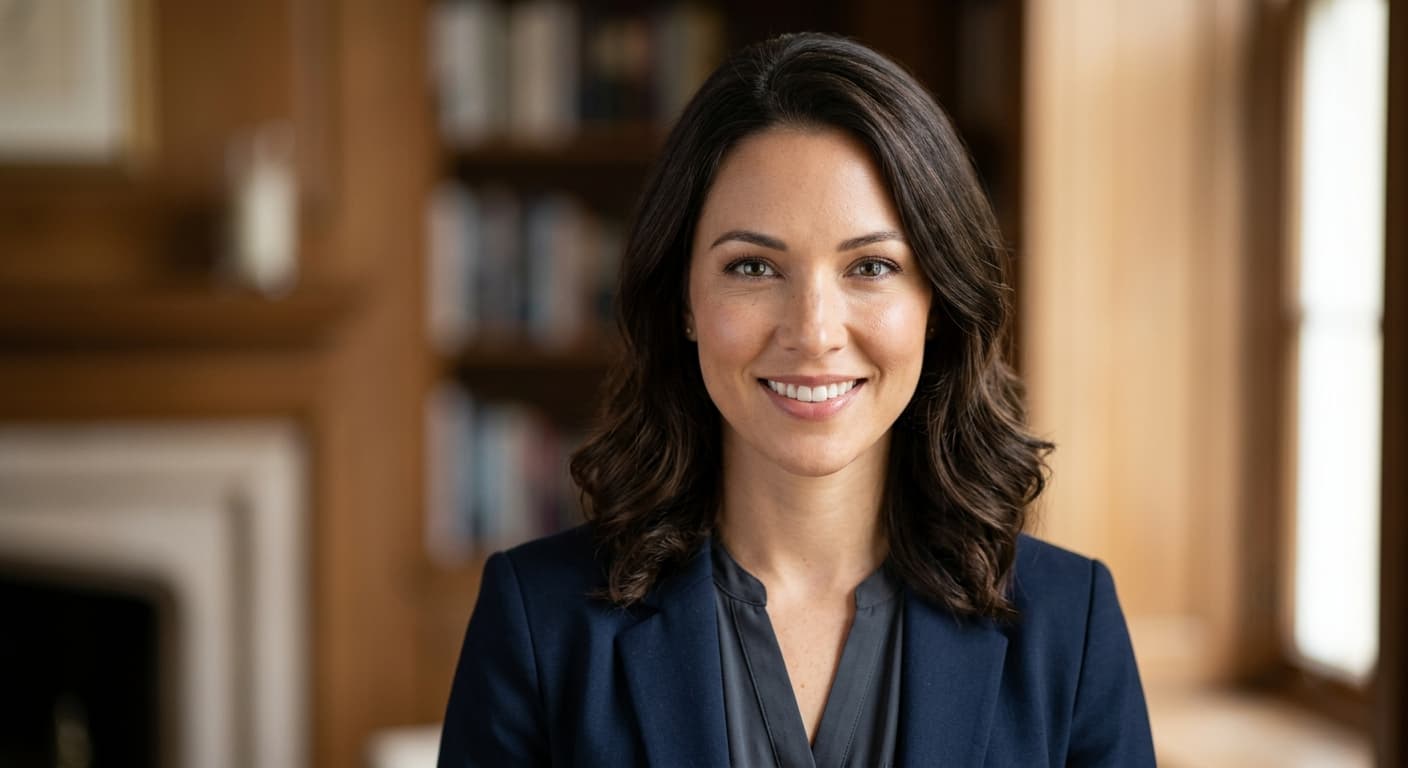
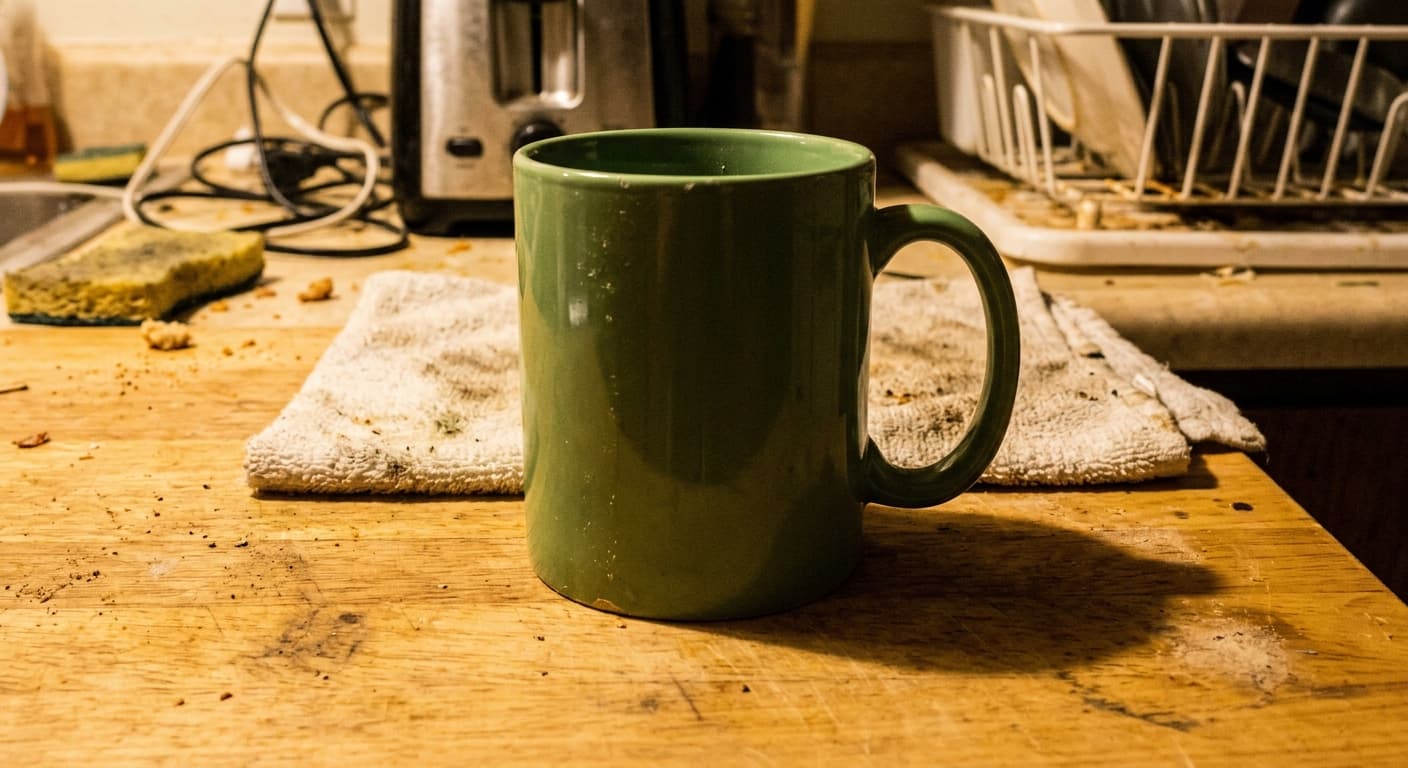
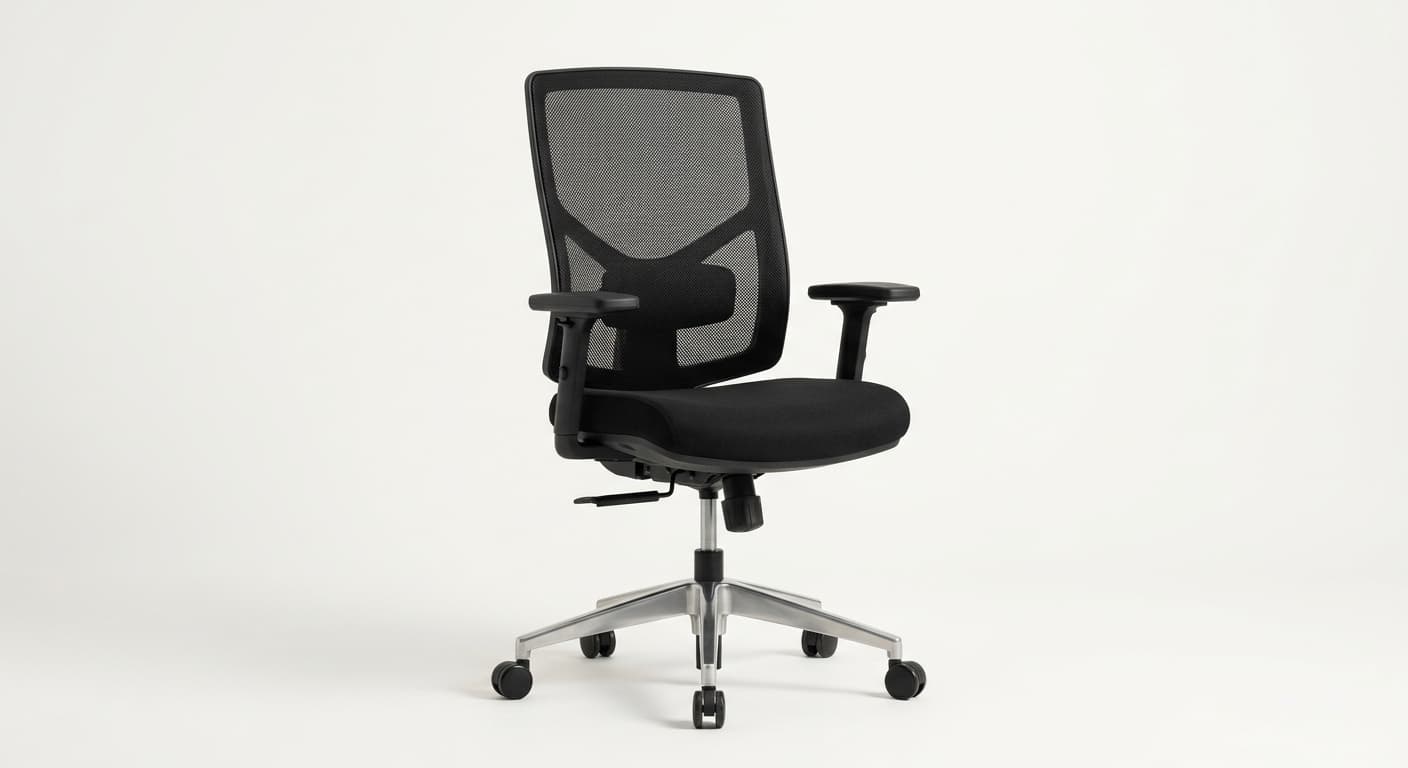
Ziehen Sie den Schieberegler, um vorher/nachher zu vergleichen.
AI Foto-Optimierer vs andere Tools
| Verglichen mit | GPT Image 2 Vorteil |
|---|---|
| Remini Enhance | Keine Werbung; kein Wasserzeichen. |
| Let's Enhance | Unbegrenzte kostenlose Optimierung während der Vorschau. |
| Canva Magic Edit | Ein Klick — kein Abonnement. |
Verwandte KI-Tools
Wenn Ihnen AI Foto-Optimierer gefallen hat, probieren Sie diese.
KI-Bild-Upscaler
Upscaling auf 4K, 8K oder 16K. Kein Qualitätsverlust, kein Wasserzeichen, keine Anmeldung.
Jetzt testen →KI zum Kolorieren alter Fotos
Erwecken Sie Familiengeschichte zum Leben. GPT Image 2 koloriert S/W-Fotos mit natürlichen Hauttönen und epochengerechten Farben.
Jetzt testen →KI-Fotorestaurierung
Reparieren Sie Kratzer, Risse, Verblassen und Unschärfe. Ihre Familiengeschichte, restauriert.
Jetzt testen →